
EmailTriager
Use AI to automatically draft email replies in the background.
- Freemium
- Web, Chrome Extension
- Writing
- Free plan available
- No credit card
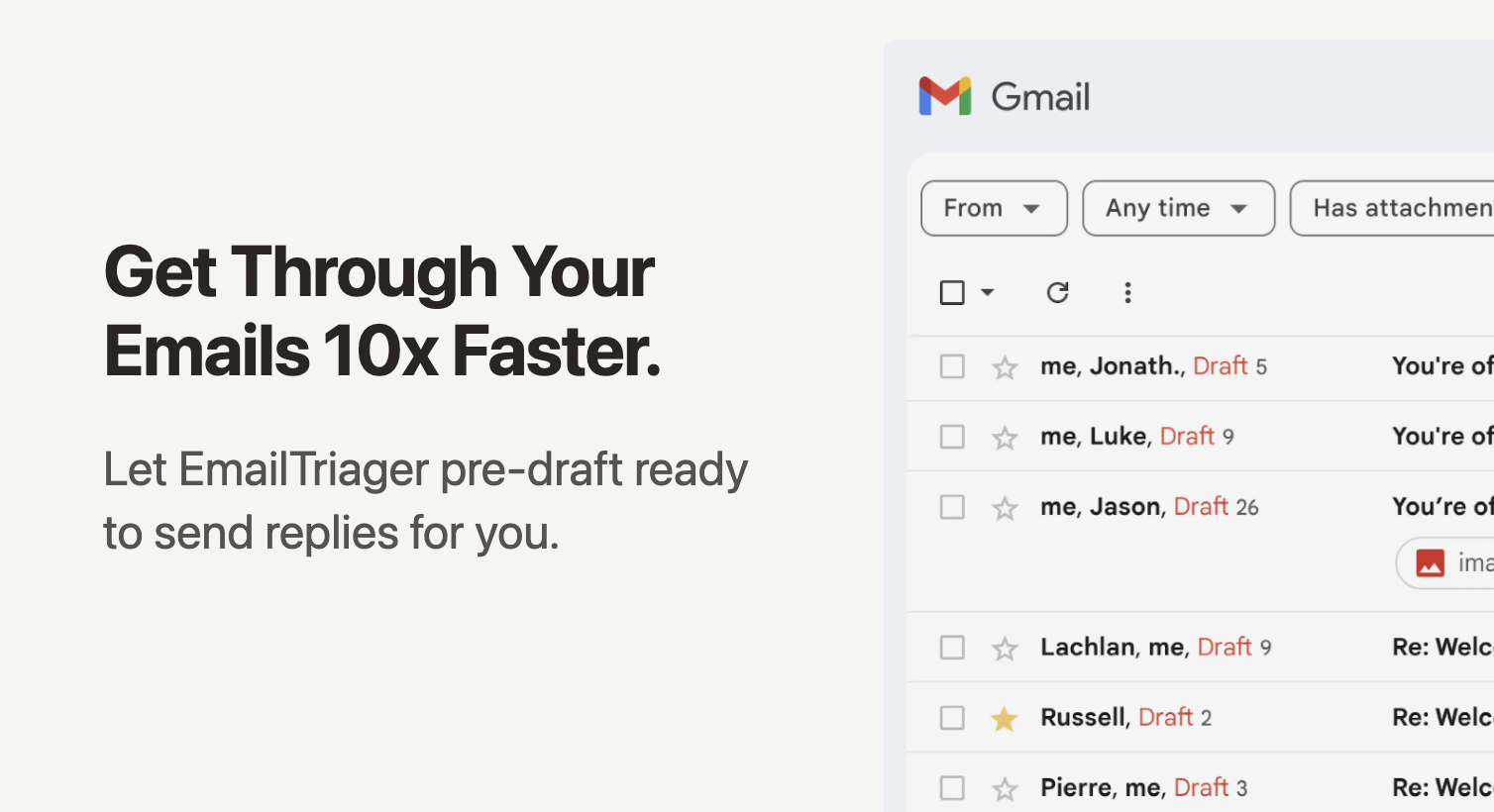
What is EmailTriager?
Key features
Automatic email organization
AI categorise and prioritise incoming emails based on importance and content type
AI-generated draft replies
Intelligently creates contextual email responses ready for immediate sending
Background processing
Drafts are generated automatically without interrupting your workflow
One-click setup
Simple integration that requires minimal configuration to get started
Reply review interface
Users can quickly review and edit AI-generated drafts before sending
Context understanding
AI analyse email content to generate relevant and appropriate responses
Pros & cons
Advantages
- Significantly reduces time spent on email composition and routine replies
- Freemium model allows users to try the tool at no cost before committing to paid features
- Maintains user control by requiring approval before replies are sent
- Simple setup process makes it accessible to non-technical users
- Works in the background without interrupting other work
Limitations
- AI-generated drafts may require editing for complex or sensitive communications
- May not be suitable for highly specialise industries with specific communication requirements
- Limited information available about data privacy and security practices
Use cases
Customer service teams managing high email volumes with routine inquiries
Sales professionals responding to initial prospects and follow-up emails
Project managers coordinating with team members and stakeholders
Support desk agents handling FAQ-type questions and common requests
Busy executives who need to respond to emails quickly but thoroughly
Ready to try EmailTriager?
Pricing
Get started with EmailTriager
Click through to EmailTriager and start using it now.
- Free plan available
- No credit card