Erase.bg
Free AI background eraser for images and videos Pricing: Freemium. See pros, cons, alternatives, and comparisons.
- Open Source
- Web
- VideoWritingImage Generation
- Open source
- Free forever
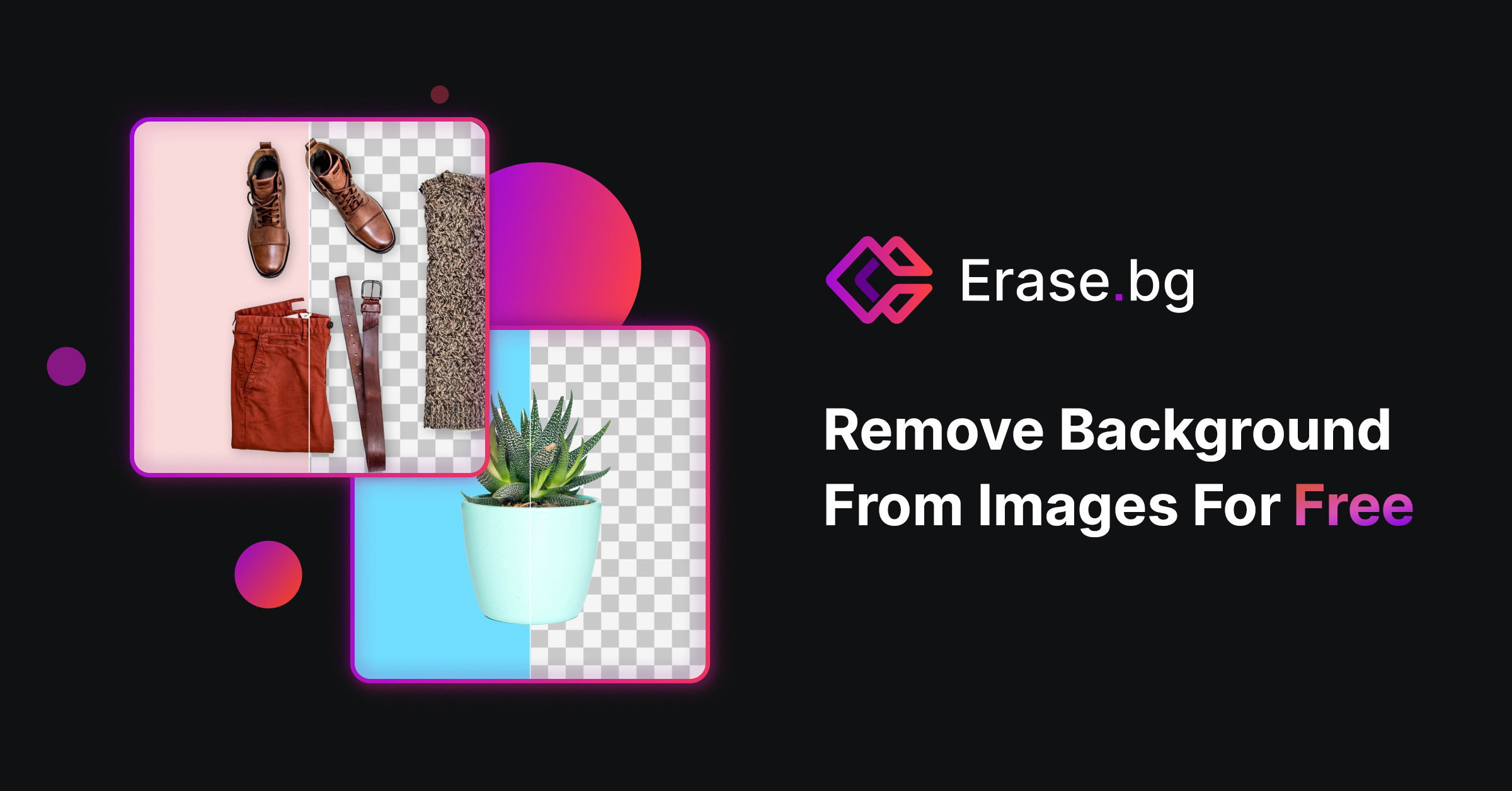
What is Erase.bg?
Key features
Automatic background detection
AI identifies and removes backgrounds without requiring manual selection or masking
Batch processing
Upload multiple images at once to remove backgrounds from several files together
Video support
Remove backgrounds from video files, not just still images
No installation required
Works entirely in your web browser
Download options
Export edited files in common formats with transparency support
Free access
Fully functional without payment required
Pros & cons
Advantages
- Completely free to use with no sign-up required
- Fast processing; results appear within seconds
- Handles both images and videos in one tool
- No software installation; runs in any modern browser
Limitations
- Quality may vary on complex images with similar colours between subject and background
- Processing speed depends on your internet connection
- Limited customisation options compared to professional desktop tools
Use cases
E-commerce product photography preparation
Social media content creation for influencers and brands
Quick profile picture editing
Video content editing for YouTube or TikTok creators
Creating transparent PNGs for design projects
Ready to try Erase.bg?
Pricing
Free
Free
Unlimited background removal for images and videos, web-based access, standard export options
Get started with Erase.bg
Click through to Erase.bg and start using it now.
- Open source
- Free forever