
Figr AI
Turn product context into flows, prototypes, documentation.
- Always free
- No credit card
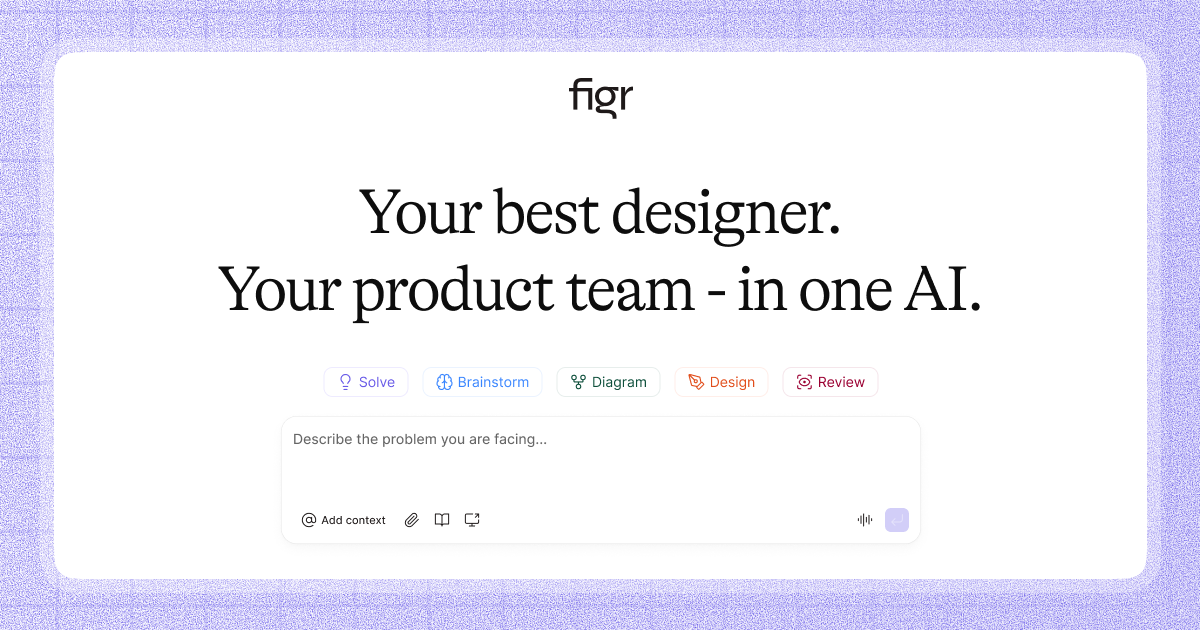
What is Figr AI?
Key features
Converts product context and requirements into user flow diagrams automatically
Generates interactive prototypes from specifications without manual design work
Creates technical documentation from product briefs
Maintains design consistency across outputs
Web-based interface for collaborative access
Pros & cons
Advantages
- Free to use, making it accessible for small teams and individuals
- Reduces time spent on manual flow creation and documentation writing
- Helps align teams by creating visual representations from text descriptions
- Outputs can serve as starting points for more detailed design work
Limitations
- Quality and accuracy of AI-generated flows depend on how well the input context is written
- May require iteration and refinement rather than producing production-ready outputs immediately
- Limited information available about customisation options and how closely outputs match specific design systems
Use cases
Product managers documenting new feature requirements and needing quick flow visualisations
Design teams accelerating the creation of initial user journey maps
Startup teams without dedicated designers generating prototypes for stakeholder feedback
Technical writers creating visual documentation alongside written specifications
Teams standardising how they document product workflows across projects
Ready to try Figr AI?
Pricing
Get started with Figr AI
Click through to Figr AI and start using it now.
- Always free
- No credit card