
File Studio
Process private files, always local.
- Free
- Web, Windows, macOS
- Productivity
- Always free
- No credit card
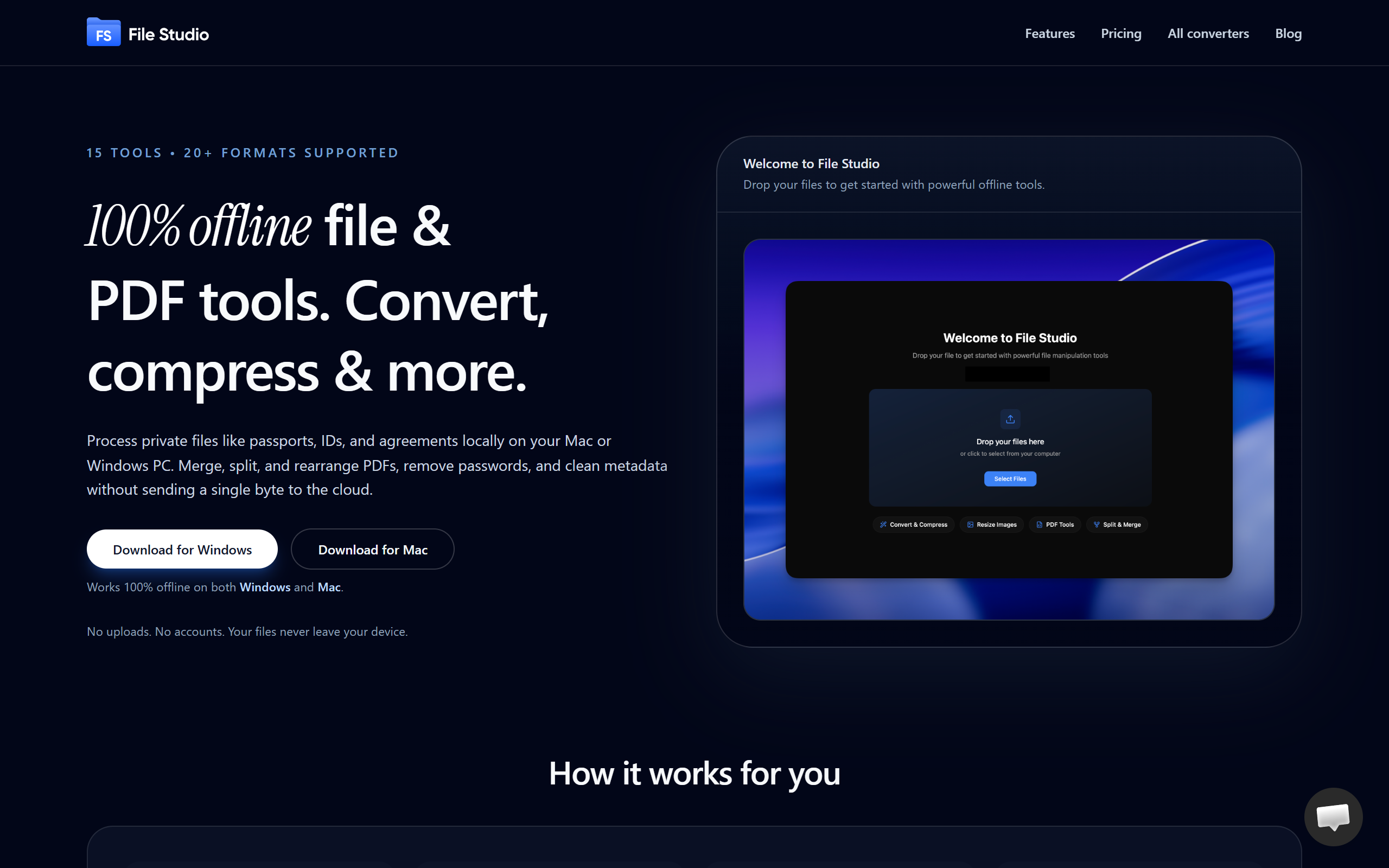
What is File Studio?
File Studio is a local-first file processing application designed for privacy-conscious users. All processing happens directly on your device rather than cloud servers, ensuring your files never leave your computer. Ideal for professionals and individuals working with sensitive documents, confidential information, or personal data who want complete control and privacy. The tool eliminates the need to trust external services with your data whilst providing a straightforward workspace for common file operations.
Key features
Local processing
all file operations occur on your device with no cloud uploads
Privacy by design
complete control over your data with no external storage or transmission
Support for multiple file formats
work with various file types within a single application
Intuitive interface
user-friendly design without unnecessary complexity
Pros & cons
Advantages
- Complete privacy and data control with local-only processing
- No internet dependency for core functionality
- No concerns about data retention on external servers
- Suitable for handling sensitive or confidential information safely
Limitations
- Limited to your device's processing power and resources
- No cloud synchronisation across multiple devices
- Single-device workflow without multi-machine access
Use cases
Handling sensitive documents and personal information without cloud exposure
Processing confidential files for privacy-regulated work
Local-only file management for users with strict data privacy requirements
Ready to try File Studio?
Pricing
Get started with File Studio
Click through to File Studio and start using it now.
- Always free
- No credit card