
Findymail
- Freemium
- Web, Chrome Extension, API
- AI Tools for Business Development
- Free plan available
- No credit card
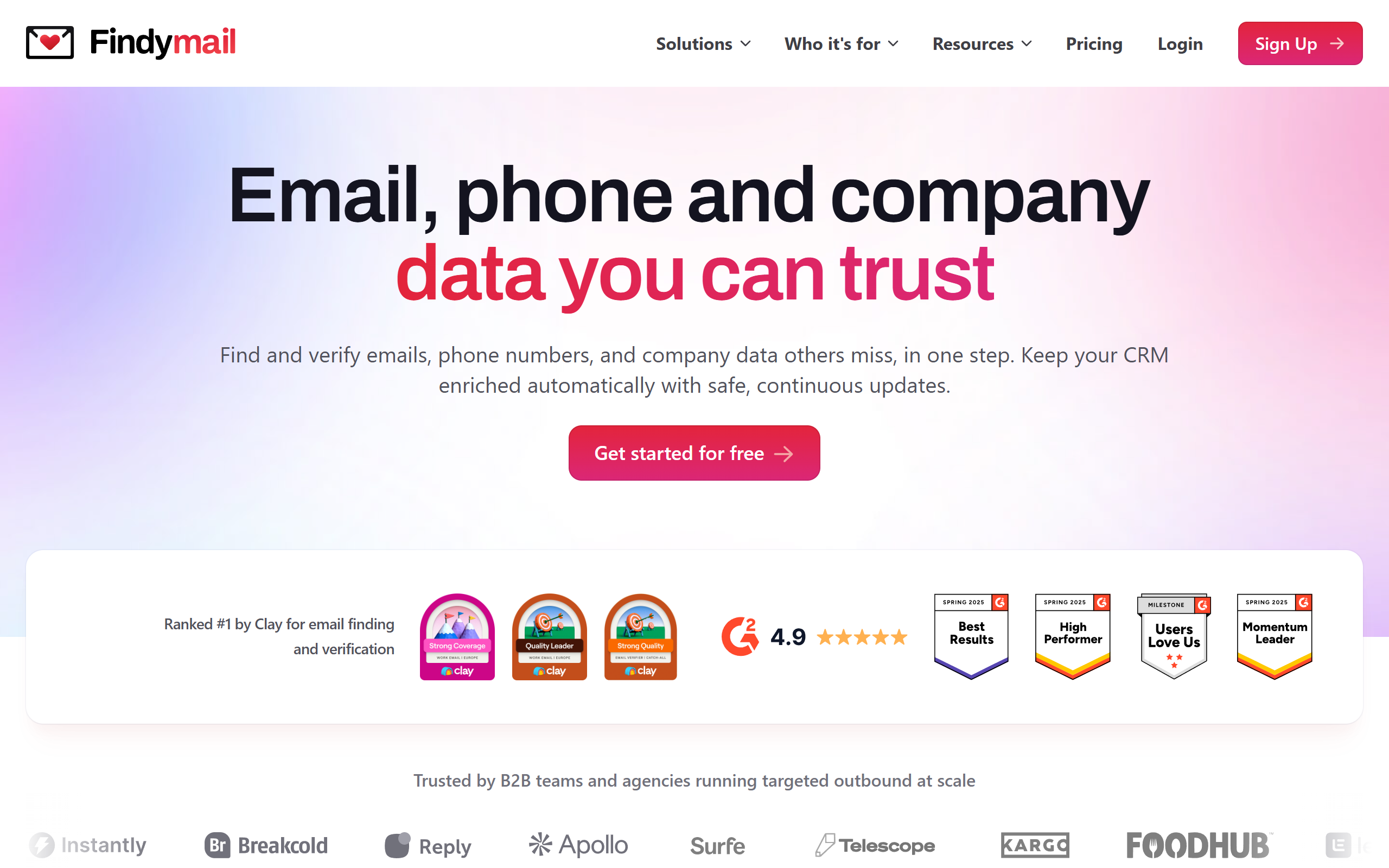
What is Findymail?
Key features
Email address finder
search for professional emails by name and company
Bulk email lookup
process multiple contacts at once using CSV or list uploads
Email verification
check whether an email address is valid before sending
CRM integrations
connect with HubSpot, Pipedrive, and other platforms to populate contact records automatically
Chrome extension
find emails directly from LinkedIn profiles and company websites
Domain search
find email addresses associated with a specific company domain
Pros & cons
Advantages
- Free tier available, so you can test it without paying
- Fast results and simple interface; no complex setup required
- Works well with major CRM systems, so you can automate your contact data workflow
- Useful for sales prospecting and recruiter outreach at scale
Limitations
- Email accuracy depends on the quality of the database; not every search will return a verified result
- Free tier has strict limitations on the number of searches; you'll likely need a paid plan for regular use
- Less useful if you're looking for personal or non-professional email addresses
Use cases
Sales teams building prospect lists and preparing outreach campaigns
Recruiters finding contact information for passive candidates
Business development professionals researching company decision-makers
Marketing teams gathering verified contacts for email campaigns
Entrepreneurs and freelancers finding client or partnership contacts
Ready to try Findymail?
Pricing
Starter
Pricing available on website
Higher search limits, bulk email lookup, email verification, Chrome extension access
Professional
Pricing available on website
Unlimited searches, CRM integrations, priority support, API access
Get started with Findymail
Click through to Findymail and start using it now.
- Free plan available
- No credit card