FireAlpaca
Create detailed digital art with intuitive brushes, customize vector shapes, and get started quickly with helpful tutorials.
- Freemium
- Windows, macOS
- DesignImage GenerationEducation
- Free plan available
- No credit card
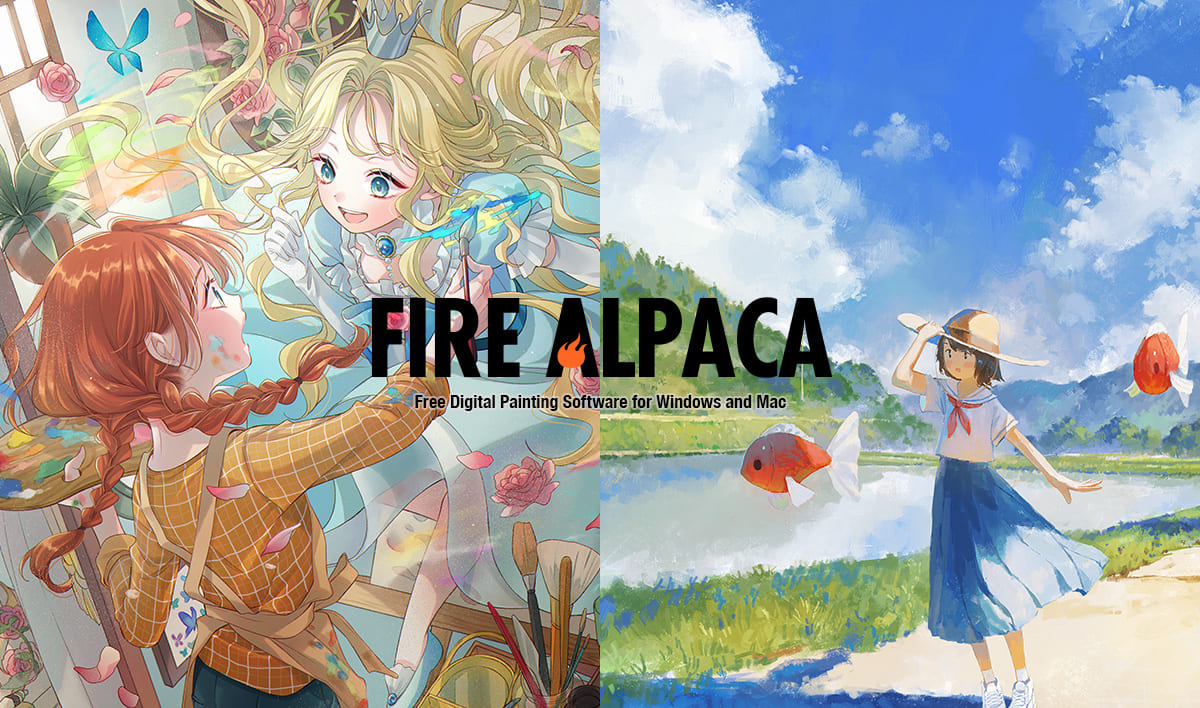
What is FireAlpaca?
Key features
Digital painting brushes
a variety of brush types designed to feel natural and responsive for different drawing styles
Vector shape tools
create and modify vector-based shapes with customisation options for precise control
Layer support
organise your artwork using multiple layers with standard blending modes
Tutorial library
built-in guides to help users learn the software and improve their digital art skills
Free and paid versions
core features available for free, with premium options for additional tools
Pros & cons
Advantages
- Low barrier to entry; the free version gives you genuine creative tools without restricted features
- Intuitive interface means less time spent learning the software and more time spent creating
- Good combination of raster painting and vector shape tools in one application
- Active community and tutorial support help you improve and troubleshoot
Limitations
- Limited to Windows and macOS; no mobile app versions available
- Smaller user base compared to industry-standard tools, which can mean fewer third-party resources and plugins
- May lack some advanced features found in professional-grade paid software
Use cases
Learning digital art fundamentals without investing in expensive software
Creating illustrations, comics, and character artwork
Designing game assets and concept art
Combining digital painting with vector graphics for hybrid artwork
Ready to try FireAlpaca?
Pricing
Free
Free
Core painting and drawing tools, layer support, vector shape tools, basic brush selection
Premium
Variable (one-time or subscription available)
Additional brushes, expanded features, and premium support
Get started with FireAlpaca
Click through to FireAlpaca and start using it now.
- Free plan available
- No credit card