
Flixier
A tool to edit videos with AI generation and subtitles.
- Free plan available
- No credit card
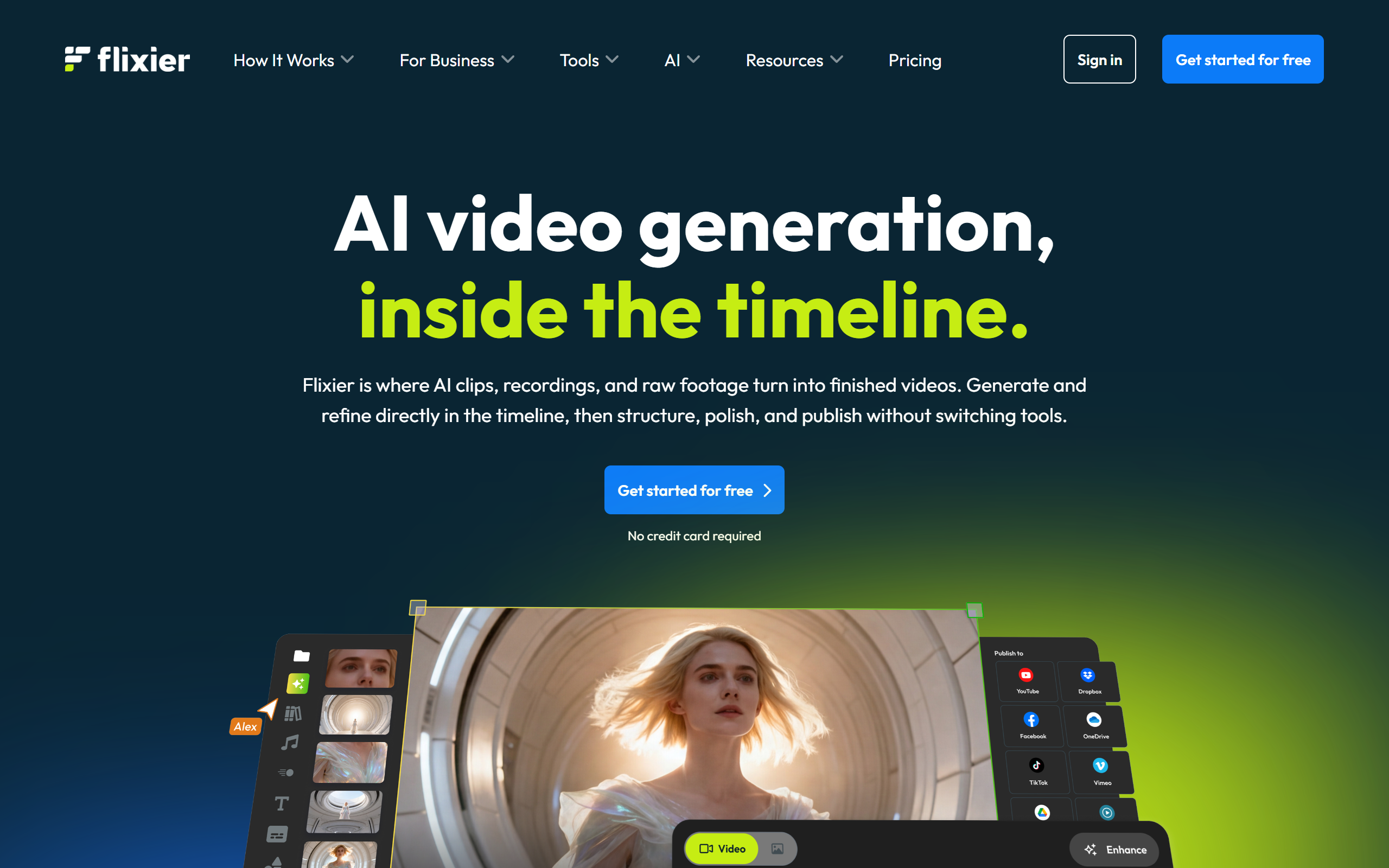
What is Flixier?
Key features
AI-powered automatic subtitle generation in multiple languages
Text-to-speech narration with voice options
Browser-based timeline editing without software installation
Subtitle translation and synchronisation
Stock media library integration for music and footage
Basic video effects and transitions
Audio editing and noise reduction
Export to multiple formats and resolutions
Pros & cons
Advantages
- Automatic subtitle generation saves significant editing time
- Works entirely in your browser, no installation needed
- Affordable for solo creators and small teams
- Intuitive interface suitable for beginners
- Free tier provides genuine functionality for basic projects
Limitations
- Export length and resolution limits on free tier
- Advanced features like colour correction are limited compared to professional software
- Subtitle accuracy may require manual correction for technical or niche content
- Rendering times can be slow on free tier
Use cases
Adding captions to social media videos for accessibility and engagement
Creating subtitled versions of content for international audiences
Quickly editing short-form content for TikTok, Instagram Reels, or YouTube Shorts
Adding voiceover narration to tutorial or explainer videos
Automating the subtitle workflow for podcast or webinar clips
Ready to try Flixier?
Pricing
Get started with Flixier
Click through to Flixier and start using it now.
- Free plan available
- No credit card