
Floutwork AI
Transform your browser into a focused workspace.
- Free
- Web, Chrome Extension
- Task & Project ManagementWritingArt & Illustration
- Always free
- No credit card
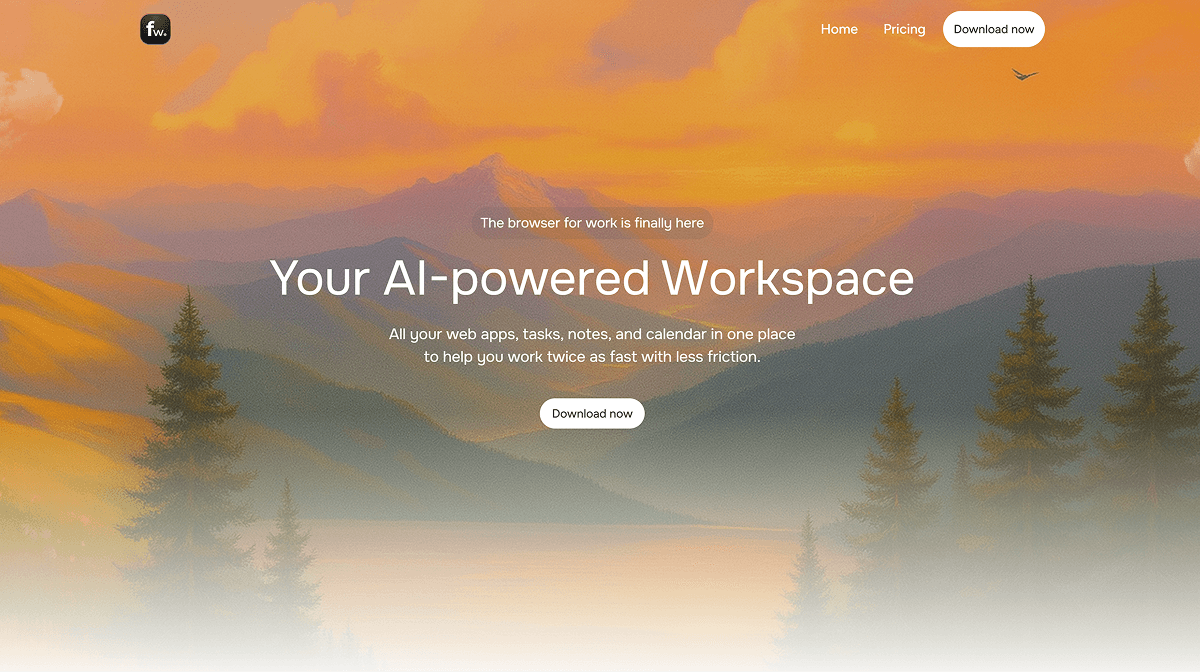
What is Floutwork AI?
Key features
Distraction reduction
Minimises browser clutter and notifications to help maintain focus on active work
Workspace organisation
Consolidates tabs and tools into a structured, dedicated workspace area
Browser integration
Works as an extension within your existing browser rather than as a separate application
Focus modes
Allows you to create and switch between different work contexts or projects
Task management
Basic organisation tools to keep track of what you're working on
Pros & cons
Advantages
- Free to use with no subscription required
- Works directly within your browser, so no additional software installation necessary
- Helps reduce tab overload and browser-related distractions
- Suitable for remote workers, students, and anyone managing multiple online tasks
Limitations
- Limited to browser-based work only; doesn't help with distractions outside your browser
- Effectiveness depends on user discipline and consistent adoption of the tool's structure
Use cases
Students organising research, writing assignments, and online coursework in one focused space
Remote workers managing email, documents, and communication tools without constant tab switching
Content creators maintaining separate browser workspaces for research, drafting, and publishing tasks
Developers keeping development tools, documentation, and testing environments organised
Freelancers working with multiple client projects and needing clear separation between them
Ready to try Floutwork AI?
Pricing
Get started with Floutwork AI
Click through to Floutwork AI and start using it now.
- Always free
- No credit card