
Focusmo
a Mac focus app with a local Claude MCP server
- Freemium
- macOS
- Other
- Free plan available
- No credit card
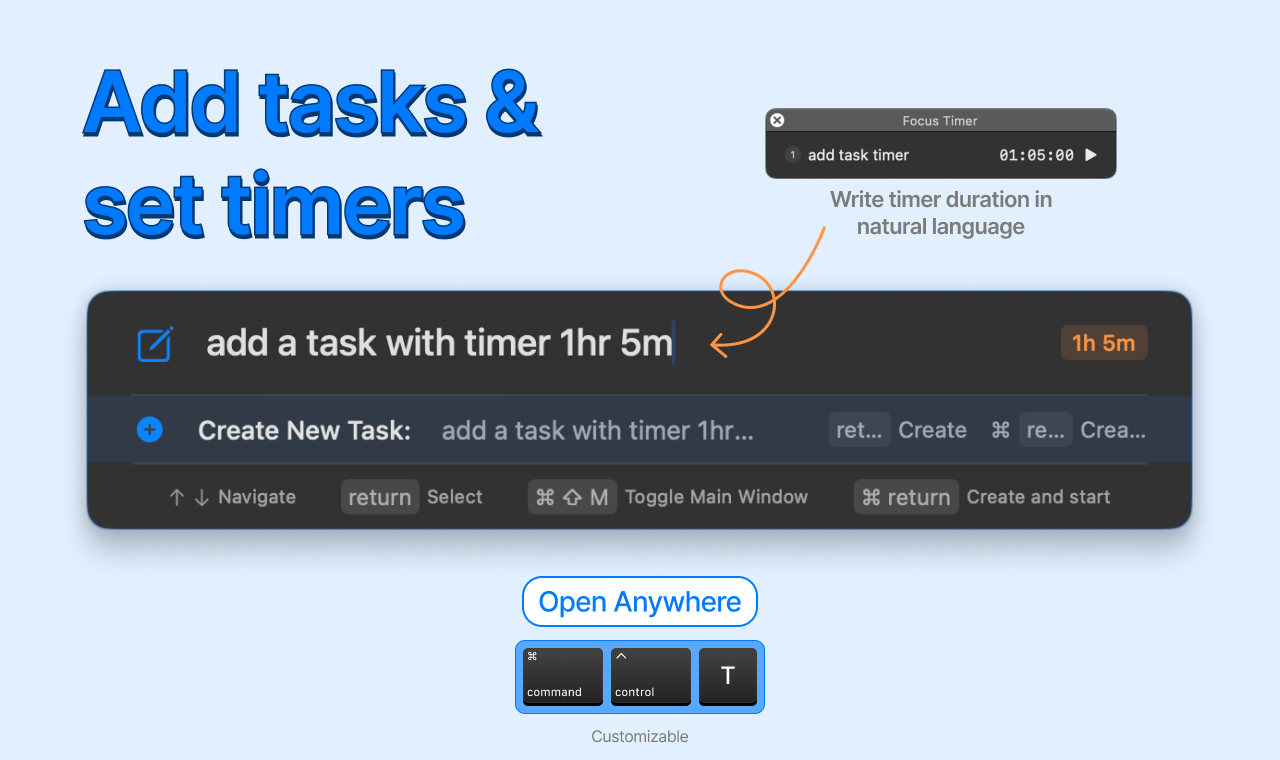
What is Focusmo?
Key features
Pomodoro Timer
Structured work intervals with customizable durations to enhance focus and productivity
App Blocking
Prevent access to distracting applications and websites during focus sessions
Accountability Check-ins
Regular prompts to track progress and maintain commitment to current tasks
Floating Timer
Always-visible timer widget for easy session monitoring
Local Claude MCP Server
On-device AI assistance for task planning and productivity guidance without cloud dependencies
macOS Native
Optimized performance and integration with the Mac ecosystem
Pros & cons
Advantages
- Free forever plan removes financial barriers to productivity improvement
- Privacy-focused with local Claude MCP server eliminates data transmission concerns
- Combines multiple proven productivity methodologies in one unified interface
- Native macOS integration provides smooth system performance
- No subscription required to access core focus and timer features
Limitations
- Limited to macOS platform, excluding Windows and Linux users
- May require significant device resources to run local MCP server alongside other applications
- Accountability features depend on user discipline and willingness to engage with check-ins
Use cases
Software developers using focused coding sessions with website blocking to minimise context switching
Students preparing for exams using Pomodoro intervals combined with distraction prevention
Content creators maintaining deep work sessions for writing, design, or creative projects
Remote workers establishing structured work hours with accountability mechanisms
Professionals managing ADHD or attention challenges through structured time-blocking
Ready to try Focusmo?
Pricing
Get started with Focusmo
Click through to Focusmo and start using it now.
- Free plan available
- No credit card