
Framer AI
AI website builder with stunning design output
- Freemium
- Web
- WritingDesignAI Tools for Website Design
- Free plan available
- No credit card
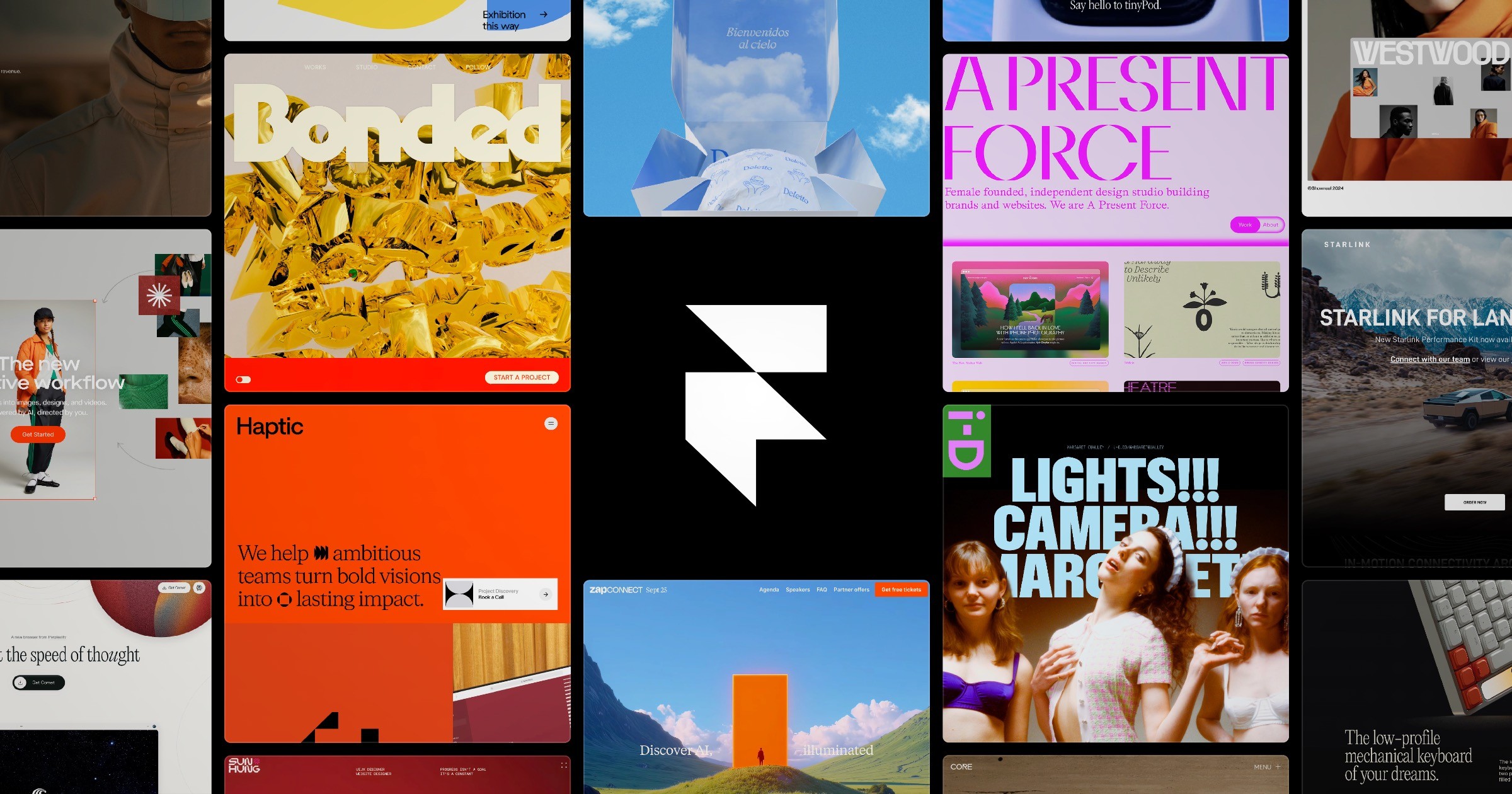
What is Framer AI?
Key features
AI-powered design generation
describe your site and receive layout and design suggestions
Visual editor
edit designs, text, images, and styling without writing code
Responsive design
sites automatically adapt to different screen sizes
Hosting included
publish sites directly without managing servers
Component library
reusable design elements to speed up building multiple pages
Free tier available
try the tool without payment before upgrading
Pros & cons
Advantages
- Produces visually attractive designs quickly, especially useful if you lack design confidence
- Removes the need to choose from templates; AI suggests custom layouts based on your brief
- Built-in hosting means fewer tools to manage
- Free version lets you test the tool and build simple sites at no cost
Limitations
- AI-generated designs, whilst often good, may need significant revision to match a specific brand vision
- Learning the editor takes time; it's more complex than drag-and-drop builders aimed at complete beginners
- Limited to what the AI model understands; very niche or unusual design requests may not work well
Use cases
Building a portfolio website to showcase work or projects
Creating a business website for a small company or freelancer
Launching a landing page quickly without hiring a designer
Prototyping website ideas before committing to custom development
Building a blog or content site with a professional appearance
Ready to try Framer AI?
Pricing
Get started with Framer AI
Click through to Framer AI and start using it now.
- Free plan available
- No credit card