
Frame
- Freemium
- Web, iOS, Android, VR (Headset support for major platforms)
- AI Tools for PresentationsAI Tools for Presentation
- Free plan available
- No credit card
What is Frame?
Key features
Multi-device support
join from desktop browsers, mobile apps, or VR headsets with a single account
Avatar-based interactions
represent yourself as a customisable avatar rather than a video feed
Shared virtual spaces
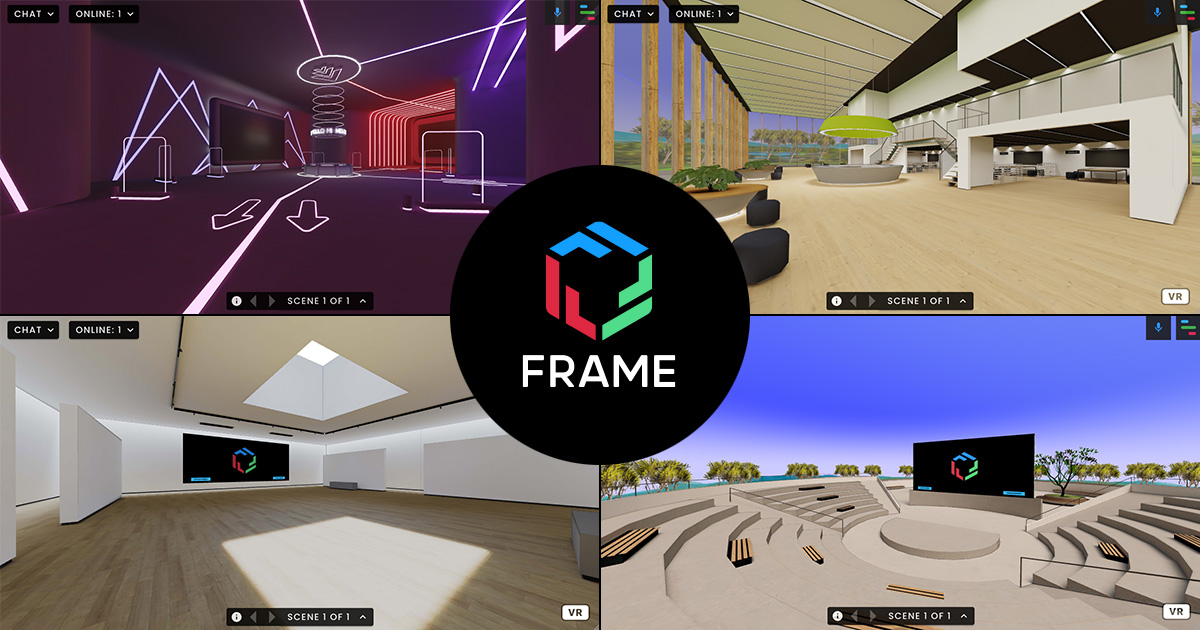
host presentations and meetings in designed 3D environments
Cross-platform compatibility
no requirement for all participants to use VR hardware
Persistent environments
spaces can be set up in advance and reused for recurring meetings
Pros & cons
Advantages
- Accessible entry point; join meetings from a web browser without VR equipment
- More immersive than standard video calls whilst remaining practical for mainstream users
- Free tier available for testing and small teams
- Works across devices, so participants have flexibility in how they join
Limitations
- Requires learning new software and interface compared to familiar video conferencing tools
- VR experience quality depends on headset capability; mobile and desktop versions offer less immersion
- Adoption depends on whether your team values immersive spaces enough to justify the change from established platforms
Use cases
Team meetings and brainstorming sessions in custom virtual offices
Training and onboarding programmes using immersive environments
Client presentations and pitches in branded virtual spaces
Conference talks and large group presentations with audience interaction
Internal events or all-hands meetings seeking more engagement than standard video calls
Ready to try Frame?
Pricing
Free
Free
Basic access to create and join immersive meetings; limited customisation and participant capacity
Paid Plans
Contact for pricing
Expanded participant limits, custom branded environments, advanced features, and priority support
Get started with Frame
Click through to Frame and start using it now.
- Free plan available
- No credit card