
Free Browser
Based Tools Client Side Only, No Uploads, No Tracking
- Always free
- No credit card
What is Free Browser?
Key features
Client-side processing
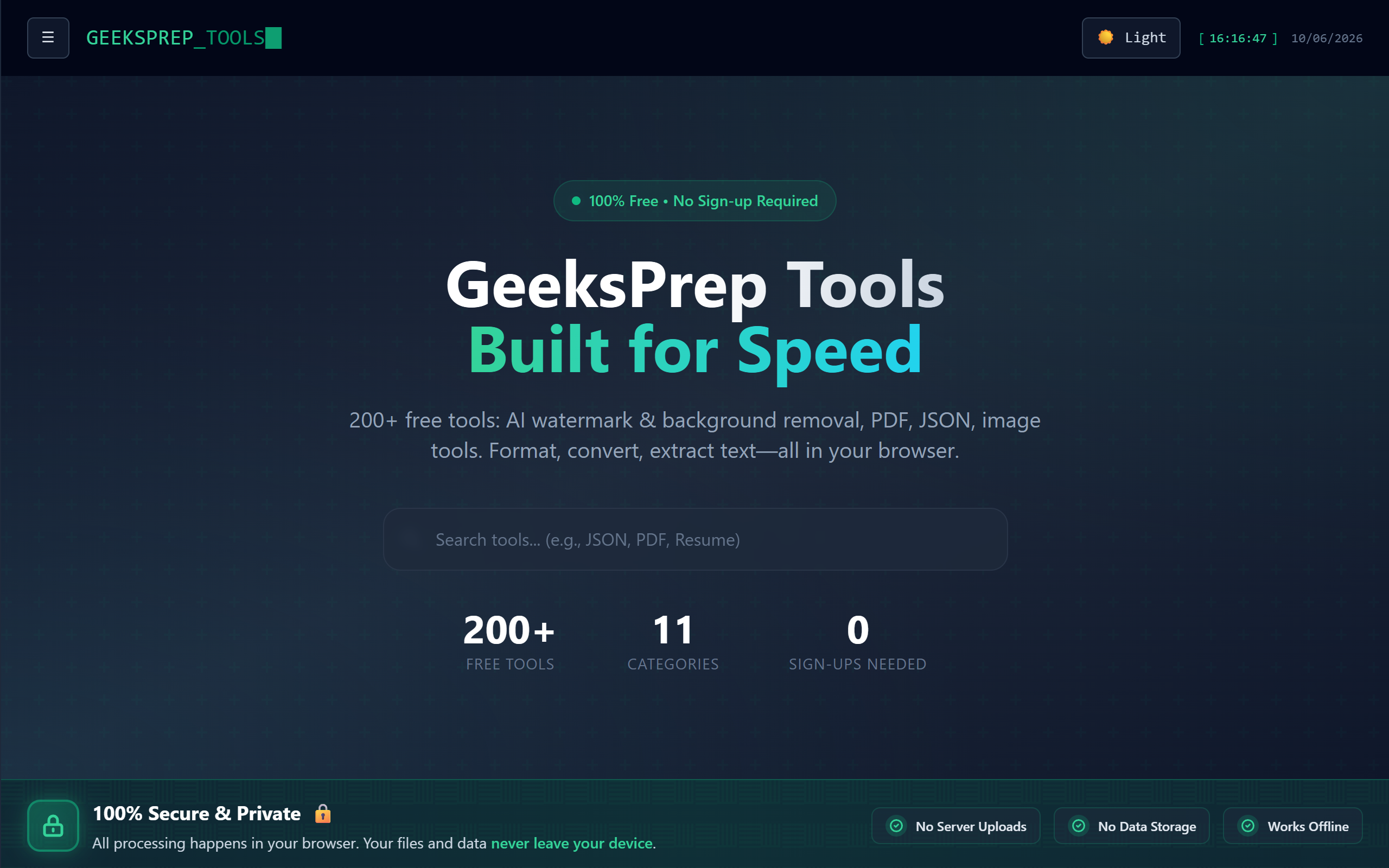
All tools run entirely in your browser with no data sent to servers
No user tracking
Privacy-first design with no analytics or user monitoring
Multiple utility tools
Collection of converters, formatters, and encoding/decoding utilities
Free access
Completely free to use with no paid tiers or premium features
No registration required
Use tools immediately without creating an account
Offline capability
Tools may function offline once the page loads
Pros & cons
Advantages
- Strong privacy protection with client-side only processing and no data tracking
- Fast performance since processing happens locally without server requests
- Free to use with no hidden costs, subscriptions, or upgrade prompts
- No account creation needed, making it quick to get started
- Multiple tools in one place, eliminating the need to visit different websites
Limitations
- Limited to browser capabilities, which may restrict complex operations or very large file processing
- Less feature-rich than thorough paid alternatives that dedicate resources to advanced functionality
- No mobile app version available, limiting access on smartphones
Use cases
Converting between data formats (JSON, XML, Base64, etc.) during development
Quick encoding/decoding tasks for security and testing purposes
Formatting code snippets or text for documentation and sharing
Educational use for learning about data conversion and encoding concepts
Privacy-conscious users who need online tools but want to avoid data tracking
Ready to try Free Browser?
Pricing
Get started with Free Browser
Click through to Free Browser and start using it now.
- Always free
- No credit card