
Free Browser
Based Tools Client Side Only, No Uploads, No Tracking
- Always free
- No credit card
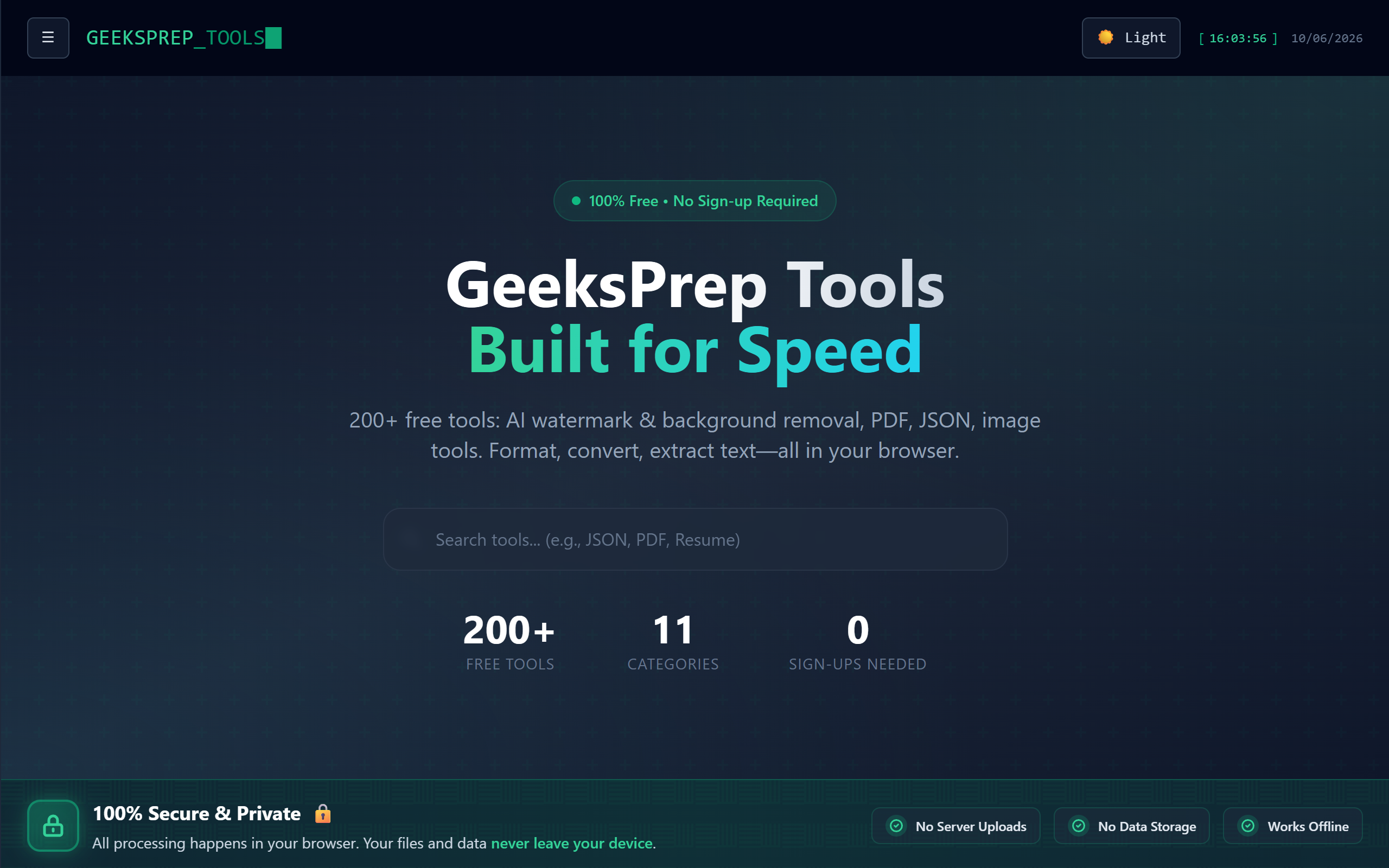
What is Free Browser?
Key features
Client-side processing
all tools run locally in your browser without server uploads
No tracking or data collection
your activity and inputs remain private
No account required
access tools immediately without registration
Offline capable
use tools after initial page load without internet connection
Multiple utilities
collection of tools covering various technical tasks
Pros & cons
Advantages
- Complete privacy; your data never leaves your device
- Fast performance since processing happens locally
- No sign-up friction; start using tools immediately
- Works offline after initial load
- Free to use with no premium tiers or hidden costs
Limitations
- Limited to what browser-based processing can handle; complex operations may be slower than server-based alternatives
- Dependent on your device's processing power and available memory
- No cloud synchronisation or cross-device access to saved results
Use cases
Converting file formats or encodings without uploading to third-party services
Testing and debugging code snippets locally
Quick text processing and analysis tasks
Encoding or decoding data strings for development work
Performing calculations or transformations on sensitive information
Ready to try Free Browser?
Pricing
Free
Free
Access to all browser-based tools, client-side processing, no tracking, no uploads required
Get started with Free Browser
Click through to Free Browser and start using it now.
- Always free
- No credit card