
Free YouTube to MP3 Converter
YouTube to MP3 Converter is a free AI-powered tool that lets you quickly convert YouTube videos into high-quality MP3 files. With smart URL recognition, fast and stable conversion, and an audio previe
- Always free
- No credit card
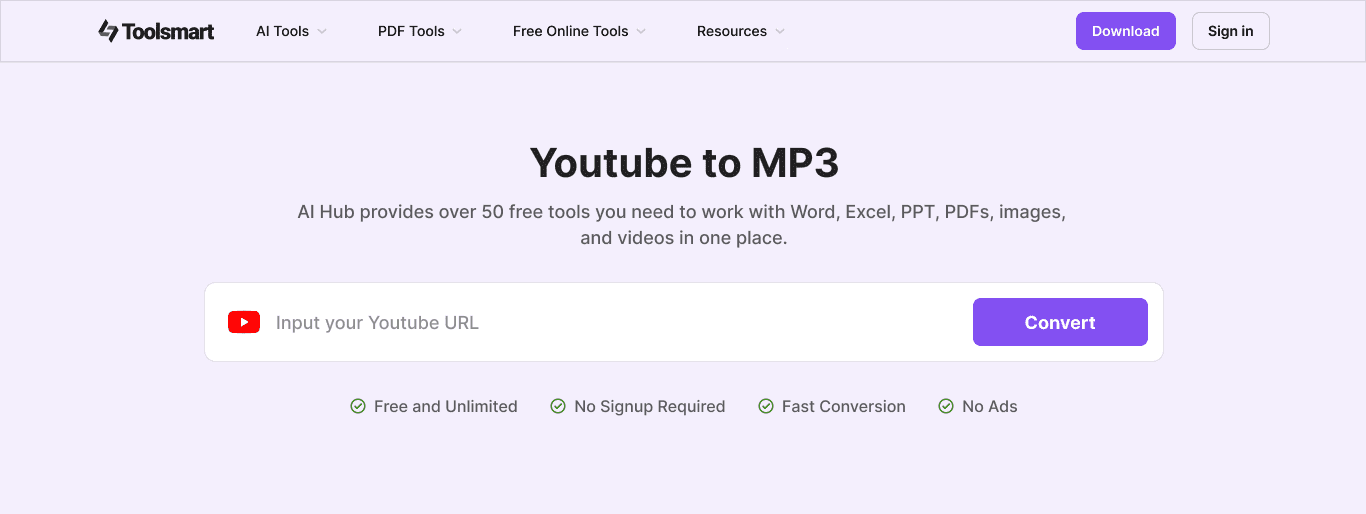
What is Free YouTube to MP3 Converter?
Key features
URL-based conversion
paste a YouTube link and convert without uploading files
Audio preview
listen to the extracted audio before downloading to confirm quality
High-quality MP3 output
maintains good audio fidelity during conversion
No account required
use the tool without signing up or providing personal details
Fast processing
completes conversions in a reasonable timeframe
Web-based
accessible from any browser without installing software
Pros & cons
Advantages
- Completely free with no hidden costs or premium tier
- Simple process; just paste a URL and download
- Works in your browser, so no software installation needed
- Audio preview helps you verify quality before saving the file
Limitations
- Copyright restrictions apply; downloading copyrighted material without permission may violate YouTube's terms of service
- Dependent on YouTube's availability and any changes to how their platform works
- Quality limited by the source video's original audio quality
Use cases
Downloading podcast episodes from YouTube to listen offline
Extracting audio from educational videos or lectures for personal study
Saving music performances or live recordings in audio format
Converting YouTube tutorials with audio instructions for reference
Backing up audio content you've created or uploaded to YouTube
Ready to try Free YouTube to MP3 Converter?
Pricing
Free
Free
Full access to YouTube to MP3 conversion, audio preview, unlimited downloads, no account required
Get started with Free YouTube to MP3 Converter
Click through to Free YouTube to MP3 Converter and start using it now.
- Always free
- No credit card