FreeMind
Quickly create mind maps, store notes and links, collaborate in real-time.
- Free
- Windows, macOS, Linux
- Design
- Always free
- No credit card
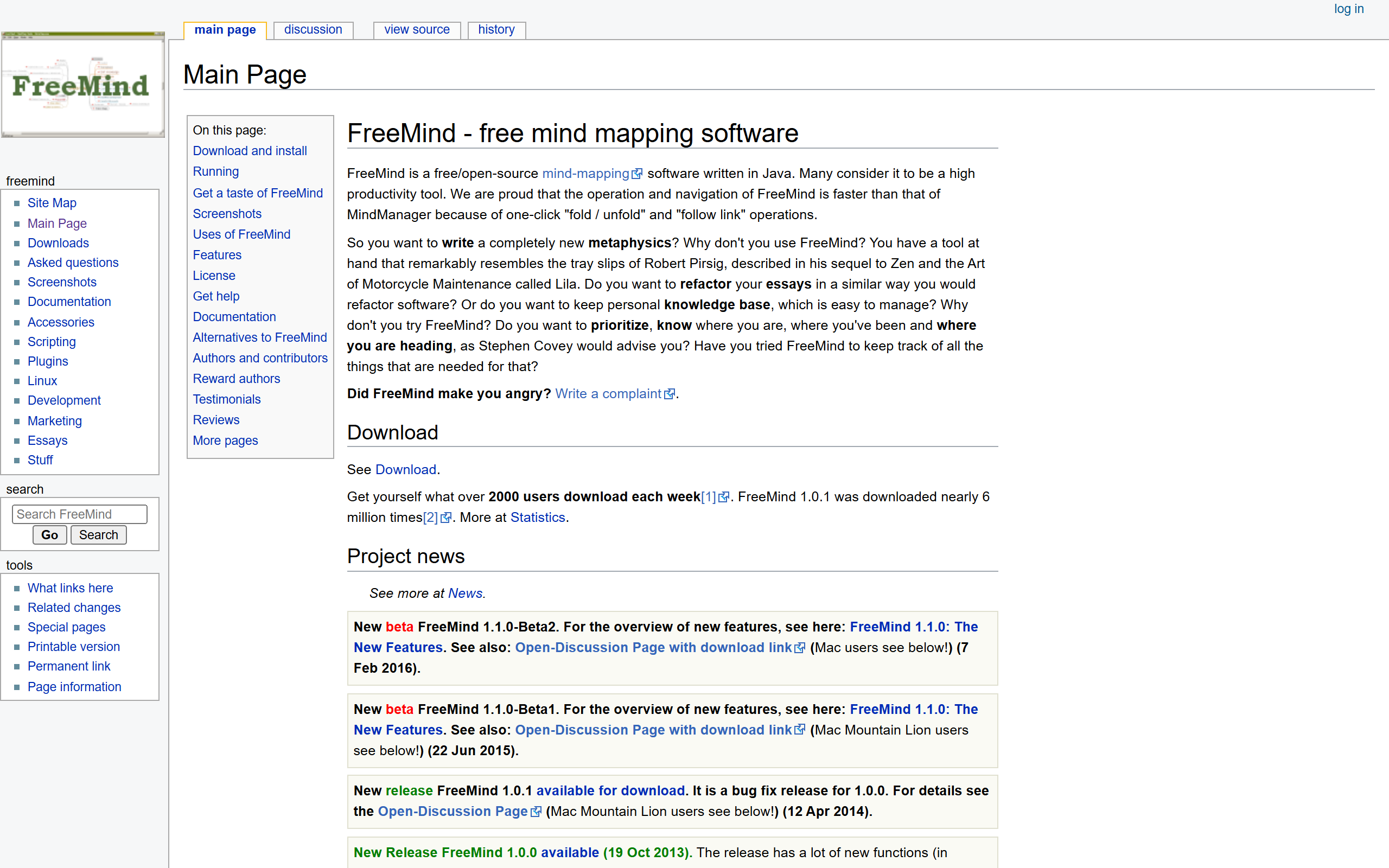
What is FreeMind?
Key features
Mind map creation
build hierarchical diagrams with branching nodes from a central concept
Notes and links
attach text notes and hyperlinks to individual nodes for additional context
Real-time collaboration
share maps and work together with others simultaneously
Export options
save maps in multiple formats for compatibility with other tools
Offline functionality
create and edit maps without needing an internet connection
Keyboard shortcuts
quickly handle and edit using keyboard commands
Pros & cons
Advantages
- Free and open-source, with no subscription costs or limitations
- Works offline, so you're not dependent on internet connectivity
- Lightweight and straightforward to use, with minimal learning curve
- Easy to export mind maps in different formats for sharing or importing elsewhere
Limitations
- Desktop-only application; no native web or mobile versions, limiting access on phones or tablets
- Collaboration features are basic compared to modern cloud-based alternatives
- Development has slowed in recent years; updates and new features are infrequent
Use cases
Project planning: map out project phases, tasks, and dependencies visually
Brainstorming sessions: capture ideas in a structured way during team meetings
Study and learning: organise course notes or complex topics hierarchically
Business strategy: visualise company goals, initiatives, and their relationships
Content outlining: structure articles, presentations, or reports before writing
Ready to try FreeMind?
Pricing
Free
Free
Full access to mind map creation, notes, links, collaboration, and export functionality. No limitations or premium tier.
Get started with FreeMind
Click through to FreeMind and start using it now.
- Always free
- No credit card