Freepik AI Image Generator
Text-to-image generator with a choice of multiple AI models and built-in editing tools, part of the Freepik creative suite.
- Freemium
- Web, API
- WritingDesignImage Generation
- Free plan available
- No credit card
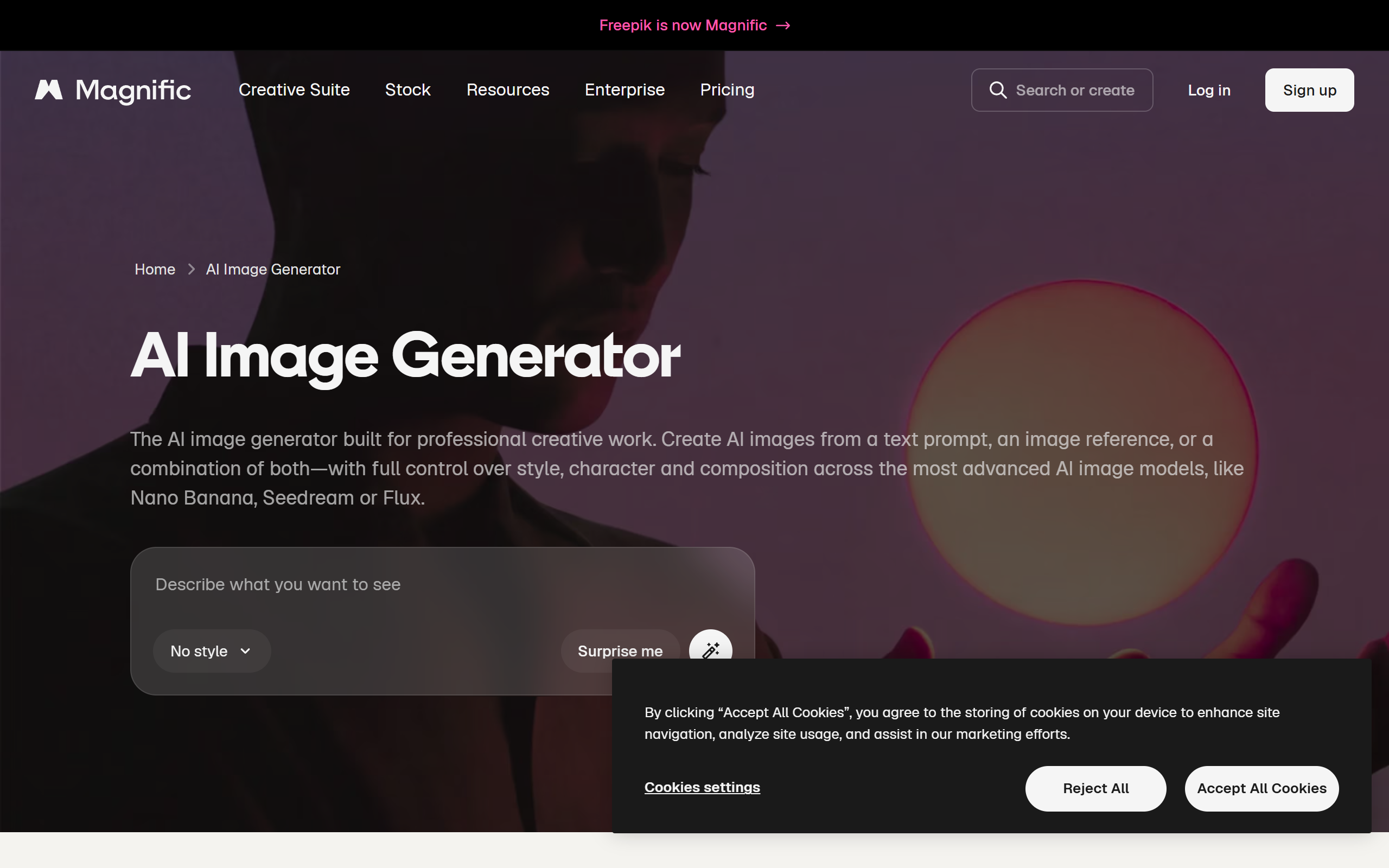
What is Freepik AI Image Generator?
Key features
Text-to-image generation
Create images from written prompts in a range of resolutions and aspect ratios.
Multiple AI models
Choose between models such as Flux, Google Imagen, Ideogram, Mystic, Seedream, Recraft, Qwen and Grok for different styles and quality levels.
Style controls
Select from realistic, cinematic, editorial, minimal, illustration and other visual presets.
Image reference input
Guide a generation using an existing image for composition or visual direction.
Integrated editing tools
Upscale, Reimagine, Retouch, Background Remover and Expand are built into the suite.
Mystic model
A workflow tuned for lifelike portraits, faces, natural lighting and textures.
Commercial licensing
Paid plans include a commercial licence for generated images.
Pros & cons
Advantages
- Offers a wide selection of AI models in one place, so users can compare outputs without switching tools.
- Built-in editing tools such as upscaling, retouch and background removal reduce the need for separate software.
- A free tier lets new users test image generation before committing to a paid plan.
- Sits inside the broader Freepik ecosystem with stock images, vectors, video and templates.
- Style presets and reference image support make it approachable for non-designers.
Limitations
- Advanced models consume AI credits faster, and the credit system can be confusing for beginners.
- Some outputs need manual refinement, and hands or faces can occasionally appear unnatural.
- The ongoing rebrand to Magnific means tools, pricing and URLs have been moving between domains.
- Higher-volume professional use requires expensive plans.
Use cases
Marketing teams producing ad creatives and campaign visuals at speed.
Bloggers and content creators generating featured images and article artwork.
Social media managers making post graphics and thumbnails across platforms.
E-commerce brands creating product imagery and lifestyle scenes.
Agencies scaling visual content production for multiple clients.
Freelancers and small studios producing concept art and mockups without a stock photo budget.
Ready to try Freepik AI Image Generator?
Pricing
Essential
From 5.42 per month billed annually
Around 7,000 AI credits per month, access to AI tools and a commercial licence.
Premium
20 per month (14.50 billed annually)
Higher monthly AI credit allowance, full AI image tools and stock media access.
Premium+
45 per month (33.75 billed annually)
Larger credit pool plus unlimited generation on a selection of image models.
Pro
280 per month (210 billed annually)
Very high credit allowance for high-volume professional and team workflows.
Business
55 per seat per month (billed annually)
Shared credit pool and team management for business use.
Get started with Freepik AI Image Generator
Click through to Freepik AI Image Generator and start using it now.
- Free plan available
- No credit card