
Gamma
Create beautiful presentations and webpages with none of the formatting and design work.
- Free plan available
- No credit card
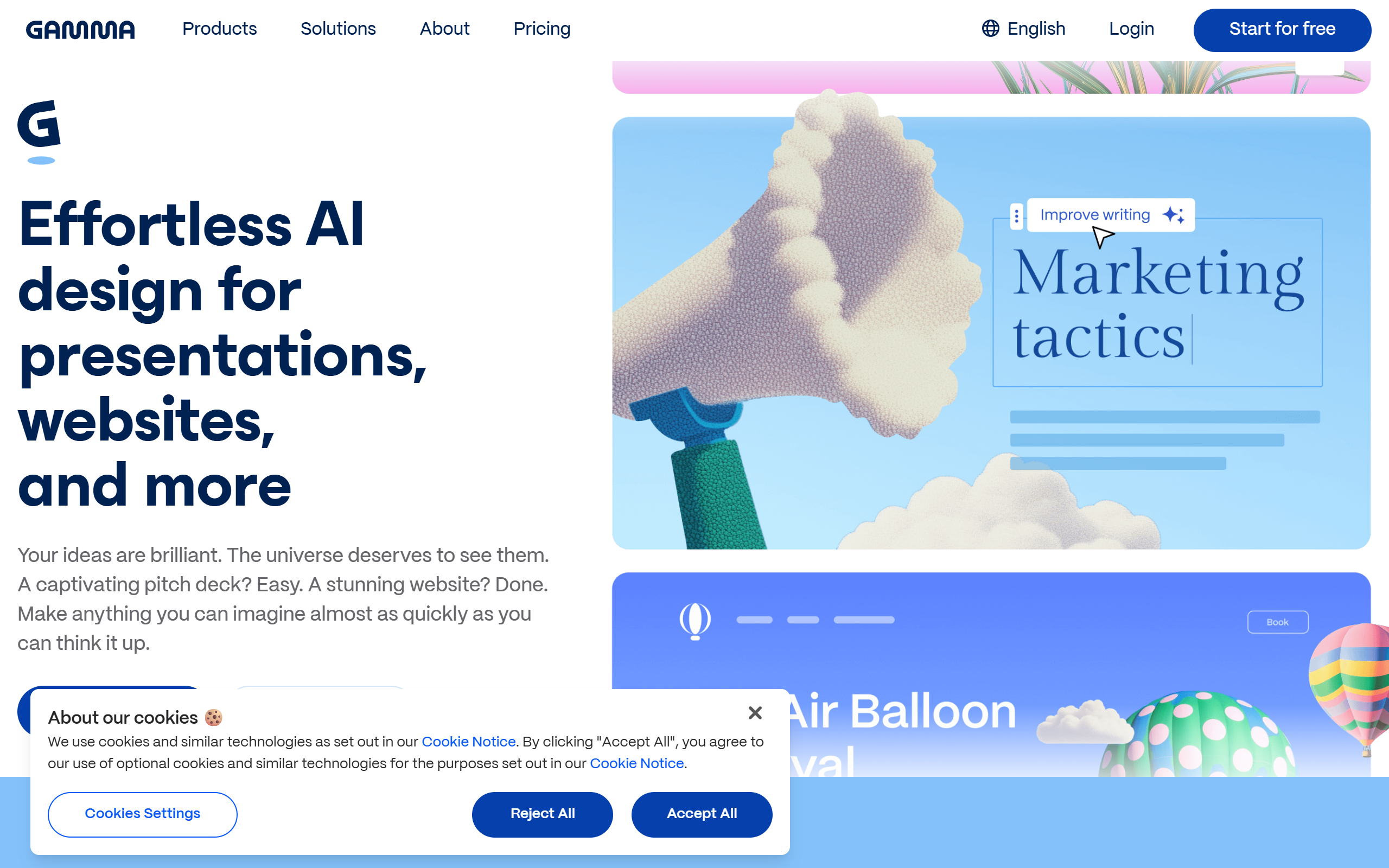
What is Gamma?
Key features
AI-powered layout generation
automatically formats and organises your content into visually balanced designs
Template library
pre-designed starting points for common presentation types and webpage formats
Rich content support
easily embed text, images, charts, video, and other media
Customisation options
adjust colours, fonts, and layouts to match your brand or preferences
Sharing and collaboration
publish webpages with public links; share presentations for feedback
One-click publishing
generate live webpages without needing to host or manage servers
Pros & cons
Advantages
- Significantly faster than building presentations from scratch in traditional tools
- No design experience required; the AI handles visual hierarchy and spacing
- Clean, modern output that looks professional out of the box
- Free tier lets you create and publish without paying
Limitations
- Less control over fine-grained design details compared to dedicated design software
- Reliant on AI interpretation of your content, which may not always match your intent
- Limited offline functionality; primarily web-based
Use cases
Creating sales pitch decks or investor presentations quickly
Building simple landing pages for projects or products without coding
Producing reports, case studies, or educational materials with minimal formatting effort
Sharing updates, announcements, or internal communications with visual polish
Prototyping webpage designs before committing to full development
Ready to try Gamma?
Pricing
Get started with Gamma
Click through to Gamma and start using it now.
- Free plan available
- No credit card