
Gantt Chart AI
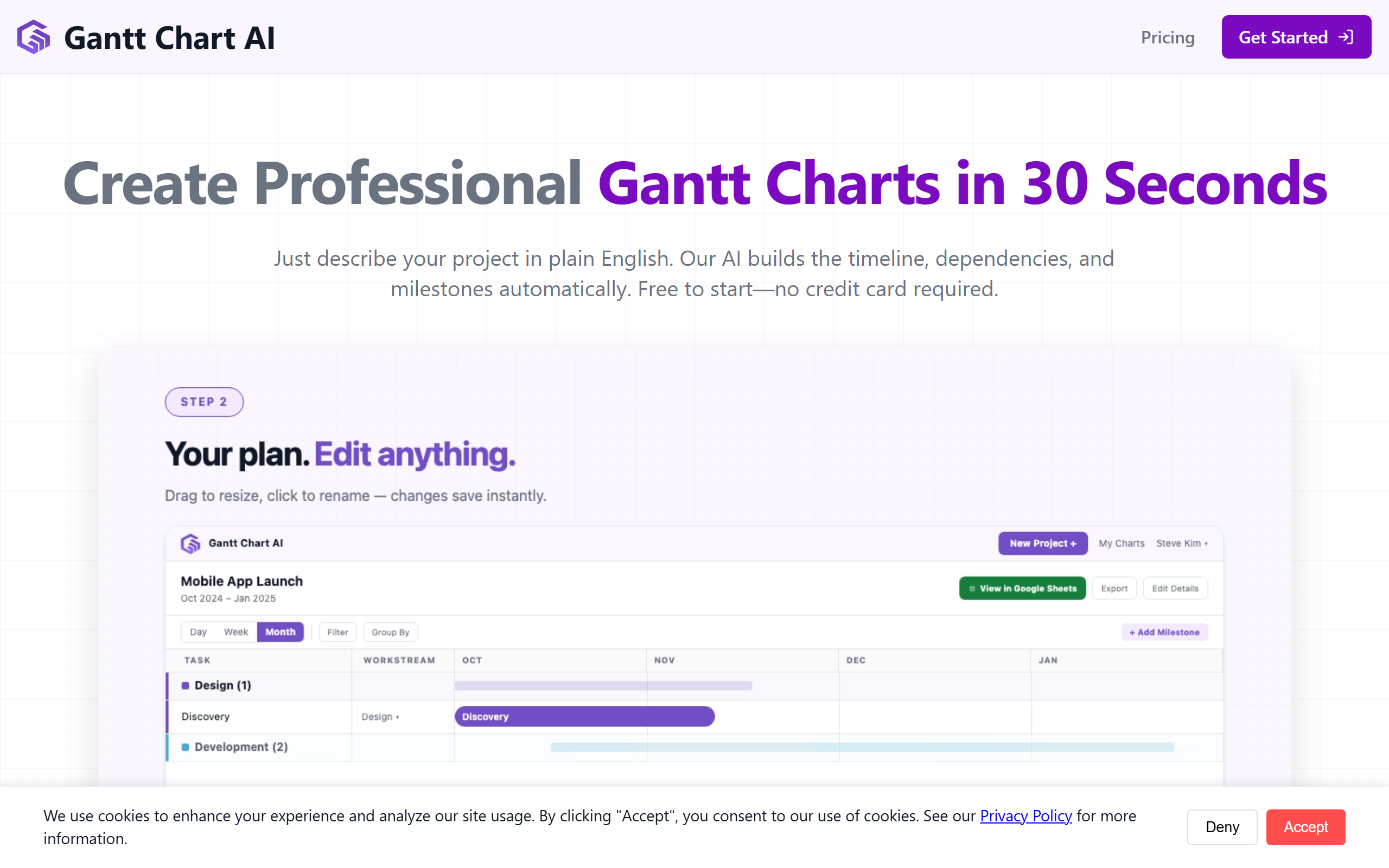
Gantt Chart AI is a free, AI-powered project management tool that converts plain-language project descriptions into professional Gantt charts in seconds. Designed for timeline visualization and task m
- Always free
- No credit card
What is Gantt Chart AI?
Key features
Natural language input
describe your project in plain text and receive a Gantt chart automatically
Jira integration
import epics, stories, and tasks directly into your charts
Google Sheets compatibility
create, edit, and refine timelines within Sheets
Export functionality
save charts to Excel for sharing and archiving
Timeline dashboard
access and manage all previously created charts in one place
Free access
no cost to use the core features
Pros & cons
Advantages
- Saves time by eliminating manual chart creation and formatting
- Works with tools you already use, such as Jira and Google Sheets
- Completely free with no hidden costs or payment required
- Simple for non-technical users who want professional output quickly
Limitations
- Relies on accurate natural language input, so unclear project descriptions may produce imprecise charts
- Integrations are limited to Jira and Google Sheets; other project management tools are not mentioned
- No information on offline access or version control features for collaborative environments
Use cases
Construction teams visualising build phases and resource allocation across weeks or months
Software development teams converting sprint plans and release roadmaps into timeline charts
Event planners creating schedules for multi-phase events with overlapping tasks
Product managers presenting launch timelines to stakeholders with visual clarity
Freelancers and small teams needing quick timeline communication without project management software costs
Ready to try Gantt Chart AI?
Pricing
Free
Free
Full access to Gantt chart generation, Jira integration, Google Sheets compatibility, export to Excel, and timeline dashboard
Get started with Gantt Chart AI
Click through to Gantt Chart AI and start using it now.
- Always free
- No credit card