
Get Chunky
Discover Get Chunky pricing, reviews, and alternatives. Updated for April 2026.
- Freemium
- Web
- Business
- Free plan available
- No credit card
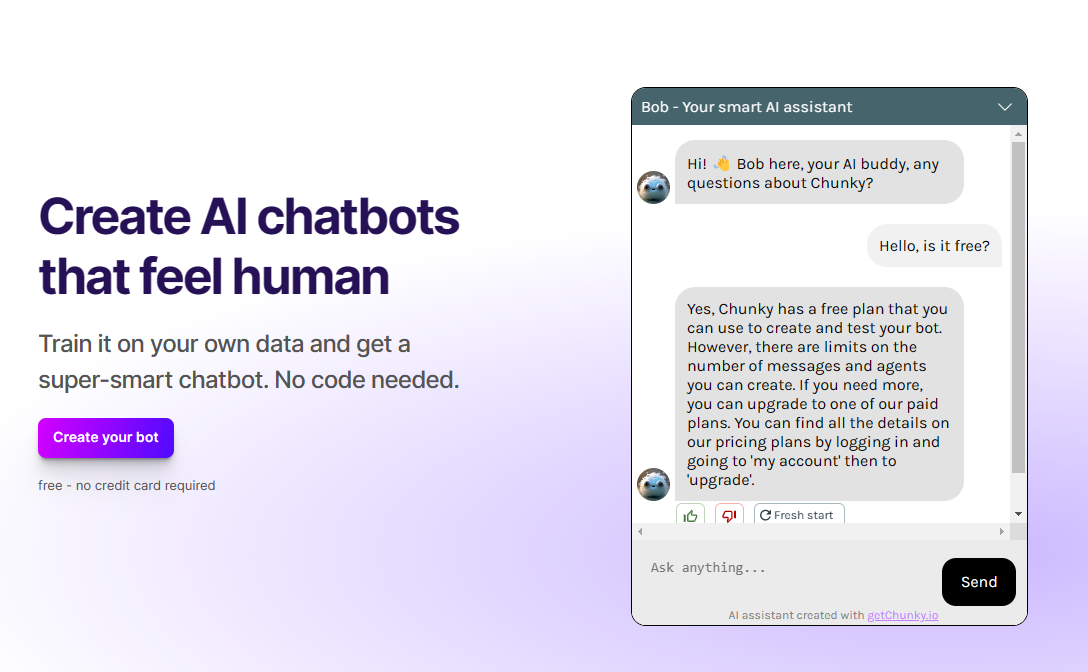
What is Get Chunky?
Key features
File chunking
Divides large files into smaller segments with configurable size parameters
Format preservation
Maintains document structure and formatting during the splitting process
Batch processing
Handles multiple files at once to save time on repetitive tasks
Customisable chunk size
Adjust how large or small each chunk becomes based on your requirements
Context awareness
Attempts to split content at logical boundaries rather than arbitrarily
Pros & cons
Advantages
- Saves time on manual file splitting and preparation
- Freemium model means you can test the basic functionality without paying upfront
- Useful for working around API token limits and file size restrictions
- Straightforward interface that doesn't require technical expertise
Limitations
- Free tier likely has restrictions on file size or number of chunks you can create
- May not handle all file formats equally well, particularly specialised or proprietary formats
Use cases
Preparing large documents for processing by language models with token limits
Splitting CSV or JSON files for batch API uploads
Breaking down long articles or transcripts for content analysis
Chunking video or audio files for processing workflows
Dividing datasets before importing into databases with upload constraints
Ready to try Get Chunky?
Pricing
Get started with Get Chunky
Click through to Get Chunky and start using it now.
- Free plan available
- No credit card