
GetTerms
Stay compliant with data protection laws using a user-friendly cookie banner and website policy generator
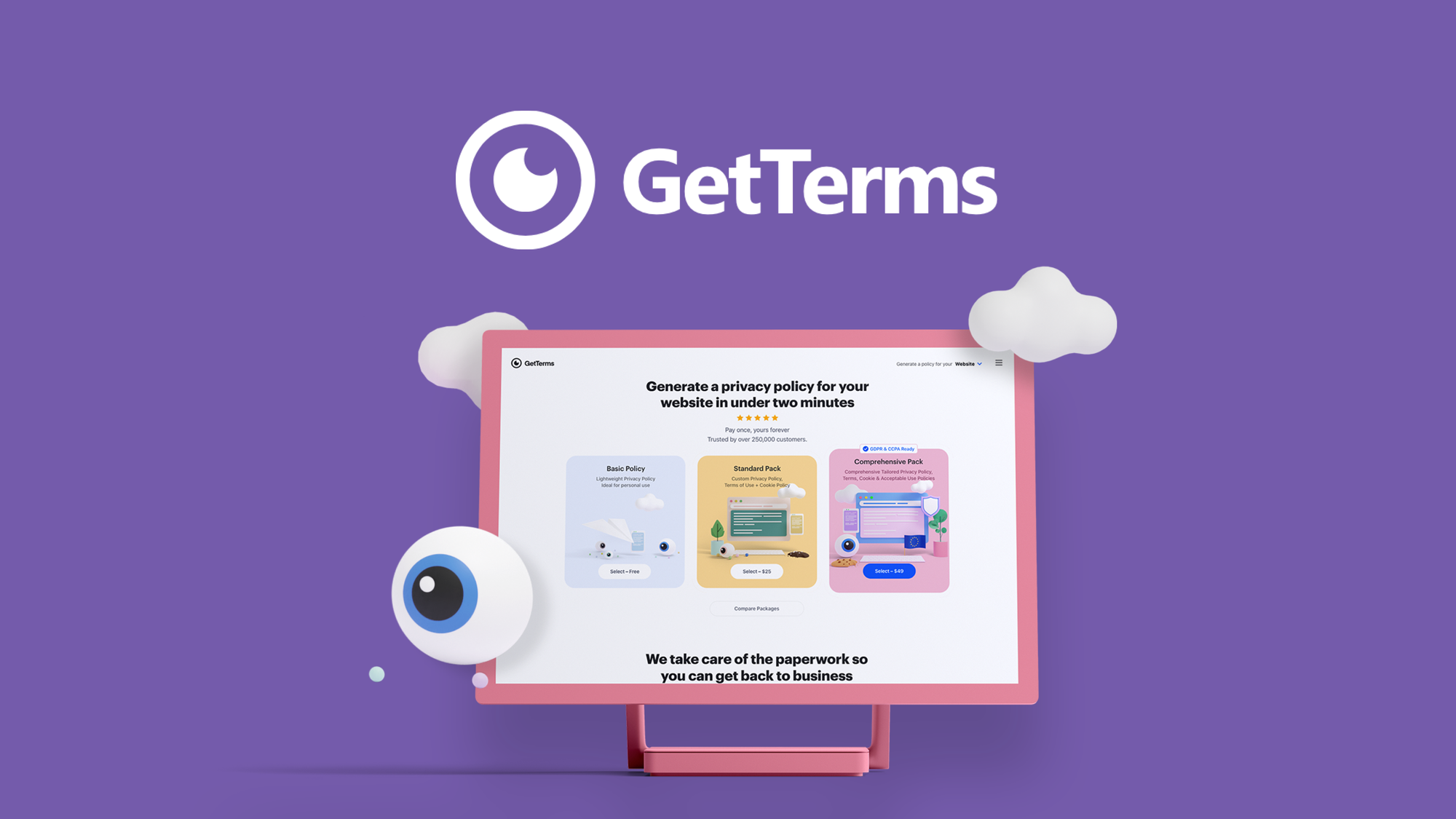
What is GetTerms?
Key features
Cookie banner builder
Create customised consent notices that match your website design and comply with regional regulations
Policy generator
Automatically produce privacy policies, terms of service, and cookie policies tailored to your business
Regulatory coverage
Supports compliance with GDPR, CCPA, LGPD, and other major data protection frameworks
Template customisation
Adjust generated policies to reflect your specific data practices and services
Multi-language support
Generate policies in multiple languages for international audiences
Pros & cons
Advantages
- Faster and cheaper than hiring a lawyer for basic compliance documents
- Reduces legal risk by generating regulations-aware templates
- User-friendly interface requires no legal or technical background
- Helps you understand what data you're actually collecting and how you're using it
Limitations
- Generated policies may need review by legal counsel for complex business models or unusual data practices
- Limited to standard compliance scenarios; highly customised regulatory situations may require professional legal advice
- Relies on accurate answers from you about your data collection; incorrect information produces inaccurate policies
Use cases
A small e-commerce shop needing GDPR-compliant cookie banners for European customers
A SaaS company generating privacy policies for multiple regional requirements
A content publisher adding compliant consent notices without redesigning the site
A startup creating foundational legal documents before launch
A website owner updating policies to comply with new regulations in their jurisdiction
Ready to try GetTerms?
Pricing
Starter
Varies; available via AppSumo
Basic cookie banner and policy generation for a single website
Professional
Varies; available via AppSumo
Multiple website support, advanced customisation, and ongoing policy updates
Get started with GetTerms
Click through to GetTerms and start using it now.