
Copilot
AI pair programmer by GitHub
- Paid
- Web, VS Code, Visual Studio, JetBrains IDEs, Neovim, API
- IDEs & Editor ExtensionsDebugging & TestingAI Tools for Programming
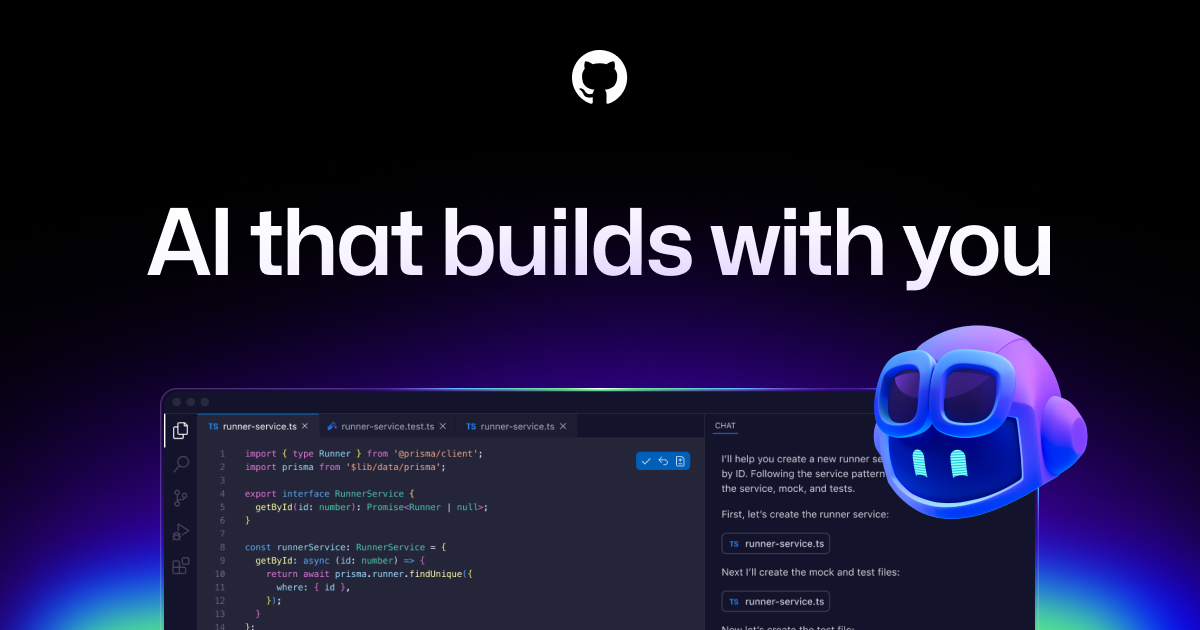
What is Copilot?
Key features
Code completion and suggestion
Real-time code suggestions and auto-completions as you type, powered by AI trained on public code repositories
Function generation
Automatically generates entire functions based on comments and context, reducing manual coding
Multi-language support
Works across dozens of programming languages including Python, JavaScript, TypeScript, Go, Ruby, Java, C++, and more
Debugging assistance
Helps identify bugs and suggests fixes based on code patterns and common issues
IDE integration
smoothly integrates with popular editors including VS Code, Visual Studio, JetBrains IDEs, Neovim, and others
Contextual awareness
Understands project context and coding style to provide relevant, personalise suggestions
Pros & cons
Advantages
- Significantly accelerates development speed by reducing time spent on routine coding tasks
- Supports many programming languages and frameworks, making it versatile across different tech stacks
- Integrates smoothly into existing workflows and popular development tools without disruption
- Helps developers learn new languages and frameworks by providing real-time examples and patterns
- Reduces boilerplate code and repetitive coding, allowing developers to focus on complex logic
Limitations
- Requires a paid subscription after the trial period, which may be a consideration for individual developers or small teams
- AI-generated code quality varies and may sometimes require review or refinement; not always production-ready
- Privacy and licensing concerns exist around code suggestions trained on public repositories, with potential implications for proprietary development
Use cases
Accelerating development timelines by auto-completing boilerplate code and routine functions
Learning new programming languages and frameworks through contextual code examples
Reducing development costs for teams by improving developer productivity and code generation speed
Debugging and troubleshooting code issues with AI-powered suggestions for fixes
Building prototypes and MVPs quickly with minimal manual coding effort
Ready to try Copilot?
Pricing
Free Trial
Free
Limited access to Copilot features for individual developers to try the service
Individual
$10/month or $100/year
Full access to Copilot for individual developers using supported IDEs and editors
Business
$19/month per user
Team-based access with admin controls, policy management, and organizational features for businesses
Enterprise
Custom pricing
Advanced security, compliance, and deployment options for large-scale enterprise implementations
Get started with Copilot
Click through to Copilot and start using it now.