
GitMind AI
AI-enhanced mind mapping for dynamic collaboration and creativity.
- Freemium
- Web, iOS, Android
- AI Team Collaboration ToolsMind Map AIDeveloper Tools
- Free plan available
- No credit card
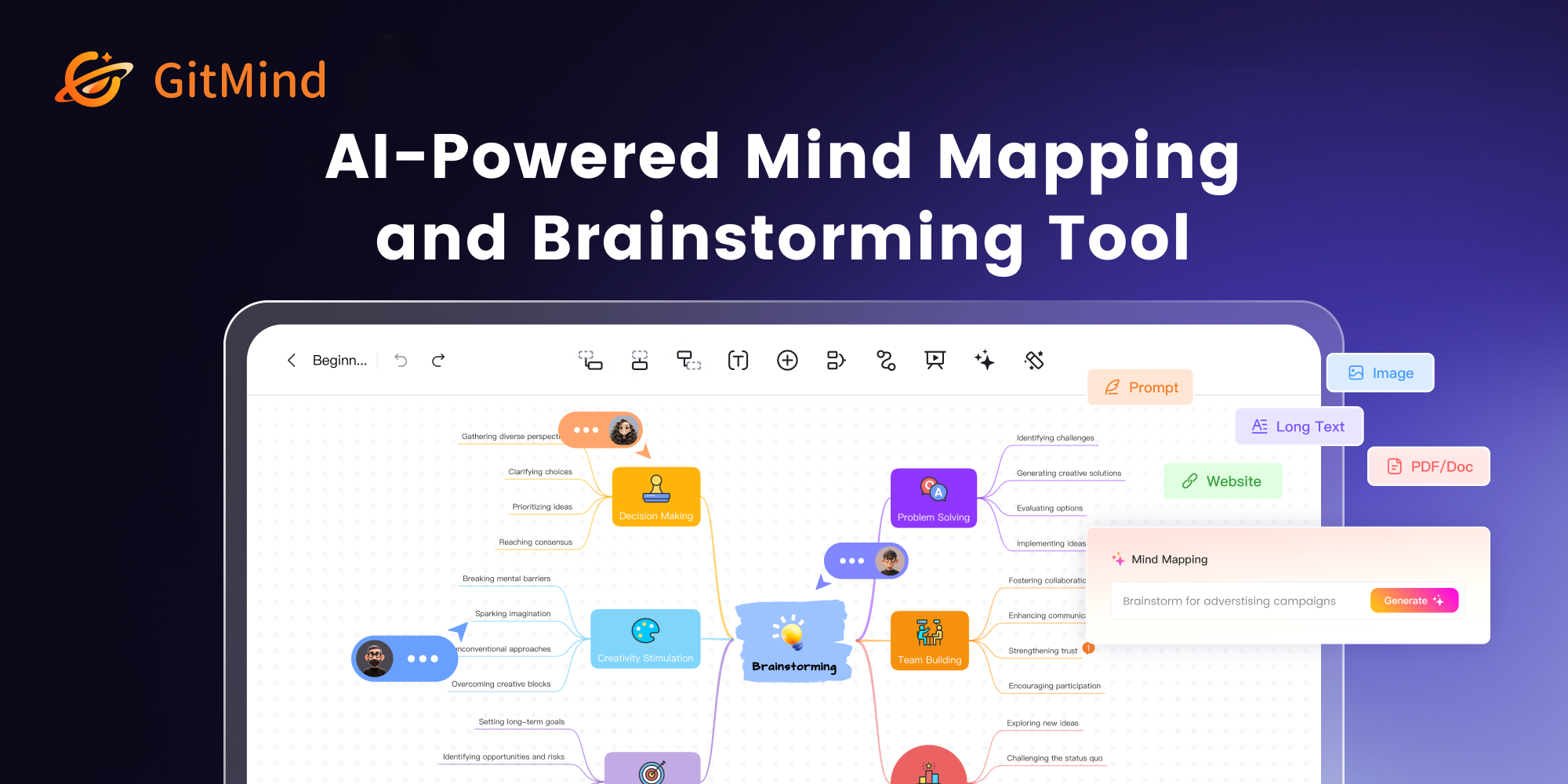
What is GitMind AI?
Key features
AI-assisted content generation
automatically suggests ideas, text expansions, and diagram elements based on your input
Real-time collaborative editing
multiple users can work on the same mind map simultaneously
Multiple diagram types
support for mind maps, flowcharts, organisational charts, and other visual structures
Template library
pre-built templates for common planning scenarios like project timelines and decision trees
Export and integration options
save diagrams in various formats and connect with other productivity tools
Cloud-based storage
access your work across devices without manual syncing
Pros & cons
Advantages
- Free tier is genuinely useful for individuals and small groups without requiring payment
- AI features help overcome blank page problem and accelerate brainstorming sessions
- Collaborative features make it straightforward to involve team members in real-time planning
- Web-based platform means no installation required and easy access from any device
Limitations
- AI suggestion quality depends on initial input clarity; vague prompts may produce less useful recommendations
- Offline functionality appears limited; the tool is primarily cloud-dependent
- Learning curve for new users unfamiliar with mind mapping concepts or the interface layout
Use cases
Project planning: map out project phases, dependencies, and resource allocation before work begins
Brainstorming sessions: capture and organise ideas from team discussions with AI helping to expand on raw concepts
Content strategy: plan article structures, content calendars, or information architecture for websites
Educational use: help students visualise complex topics, relationships between concepts, or essay structure
Process documentation: create flowcharts for workflows, decision trees, or standard operating procedures
Ready to try GitMind AI?
Pricing
Get started with GitMind AI
Click through to GitMind AI and start using it now.
- Free plan available
- No credit card