
GitSquid
Fast, lightweight Git GUI for developers
- Freemium
- macOS, Windows
- AI for DevelopersDeveloper ToolsCode
- Free plan available
- No credit card
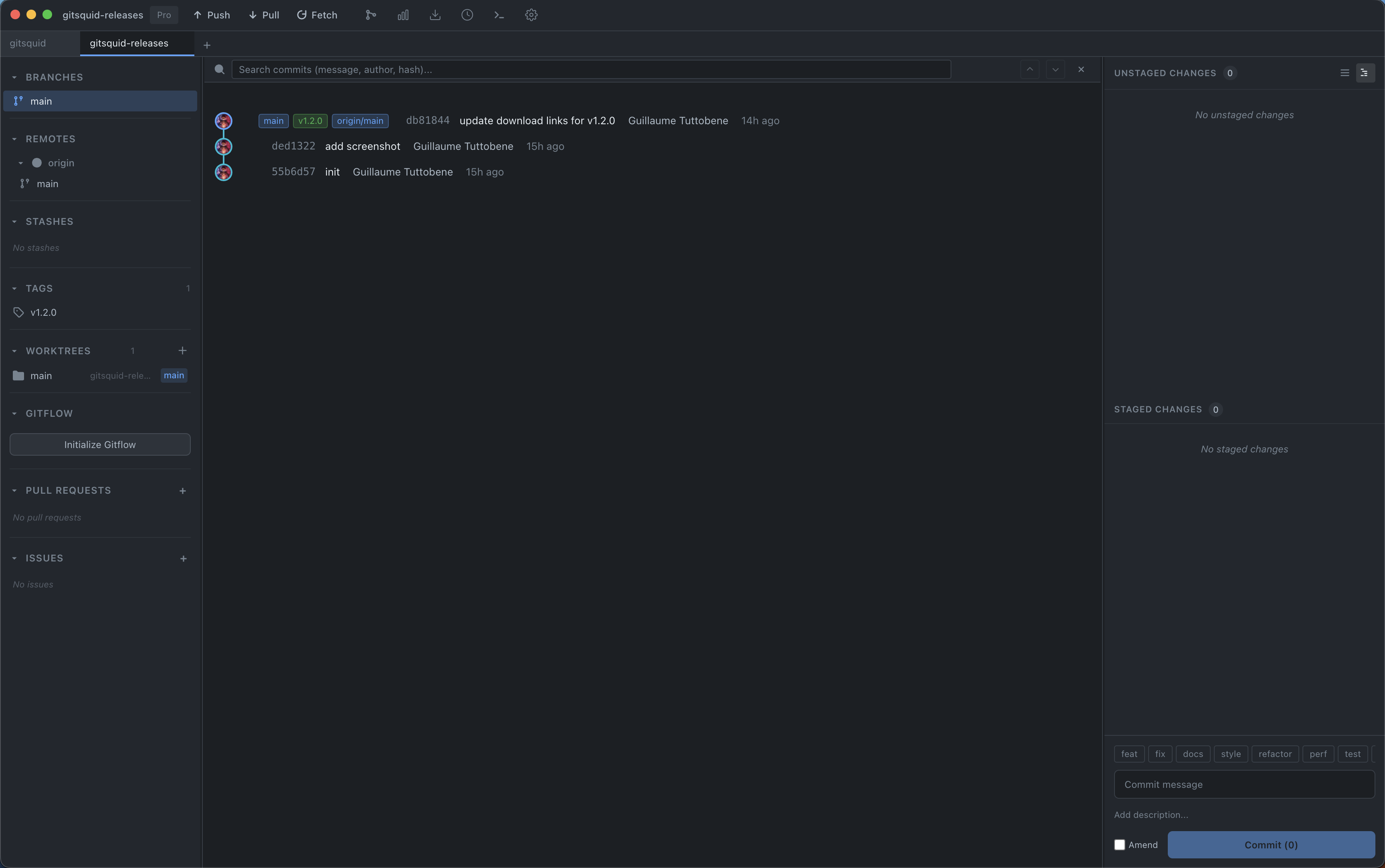
What is GitSquid?
Key features
Git repository visualisation
view commit history, branches, and changes in a clear visual format
Core Git operations
commit, push, pull, branch creation and merging through the interface
Repository management
handle multiple repositories and switch between them
Lightweight design
minimal resource usage compared to full-featured Git clients
Change staging
selectively stage and commit file changes
Diff viewing
inspect changes between commits and working directory
Pros & cons
Advantages
- Fast and responsive due to lightweight architecture
- Free tier available for individual developers
- Simpler learning curve than complex Git clients
- Lower system resource requirements than IDE-based Git tools
Limitations
- Limited to core Git operations; advanced features may not be available
- Smaller user base means fewer tutorials and community resources compared to established tools
- Feature set may feel restrictive for teams needing integrated project management
Use cases
Developers switching between multiple small projects who need quick repository switching
Teams preferring visual Git workflows without heavyweight IDE integration
Solo developers working on personal or open source projects
Users on machines with limited resources who need a responsive Git client
Developers wanting to avoid the command line for routine Git tasks
Ready to try GitSquid?
Pricing
Get started with GitSquid
Click through to GitSquid and start using it now.
- Free plan available
- No credit card