G Maps Extractor
- Freemium
- Web
- AI Tools for Business Development
- Free plan available
- No credit card
What is G Maps Extractor?
Key features
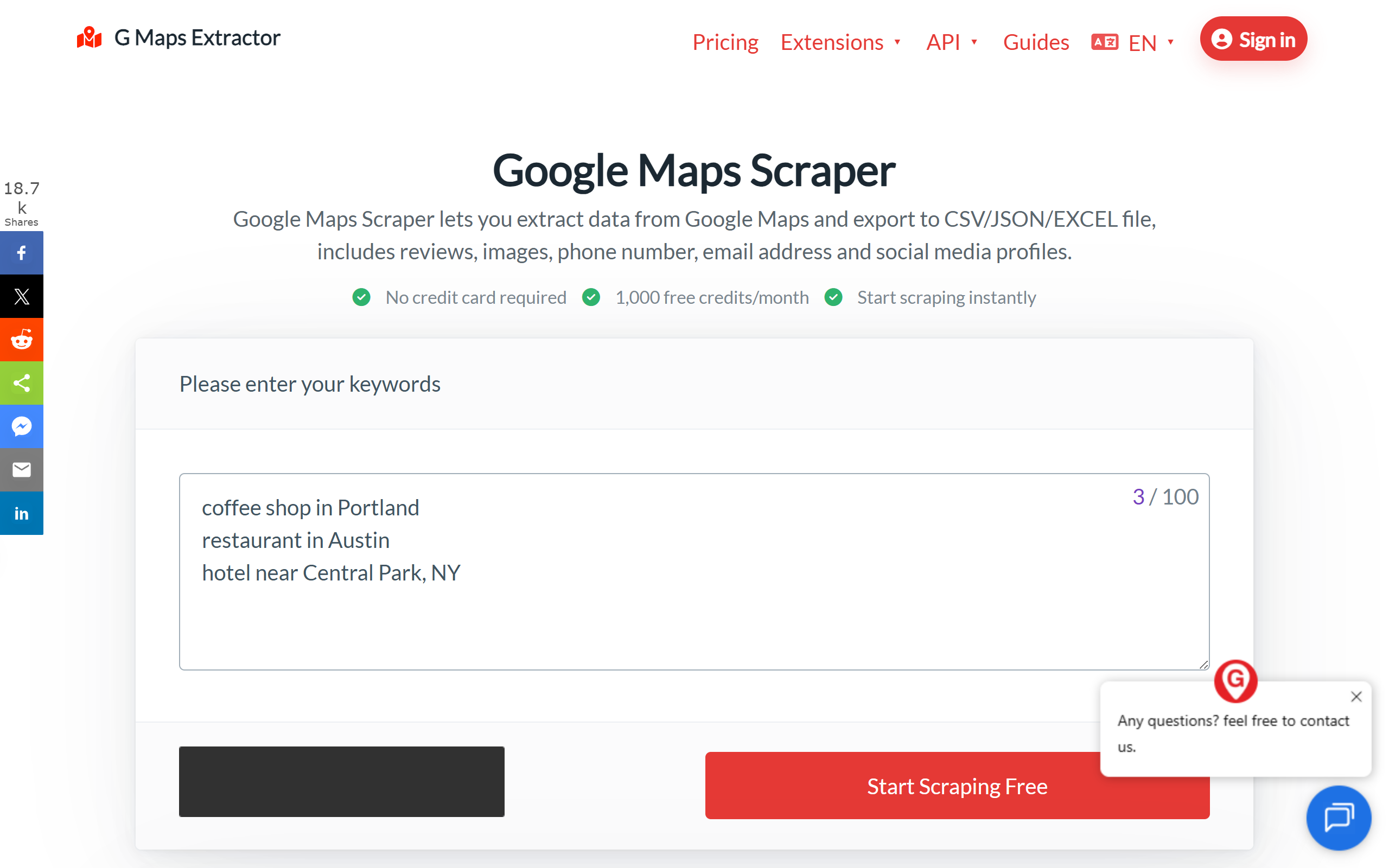
One-click CSV export
select a location or search result and download structured business data instantly
Multi-field extraction
collects phone numbers, email addresses, websites, review counts, ratings, images, and social profiles
Batch processing
export multiple business listings at once rather than collecting data one-by-one
Local search support
query by geography, category, or business name to target specific areas or industries
Data cleaning
output is formatted for immediate use in spreadsheets or CRM systems
Pros & cons
Advantages
- Saves significant time on manual research and data entry for contact lists
- Includes social media profiles and review data alongside basic contact information
- Free tier lets you test the functionality before paying
- Output is immediately usable in Excel, Google Sheets, or most CRM platforms
Limitations
- Google Maps data can be incomplete or outdated for some businesses, particularly smaller or newer listings
- Extracting large volumes of data may be restricted or require paid tier access
- Accuracy depends on how thoroughly businesses have filled out their Google Maps profiles
Use cases
Building targeted prospect lists for B2B outreach campaigns in specific regions or industries
Gathering contact information for local business directories or market analysis
Researching competitor locations and gathering their published contact details
Compiling review data to analyse customer sentiment across multiple locations
Exporting business information for CRM imports or sales team databases
Ready to try G Maps Extractor?
Pricing
Paid (freemium model)
Pricing varies
Higher extraction limits; larger batch processing; priority support; custom export options
Get started with G Maps Extractor
Click through to G Maps Extractor and start using it now.
- Free plan available
- No credit card