
GoEnhance AI
Transform videos, enhance images, animate characters effortlessly.
- Freemium
- Web
- Text-to-Image ModelsVideoAnimation & Motion
- Free plan available
- No credit card
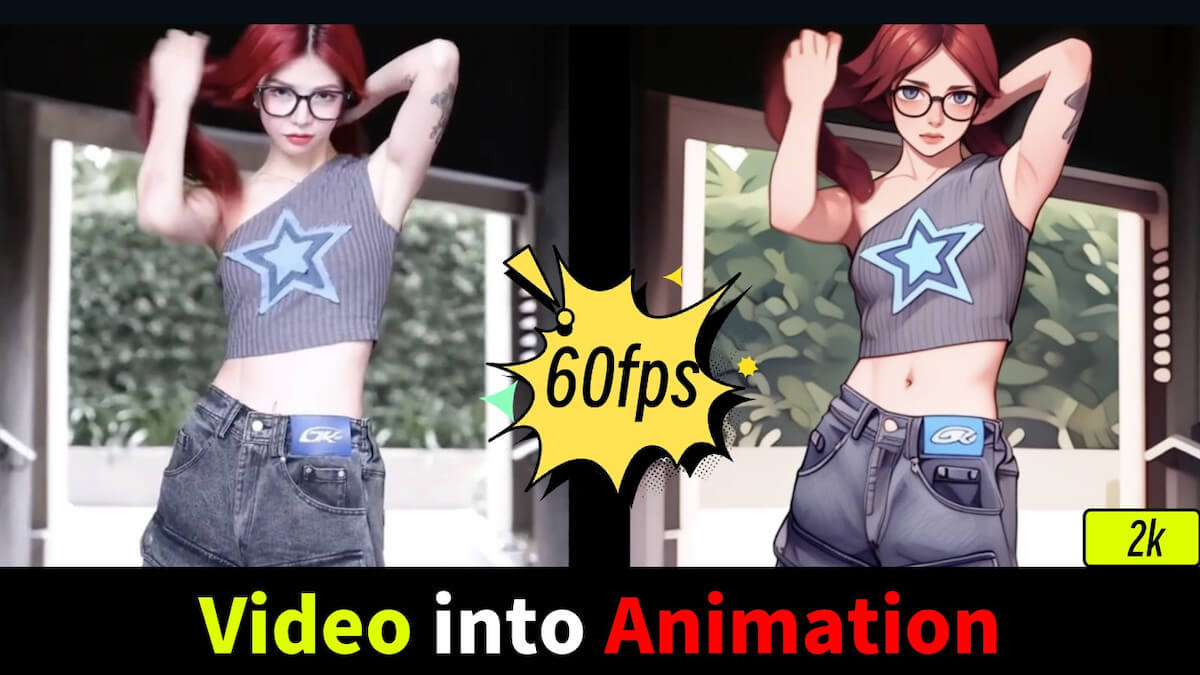
What is GoEnhance AI?
GoEnhance AI is a web-based tool for improving video and image quality, plus creating character animations. It handles common post-production tasks like upscaling images, enhancing video resolution, and generating animated characters from static images or descriptions. The tool is aimed at content creators, social media managers, video producers, and anyone who wants to improve media quality without specialist software skills. It operates on a freemium model, allowing you to try basic features free whilst paid tiers enable higher resolutions and batch processing.
Key features
Video enhancement
improve video resolution and quality
Image upscaling
enlarge images whilst maintaining detail
Character animation
convert static images or descriptions into animated characters
Batch processing
process multiple files at once on paid plans
Cloud-based editing
no software installation required
Pros & cons
Advantages
- Accessible to non-technical users; straightforward interface
- No software installation needed; works entirely in your browser
- Free tier available for experimenting with features
- Handles multiple media types (video, images, character animation) in one tool
Limitations
- Free tier likely has output resolution or file size limits
- Processing times may be lengthy for high-resolution or batch work
- Results quality depends on input material and may not match professional editing software
Use cases
Social media creators enhancing video clips before uploading
Content creators upscaling lower-resolution archived footage
Animation projects requiring character creation from reference images
Marketing teams improving product photography for websites
Small video production teams working with budget constraints
Ready to try GoEnhance AI?
Pricing
Get started with GoEnhance AI
Click through to GoEnhance AI and start using it now.
- Free plan available
- No credit card