
Google Data Studio
Create visually stunning charts and graphs, integrate with Google’s suite of products, collaborate with teams, and share insights.
- Always free
- No credit card
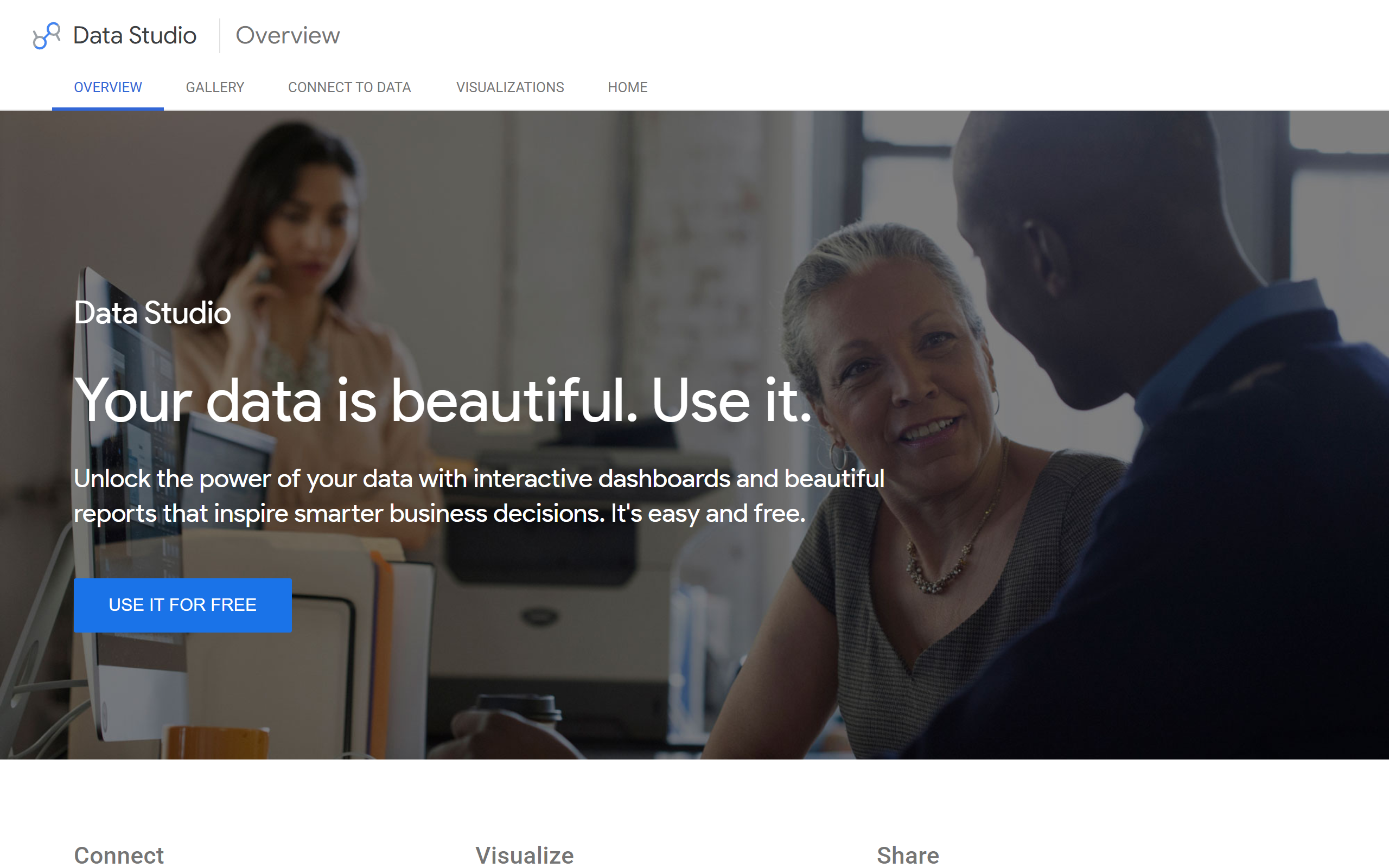
What is Google Data Studio?
Key features
Direct connectors to Google Analytics, Google Ads, Google Sheets, BigQuery and other Google products
Drag-and-drop report builder with pre-made chart types, tables, scorecards and maps
Interactive filters and date range controls for exploring data
Real-time automatic data updates from connected sources
Collaboration tools with granular sharing permissions and access controls
Scheduled email reports and distribution to specified recipients
Data blending to combine multiple data sources in one report
Template gallery with pre-built dashboards for quick setup
Mobile-responsive reports that work on different screen sizes
Pros & cons
Advantages
- Completely free with no feature restrictions or hidden costs
- Integrates well with Google products most teams already use
- No coding required to build professional reports
- Real-time data updates automatically from connected sources
- Simple sharing and collaboration within your organisation
- Suitable for small to medium-sized teams
- Works across devices with responsive design
Limitations
- Limited advanced statistical and analytical capabilities compared to enterprise tools
- Design customisation options are restricted
- Performance can degrade with very large datasets
- Steep learning curve for complex data relationships and calculations
- Fewer data connectors than some competitors like Tableau or Looker
- No offline viewing or data updates
- Some complex calculated fields are not possible across all data sources
Use cases
Marketing teams tracking campaign performance, traffic and ROI across channels
E-commerce businesses monitoring sales, conversion rates and customer behaviour
Agencies creating monthly performance reports for clients
HR teams visualising headcount, turnover and performance metrics
Finance teams tracking budgets, spending and forecasts
Operations teams monitoring KPIs and process metrics across departments
Ready to try Google Data Studio?
Pricing
Free
Free
Unlimited reports and dashboards; unlimited data sources; collaboration and sharing; real-time data updates; no feature restrictions
Get started with Google Data Studio
Click through to Google Data Studio and start using it now.
- Always free
- No credit card