Google Translate AI
Instant translations across 100+ languages, voice, text, and image.
- Free
- Web, iOS, Android, Chrome Extension, API
- WritingVoice & SpeechArt & Illustration
- Always free
- No credit card
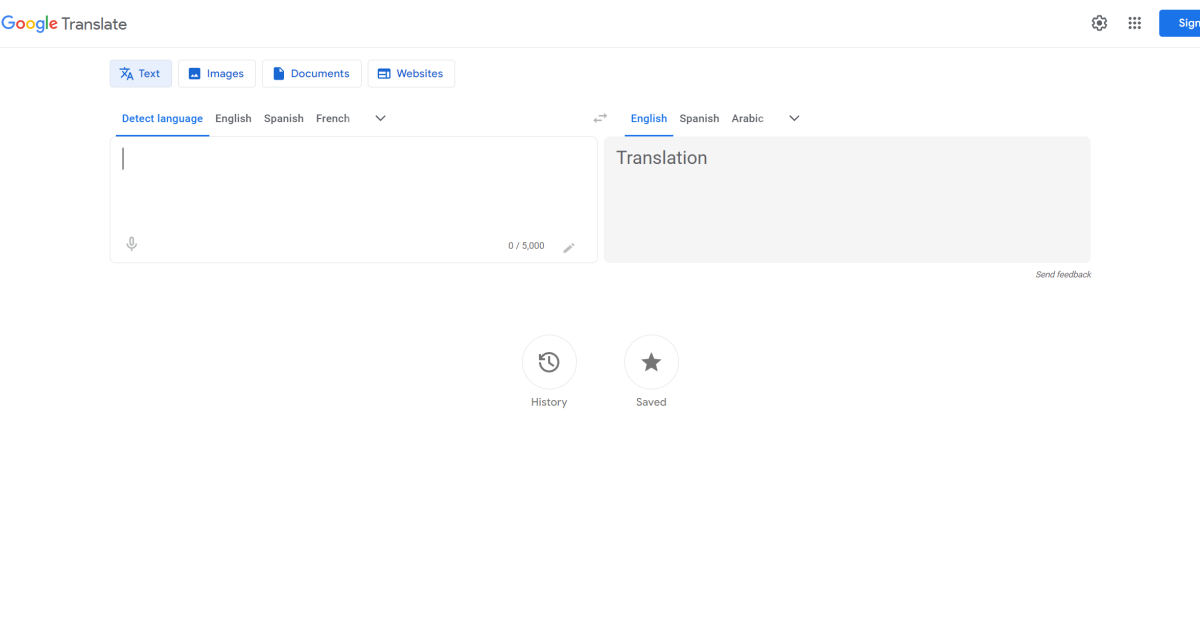
What is Google Translate AI?
Key features
Text translation
Type or paste text to translate between 100+ languages
Voice input
Speak directly into the tool for instant spoken translation
Image translation
Upload or photograph text to translate words visible in images
Real-time conversation mode
Translate back-and-forth dialogue between two speakers
Camera translation
Point your device camera at text to see translations overlaid in real-time
Transliteration
See how words are written in different alphabets and scripts
Pros & cons
Advantages
- Completely free with no sign-up required
- Supports over 100 languages, covering most major and many minor languages worldwide
- Multiple input methods make it flexible for different situations and devices
- Fast results suitable for quick reference and informal communication
Limitations
- Accuracy varies considerably; complex sentences, idioms, and technical jargon often produce awkward or incorrect translations
- Lacks context awareness, so translations don't always account for cultural nuance or regional variations in language use
- Not suitable for professional, legal, or medical documents where precision is critical
Use cases
Understanding foreign language websites, articles, and social media posts
Communicating basic phrases whilst travelling in countries where you don't speak the language
Translating product labels, menus, or signage using your camera
Getting the general meaning of emails or messages from non-English speakers
Learning how words are pronounced and written in different languages
Ready to try Google Translate AI?
Pricing
Free
Free
All core translation features including text, voice, image, and camera translation across 100+ languages
Get started with Google Translate AI
Click through to Google Translate AI and start using it now.
- Always free
- No credit card