
GoToMeeting
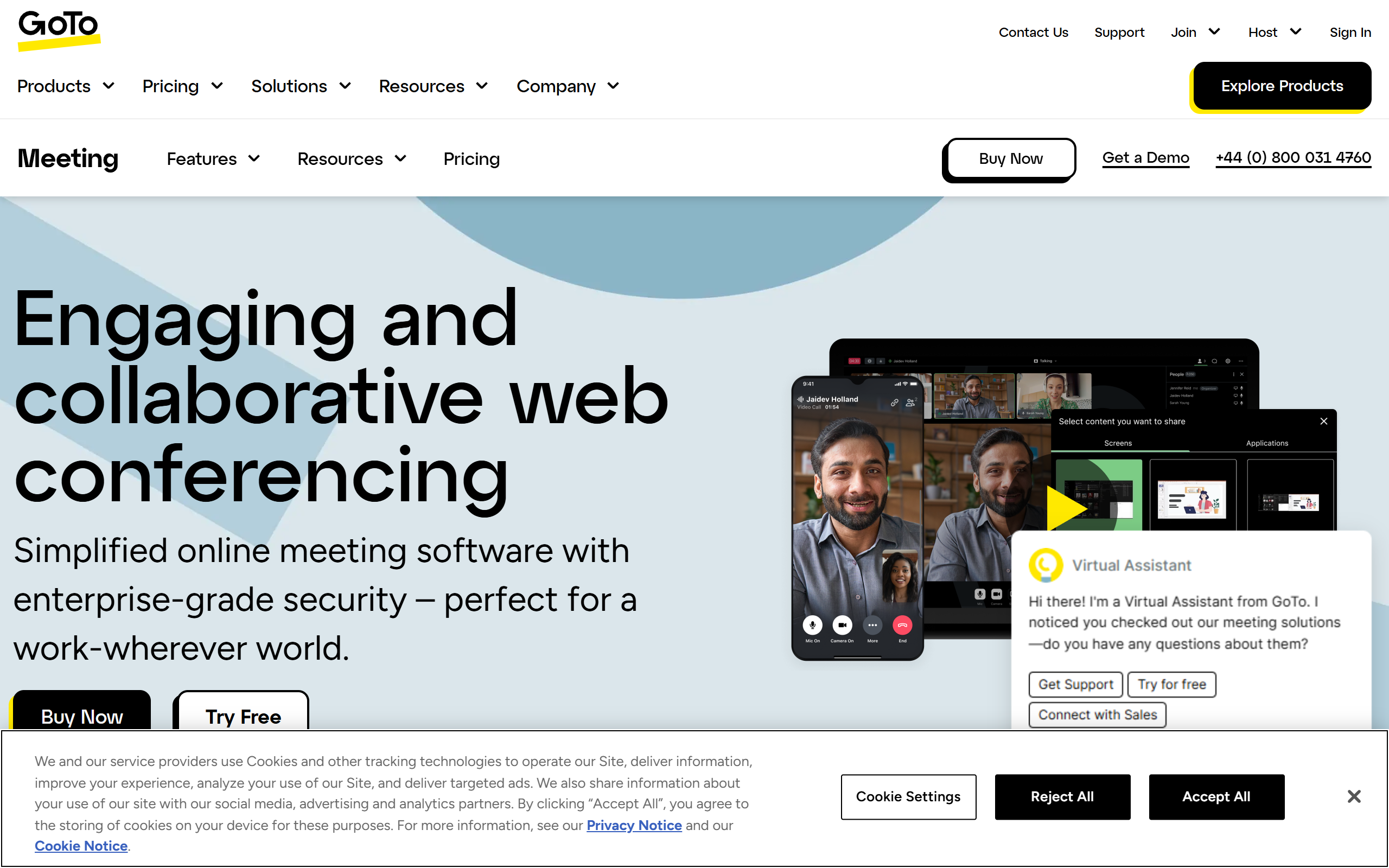
Host virtual meetings, share screens and documents, and enjoy secure video calls with end-to-end encryption.
- Free plan available
- No credit card
What is GoToMeeting?
Key features
Video conferencing
host and join meetings with multiple participants using encrypted video calls
Screen sharing
share your screen or specific applications with other meeting participants in real time
Document sharing
upload and share files during meetings for collaborative review
Meeting recording
record sessions locally or to the cloud for future reference
Calendar integration
schedule meetings and send invitations directly from your calendar application
Participant controls
manage attendees, mute participants, and control meeting access
Pros & cons
Advantages
- Free tier available for small meetings, making it accessible without upfront cost
- End-to-end encryption provides genuine security for sensitive conversations
- Simple interface that doesn't require extensive training or technical knowledge
- Works across multiple devices and operating systems without friction
Limitations
- Limited participant count on the free tier may restrict use for larger organisations
- Fewer advanced features compared to some competitors in collaboration and breakout rooms
- Requires a separate login or account creation, which can be a friction point for occasional users
Use cases
Team standups and regular department meetings for remote or hybrid workforces
Client calls and presentations where you need to share documents and screens
Training sessions where recording and playback are important for participants who can't attend live
One-to-one meetings between managers and direct reports
Board meetings and executive discussions requiring confidentiality and security
Ready to try GoToMeeting?
Pricing
Free
Free
Limited participant count (typically up to 3 participants), up to 40-minute meetings, basic screen sharing and recording
Pro
Pricing varies by region and subscription length
Unlimited meetings, up to 150 participants, extended meeting duration, priority support, advanced recording options
Business
Pricing varies by region and subscription length
All Pro features plus up to 500 participants, custom branding, enhanced administrative controls, dedicated account support
Get started with GoToMeeting
Click through to GoToMeeting and start using it now.
- Free plan available
- No credit card