
goVeliro
Auto video captions. 100% offline. Goveliro.
- Freemium
- Windows, macOS
- VideoAI Tools for CaptionsAI Video Generators
- Free plan available
- No credit card
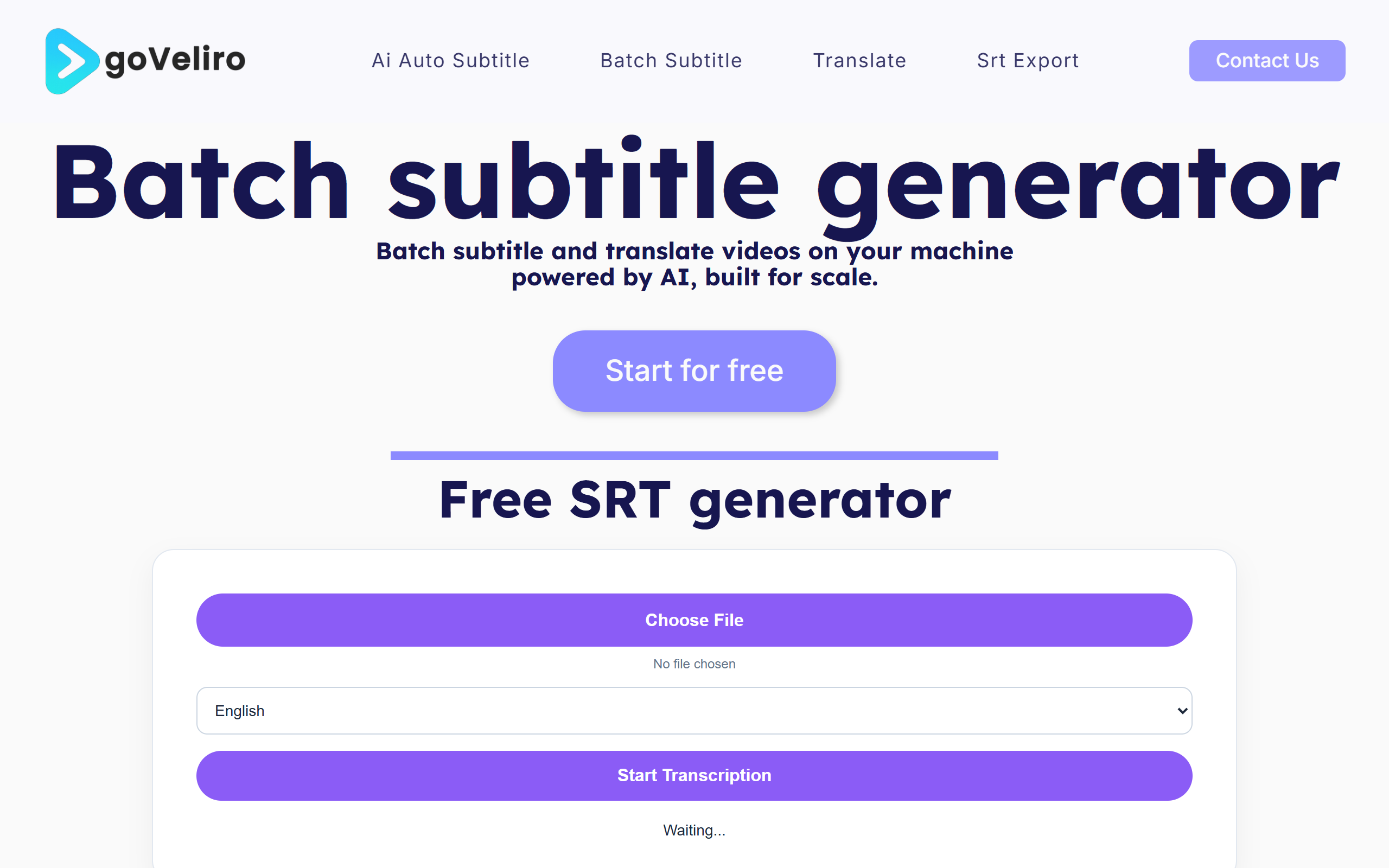
What is goVeliro?
Key features
Offline processing
all captioning happens locally on your device with no cloud upload required
Automatic speech recognition
detects spoken dialogue and converts it to text captions
Multiple language support
processes videos in different languages
Caption editing
review and adjust generated captions before finalising
Export options
save captions in common formats for use in video editing software
Pros & cons
Advantages
- Privacy-focused approach means your video content never leaves your device
- Works without internet connection, useful in locations with poor connectivity
- No reliance on third-party servers reduces costs and processing delays
- Freemium model lets you try the tool before committing to paid features
Limitations
- Offline processing depends on your device's processing power, which may be slower than cloud-based alternatives
- Accuracy of automatic captions may vary depending on audio quality and accents
- Limited information available about the paid tier features and pricing structure
Use cases
Content creators who need to caption videos quickly without uploading to cloud services
Organisations handling confidential or proprietary video content
Accessibility improvements for video libraries in corporate intranets
Video creators in regions with limited or expensive internet access
Educators preparing lecture videos with captions for students
Ready to try goVeliro?
Pricing
Premium
Pricing not publicly specified
Additional features likely include higher processing priority, larger file support, or advanced editing options
Get started with goVeliro
Click through to goVeliro and start using it now.
- Free plan available
- No credit card