
GPTLocalhost
A local Word Add-in for you to use local LLM servers in Microsoft Word. Alternative to "Copilot in Word" and completely local.
- Freemium
- Windows, Web
- WritingWorkflow AutomationDocument Management
- Free plan available
- No credit card
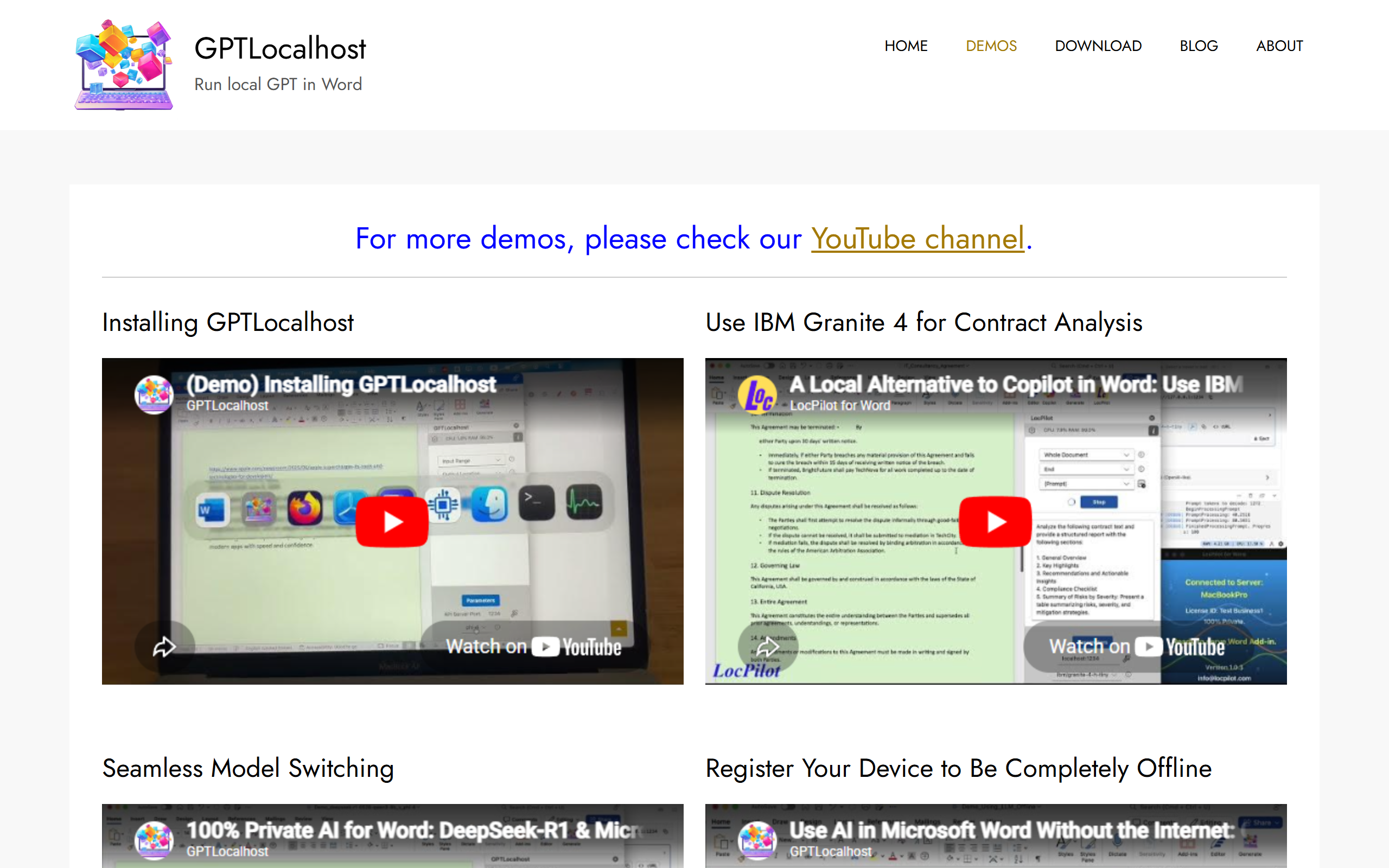
What is GPTLocalhost?
Key features
Local LLM Integration
Run language models on your own servers without cloud dependency or data transmission to external services
Microsoft Word Add-in
smooth integration directly into Word for native document processing and assistance
Model Switching
Easily switch between different LLM models to match specific use cases and requirements
Specialized Model Support
Compatible with enterprise models like IBM Granite 4 for specialise tasks such as contract analysis
Privacy-First Architecture
Complete data control with no external API calls or cloud storage requirements
Open-Source Compatible
Support for open-source language models enabling cost-effective and customizable deployments
Pros & cons
Advantages
- Complete privacy and data control, no data sent to cloud providers or third parties
- Cost-effective alternative to subscription-based cloud AI tools like Microsoft Copilot
- Flexibility to choose and switch between multiple LLM models based on specific needs
- No recurring subscription costs for the core functionality with freemium model
- Ideal for enterprises with strict compliance and data governance requirements
Limitations
- Requires local infrastructure and computational resources to run LLM servers, which may demand significant hardware investment
- Setup and installation complexity may be higher than cloud-based alternatives for non-technical users
- Performance depends on local hardware capabilities rather than scalable cloud resources
Use cases
Legal departments analysing contracts and agreements with sensitive client information using specialise models
Enterprise document processing where data cannot leave company infrastructure due to compliance requirements
Financial institutions processing confidential documents and reports requiring maximum privacy
Research organizations working with proprietary or classified information
Teams seeking cost reduction by eliminating cloud AI subscription fees while maintaining advanced capabilities
Ready to try GPTLocalhost?
Pricing
Free
Free
Basic local LLM integration with Word Add-in, model switching capabilities, and community support
Premium/Pro
Contact for pricing
Enhanced features, priority support, enterprise model compatibility, and specialized deployment options
Get started with GPTLocalhost
Click through to GPTLocalhost and start using it now.
- Free plan available
- No credit card