
Grammarly
AI writing assistant for grammar, style, and tone
- Freemium
- Web, Chrome Extension, Safari Extension, Firefox Extension, Edge Extension, Windows, macOS, iOS, Android, Microsoft Office (Word, Outlook), Google Docs, API
- WritingAI Writing AssistantsDocument Management
- Free plan available
- No credit card
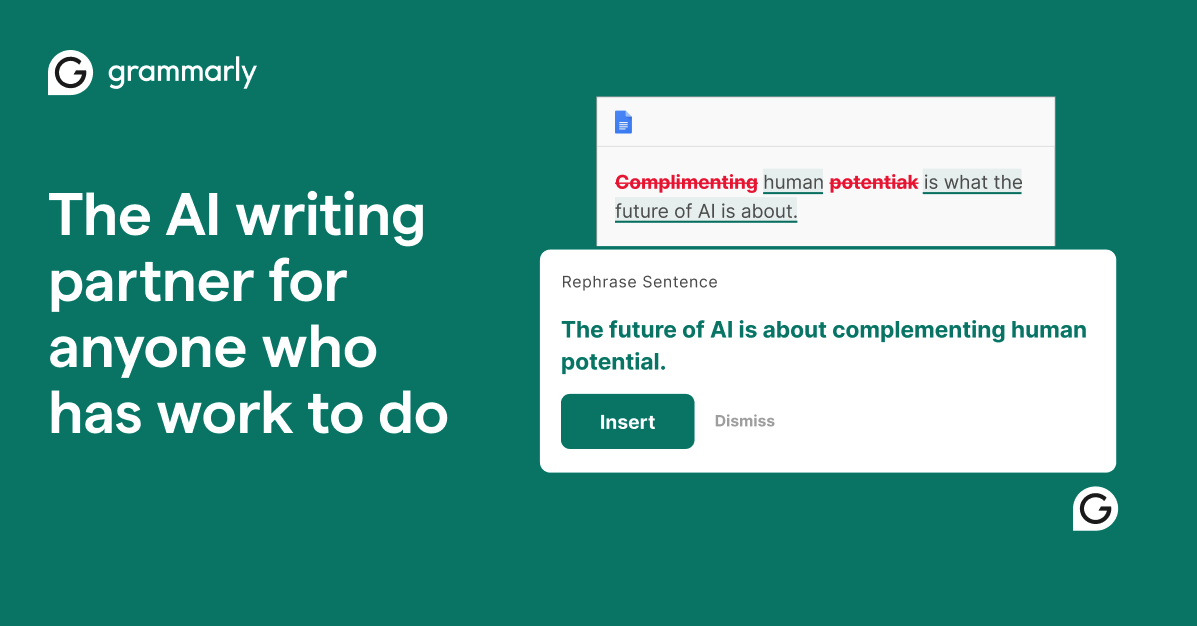
What is Grammarly?
Key features
Real-time grammar and spelling detection
Identifies and corrects grammatical errors, typos, and spelling mistakes as you type
Style and tone adjustment
Analyzes writing style and suggests revisions to match specific tones (formal, friendly, confident, etc.) or audience contexts
AI-powered text rewriting
Generates alternative phrasings and sentence structures to improve clarity and conciseness
Plagiarism detection
Premium feature that checks written content against billions of web pages and academic sources
Browser extension integration
Works across multiple platforms and websites including Gmail, LinkedIn, Twitter, and Microsoft Office
Generative AI composition
Helps users draft content from prompts, including emails, cover letters, and social media posts
Pros & cons
Advantages
- smooth integration across multiple writing platforms and applications
- User-friendly interface with clear, actionable suggestions
- Useful for both native English speakers and non-native speakers
- Free tier provides solid foundational writing assistance
- Advanced AI features help improve clarity and tone beyond basic grammar
Limitations
- Premium subscription required for advanced features like plagiarism detection and full generative capabilities
- Can sometimes provide overly conservative suggestions that alter intended voice or style
- Requires account creation and data sharing with Grammarly servers
Use cases
Professional email and business communication: Ensuring clear, polished business correspondence
Academic writing: Improving essays and research papers for grammar, style, and plagiarism concerns
Content creation: Helping bloggers, marketers, and social media managers optimise posts and articles
Job applications: Refining resumes, cover letters, and LinkedIn profiles for maximum impact
Non-native English speakers: Developing English language skills and confidence in written communication
Ready to try Grammarly?
Pricing
Free
Free
Basic grammar, spelling, and punctuation corrections; basic tone detection; browser extension access
Premium
$12/mo (billed monthly) or $120/year
Advanced grammar and style suggestions; plagiarism detection; generative AI writing features; tone adjustments; comprehensive writing reports; priority support
Get started with Grammarly
Click through to Grammarly and start using it now.
- Free plan available
- No credit card