
Haiku Lens
Create stunning video content with custom transitions, an audio library, pre-made templates, and easy export to various formats.
- Free plan available
- No credit card
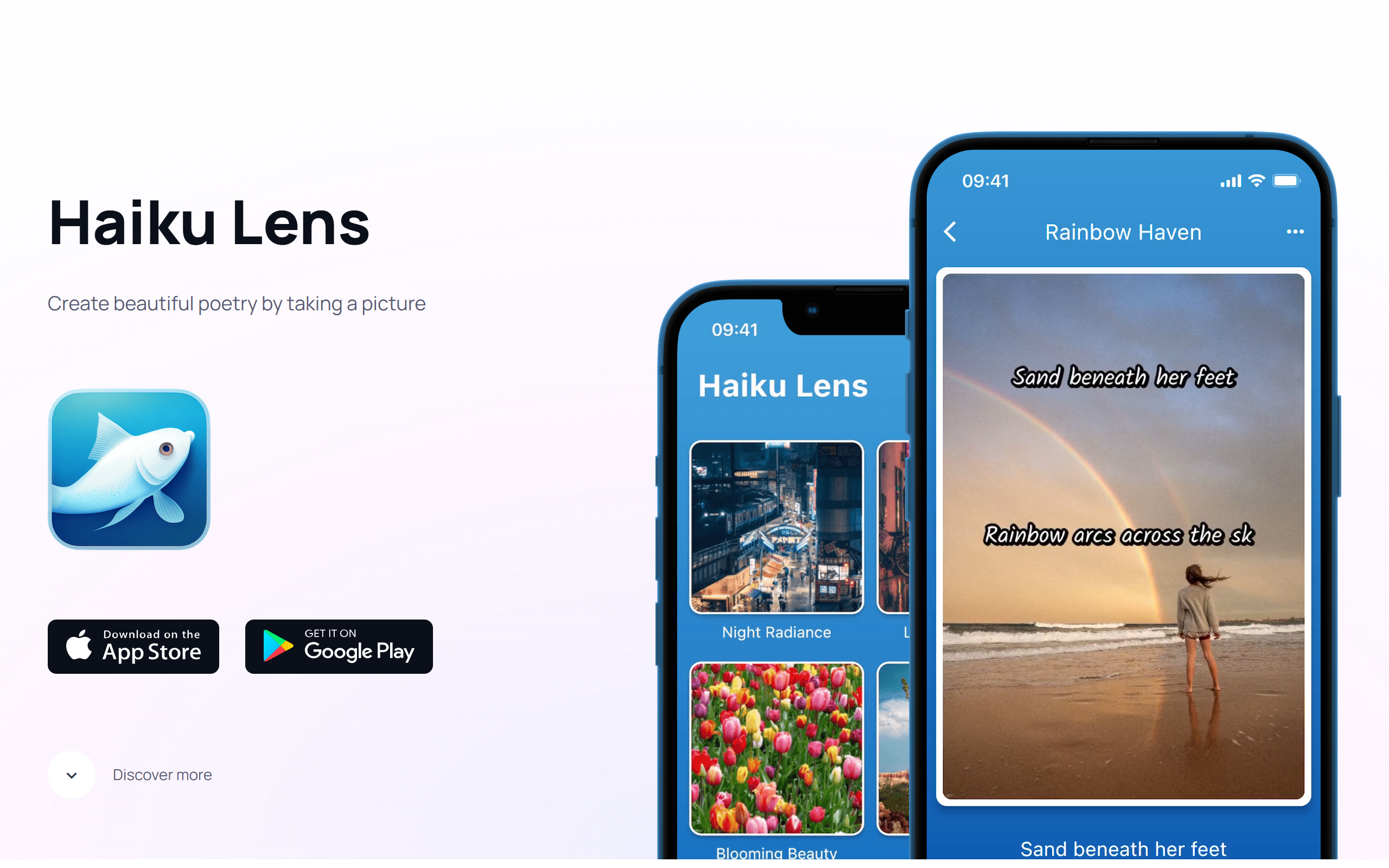
What is Haiku Lens?
Key features
Pre-made templates
ready-to-use video layouts and structures for common content types
Custom transitions
adjustable transition effects between clips to match your style
Audio library
collection of royalty-free music and sound effects for your videos
Multi-format export
save and publish to various formats and platforms directly
Drag-and-drop editing
straightforward interface for arranging clips and assets
Pros & cons
Advantages
- Free tier available so you can test the tool before paying
- Templates speed up production time if you publish content regularly
- Built-in audio library means you don't need to find music elsewhere
- Direct export to popular platforms reduces extra steps in your workflow
Limitations
- May feel limited if you need advanced editing capabilities or precise control
- Free tier likely includes watermarks or restrictions on export quality
- Limited information available about customisation options for power users
Use cases
Creating short social media videos with consistent branding
Editing product demonstrations or tutorials quickly
Assembling clips into polished YouTube thumbnails or preview videos
Making promotional content for small businesses or freelancers
Producing regular video content on a tight schedule
Ready to try Haiku Lens?
Pricing
Free
Free
Access to templates, transitions, and audio library with standard export options; likely includes watermark
Premium
Check website for current pricing
Removal of watermarks, higher export quality, additional templates and audio tracks, extended export options
Get started with Haiku Lens
Click through to Haiku Lens and start using it now.
- Free plan available
- No credit card