
Heyday Focus
Stay focused without quitting the internet.
- Free
- Web, Chrome Extension
- DesignHealthcare
- Always free
- No credit card
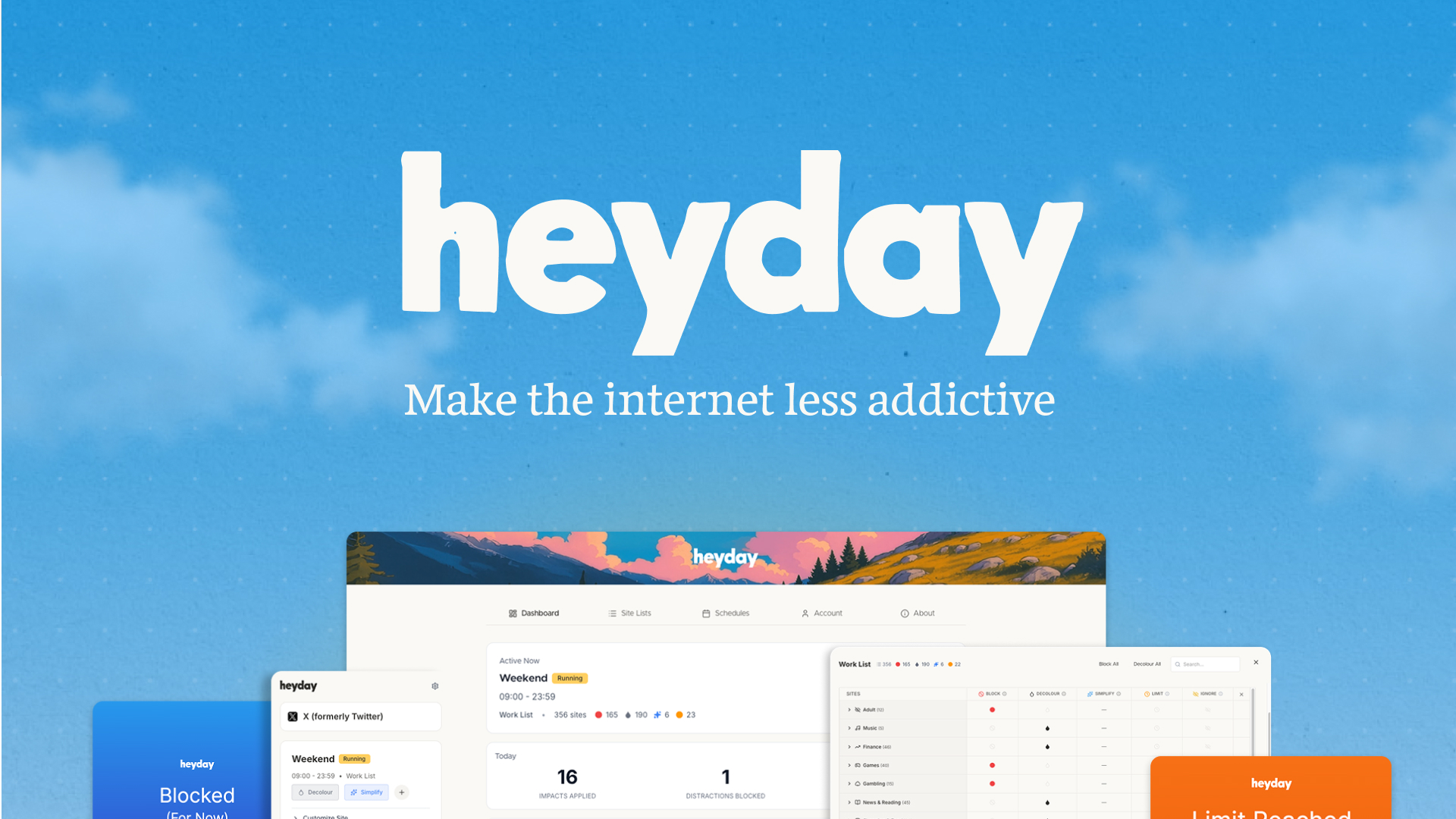
What is Heyday Focus?
Key features
Focus session timer
Set dedicated periods where distracting websites require extra steps to access
Website categorisation
Mark specific sites as distracting or allow-listed for uninterrupted access
Lightweight browser integration
Runs as a browser extension without needing separate applications
Customisable distraction list
Tailor which sites trigger focus mode based on your work habits
No account required option
Use basic features without signing up or sharing data
Pros & cons
Advantages
- Free to use with no subscription required
- Less extreme than site-blocking tools, allowing access if you really need it
- Quick to set up and doesn't require changing browser settings extensively
- Helps build awareness of distraction patterns through gentle friction rather than hard blocks
Limitations
- Relies on self-discipline since blocking can be circumvented if willpower wavers
- May not suit users who need complete website blocking rather than friction-based solutions
- Limited to browser-based distraction management; won't help with mobile or desktop app distractions
Use cases
Students focusing on coursework whilst needing research access
Remote workers preventing social media interruptions during work blocks
Freelancers managing their own time without IT department tools
Anyone practising time-blocking techniques who wants software support
People trying to reduce screen time habits gradually rather than go cold turkey
Ready to try Heyday Focus?
Pricing
Get started with Heyday Focus
Click through to Heyday Focus and start using it now.
- Always free
- No credit card