
HiClip AI
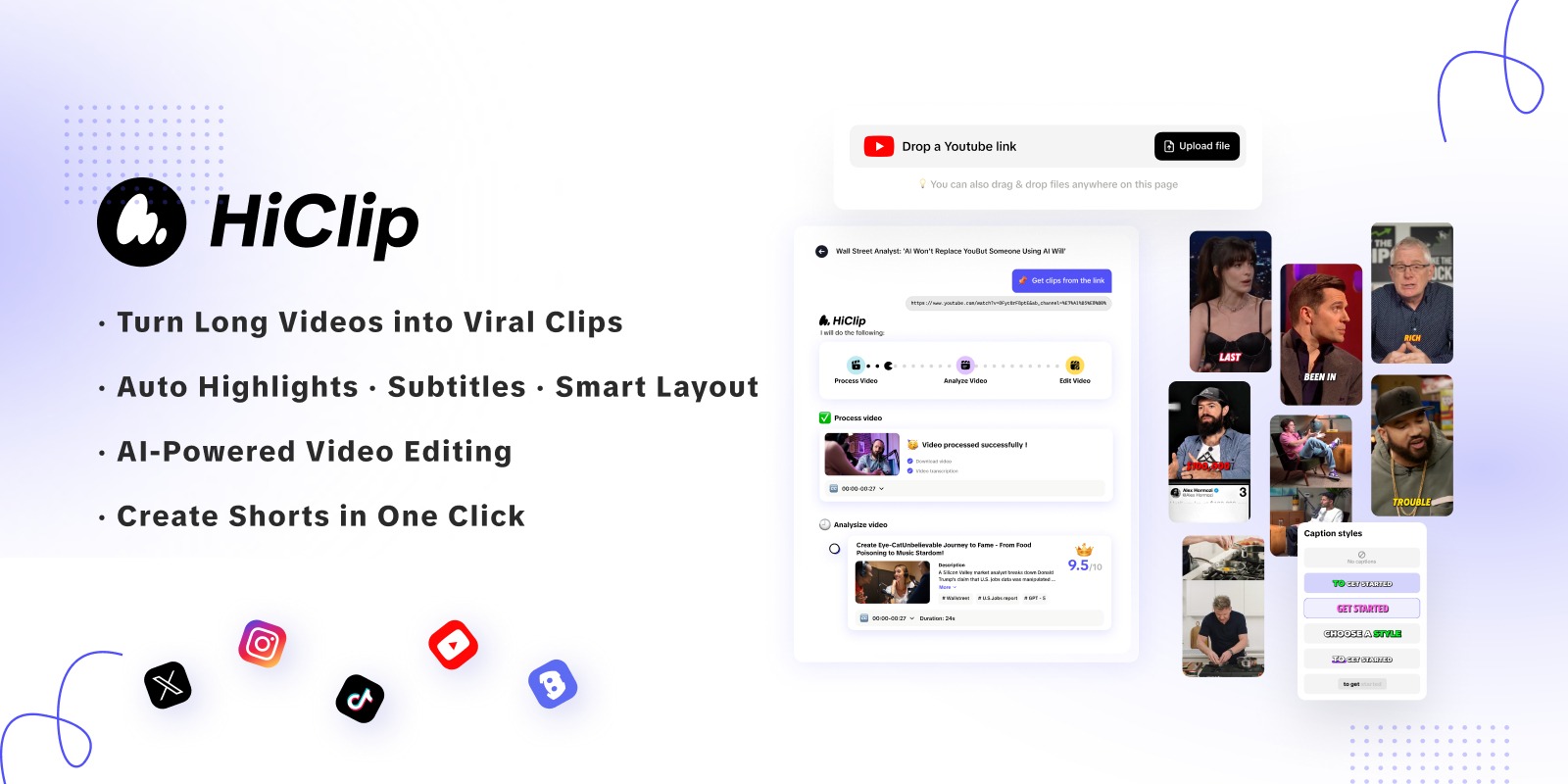
Create shareable short clips from longer videos.
- Always free
- No credit card
What is HiClip AI?
Key features
Automatic clip extraction
identifies key moments and extracts segments from longer videos
Multi-platform formatting
optimises clips for different social media formats and dimensions
Batch processing
process multiple videos at once to create numerous clips efficiently
Customisable clip length
adjust the duration of extracted clips to suit different platforms
Quick export
download clips in formats ready for immediate sharing
Pros & cons
Advantages
- Free to use with no apparent paywall or premium tier
- Saves substantial time compared to manual video editing and trimming
- Removes the need to learn complex video editing software for basic clip extraction
- Outputs are formatted for social media, reducing additional processing steps
Limitations
- Automatic clip selection may not always match your editorial preferences or brand voice
- Limited control over which specific moments are selected compared to manual editing
- Quality and accuracy of clip extraction depends on the algorithm, which may struggle with certain video types
Use cases
Content creators converting long-form YouTube videos into TikTok and Instagram Reels
Marketers extracting highlights from webinars or conference recordings for social promotion
Podcast hosts creating short video clips for social media distribution
Educators breaking down lecture recordings into digestible segments
News organisations creating short clips from longer news segments or interviews
Ready to try HiClip AI?
Pricing
Get started with HiClip AI
Click through to HiClip AI and start using it now.
- Always free
- No credit card