
HTTPie
Test and debug API requests, build and debug API requests, preview response data, and view header and status codes.
- Freemium
- Web, macOS, Windows, API
- DesignDeveloper ToolsCode
- Free plan available
- No credit card
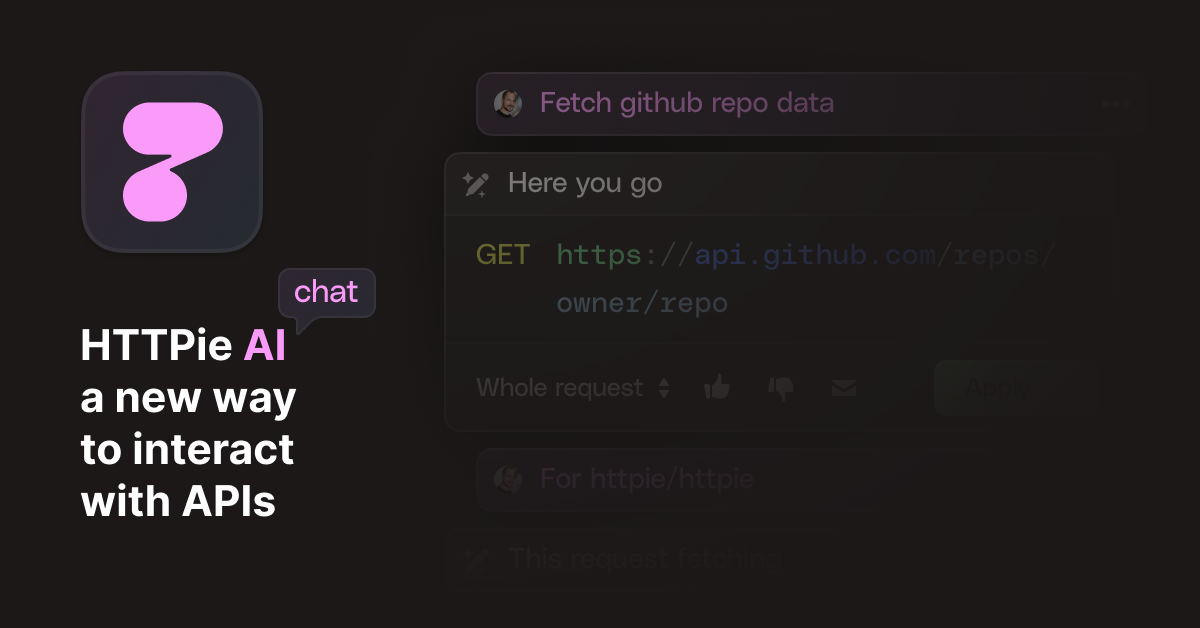
What is HTTPie?
Key features
Simple, readable request syntax with intuitive command structure for building GET, POST, PUT, and DELETE requests
Colour-coded, formatted JSON output for easy response inspection
Header and status code display with full response metadata
Built-in authentication support including API keys, basic auth, Bearer tokens, and Digest auth
Cookie and session management for maintaining state across requests
Request and response history for reviewing past API calls
Form data, file upload, and multipart request handling
SSL/TLS certificate verification with options to disable when testing self-signed certs
Pros & cons
Advantages
- Much more approachable syntax than curl; learn it in minutes rather than hours
- Beautiful, readable output makes it easy to spot issues in API responses
- Works in any terminal on any system; no installation complexity
- Free tier is genuinely useful for development and testing
- Integrates well into shell scripts and automation workflows
- Active development and responsive to user feedback
Limitations
- Command-line only; not suitable for users who prefer graphical interfaces
- Requires familiarity with terminal environments to use effectively
- Lacks advanced features of paid tools like Postman (visual builders, environment variables at scale)
- Limited team collaboration and sharing features in the free tier
- No native request scheduling or automated testing frameworks
Use cases
Testing API endpoints during development without leaving your terminal
Debugging API responses and inspecting headers during troubleshooting
Exploring unfamiliar APIs quickly to understand their behaviour
Automating API calls in shell scripts or CI/CD pipelines
Testing authentication methods and token-based API access
Ready to try HTTPie?
Pricing
Get started with HTTPie
Click through to HTTPie and start using it now.
- Free plan available
- No credit card