
HTTPie AI
Discover HTTPie AI pricing, reviews, and alternatives. Updated for April 2026.
- Freemium
- Web, macOS, Windows, Linux, API
- AI Browser ExtensionsAI Browser AutomationBusiness
- Free plan available
- No credit card
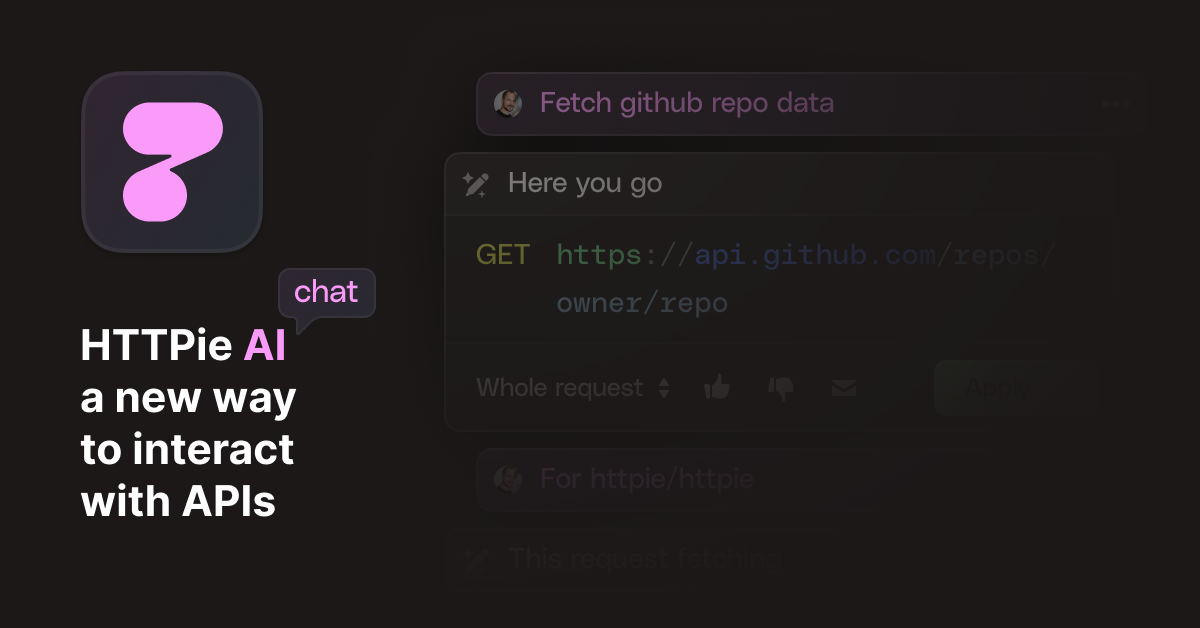
What is HTTPie AI?
Key features
AI-assisted request generation
automatically construct HTTP requests based on natural language descriptions
Response analysis
AI helps interpret API responses and identify potential issues
Request history
stores and organises previous API calls for reference and reuse
Multiple HTTP method support
handles GET, POST, PUT, PATCH, DELETE and other standard methods
Authentication helpers
supports various authentication schemes including API keys, OAuth, and basic auth
JSON and form data handling
simplifies working with different content types
Pros & cons
Advantages
- Free tier provides genuine functionality without feature limits based on time
- Terminal-based workflow integrates naturally into developer environments
- AI assistance reduces manual request construction work
- Clear, readable syntax compared to traditional curl commands
Limitations
- Limited to command-line use; no GUI option for those who prefer visual interfaces
- Learning curve for developers unfamiliar with HTTPie syntax
- AI assistance quality depends on how well you describe your requirements
Use cases
Testing REST APIs during development without leaving the terminal
Debugging API integrations by inspecting request and response data
Automating API testing in CI/CD pipelines
Learning how APIs work by experimenting with requests interactively
Documenting API behaviour through saved request examples
Ready to try HTTPie AI?
Pricing
Get started with HTTPie AI
Click through to HTTPie AI and start using it now.
- Free plan available
- No credit card