
HubSpot AI
Unify marketing, sales, CRM; AI-driven insights—boost efficiency.
- Freemium
- Web, iOS, Android, API
- Task & Project ManagementCustomer SupportSocial Media Marketing
- Free plan available
- No credit card
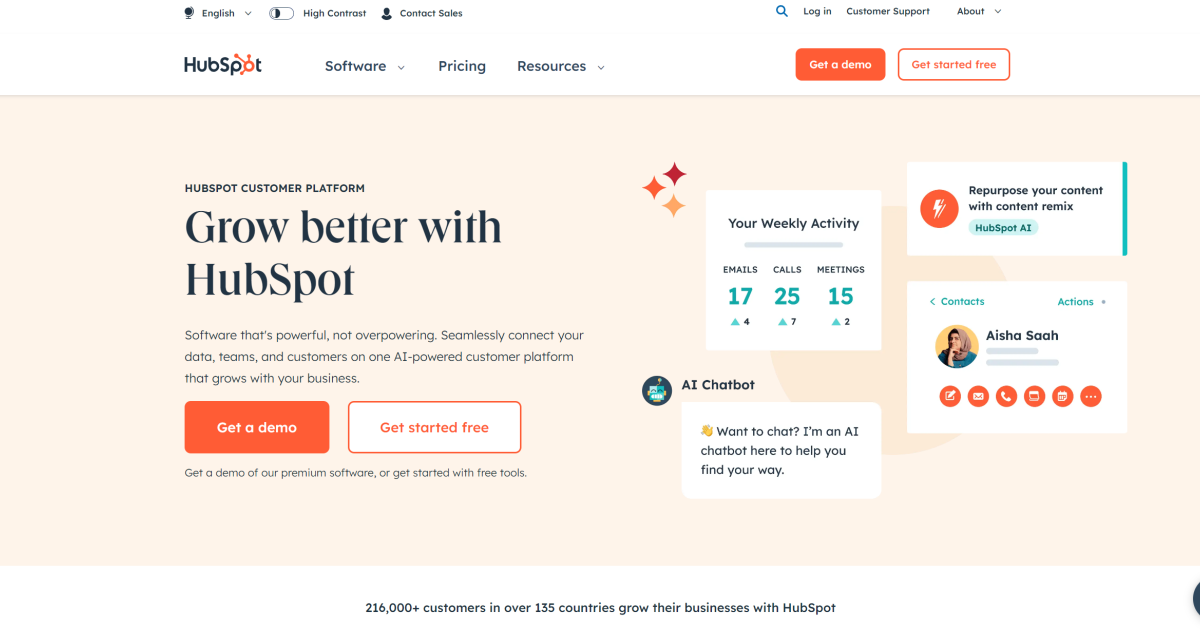
What is HubSpot AI?
Key features
Unified CRM
store all customer information, interactions, and deal progress in a single system
AI-assisted email and content generation
create marketing copy and sales messages with AI suggestions
Lead scoring and prediction
automatically rank prospects based on likelihood to convert
Sales pipeline management
track deals from initial contact through to close
Marketing automation
schedule campaigns, segment audiences, and measure performance
Customer service tools
manage support tickets and track customer satisfaction
Pros & cons
Advantages
- Free tier offers genuine value; suitable for testing the platform without commitment
- All-in-one approach reduces need to integrate multiple separate tools
- AI features save time on routine tasks like email drafting and lead prioritisation
- Good for teams that need both marketing and sales functionality working together
Limitations
- Paid tiers can become expensive as you add more users or advanced features
- Learning curve for new users; the platform has many features and customisation options
- AI recommendations are only as good as your data quality; garbage in, garbage out
Use cases
Small businesses coordinating marketing campaigns with sales follow-up
Sales teams wanting to prioritise leads based on conversion probability
Marketing departments automating email sequences and lead nurturing
Customer service teams managing support cases and customer feedback in one place
Ready to try HubSpot AI?
Pricing
Starter
From £45/mo
Unlimited contacts, marketing automation, sales automation, basic AI features
Professional
From £360/mo
Advanced reporting, custom workflows, priority support, enhanced AI capabilities
Enterprise
Custom pricing
Dedicated support, custom integrations, advanced security, full AI feature set
Get started with HubSpot AI
Click through to HubSpot AI and start using it now.
- Free plan available
- No credit card