
I built a browser
based image comparison tool for subtle differences
- Freemium
- Web
- DesignImage GenerationDeveloper Tools
- Free plan available
- No credit card
What is I built a browser?
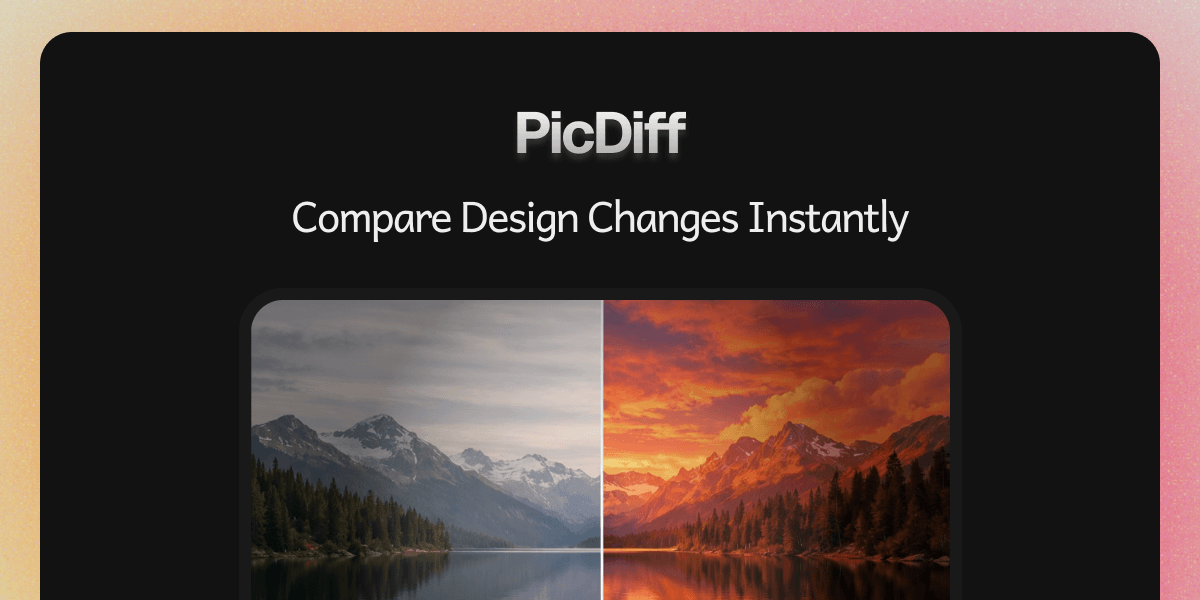
PicDiff is a browser-based tool for spotting differences between two images side by side. You upload or paste two images, and the tool highlights variations at the pixel level, making it easy to identify subtle changes that might be hard to catch with the naked eye. It's designed for anyone who needs to compare visuals quickly: designers checking iterations, QA testers validating screenshots, developers reviewing AI-generated outputs, or content creators verifying before-and-after edits. The results can be shared via a link, so you don't need to send large image files back and forth.
Key features
Side-by-side image comparison with pixel-level detection
Automatic highlighting of differences between images
Support for various image formats and upload methods
Shareable comparison links for collaboration
Free tier with no account required
Fast processing without complex setup
Pros & cons
Advantages
- No installation needed; works directly in your browser
- Accurate detection of subtle pixel differences
- Quick sharing of results via shareable links
- Free tier removes barriers to getting started
- Straightforward interface without unnecessary complexity
Limitations
- Limited to image comparison; doesn't handle video or other file types
- Browser-dependent performance may vary across different devices
- No detailed audit trail or version history for repeated comparisons
Use cases
QA teams comparing expected versus actual screenshots during testing
Designers verifying design iterations and client revisions
Developers checking AI-generated images for quality and accuracy
Content creators reviewing before-and-after edits for social media
Product teams validating visual changes in user interface updates
Ready to try I built a browser?
Pricing
Get started with I built a browser
Click through to I built a browser and start using it now.
- Free plan available
- No credit card