
I built an MCP
connected bookmark manager because X's are useless
- Freemium
- Web, Chrome Extension
- DesignUI/UX DesignAI Web Archiving & Link Management
- Free plan available
- No credit card
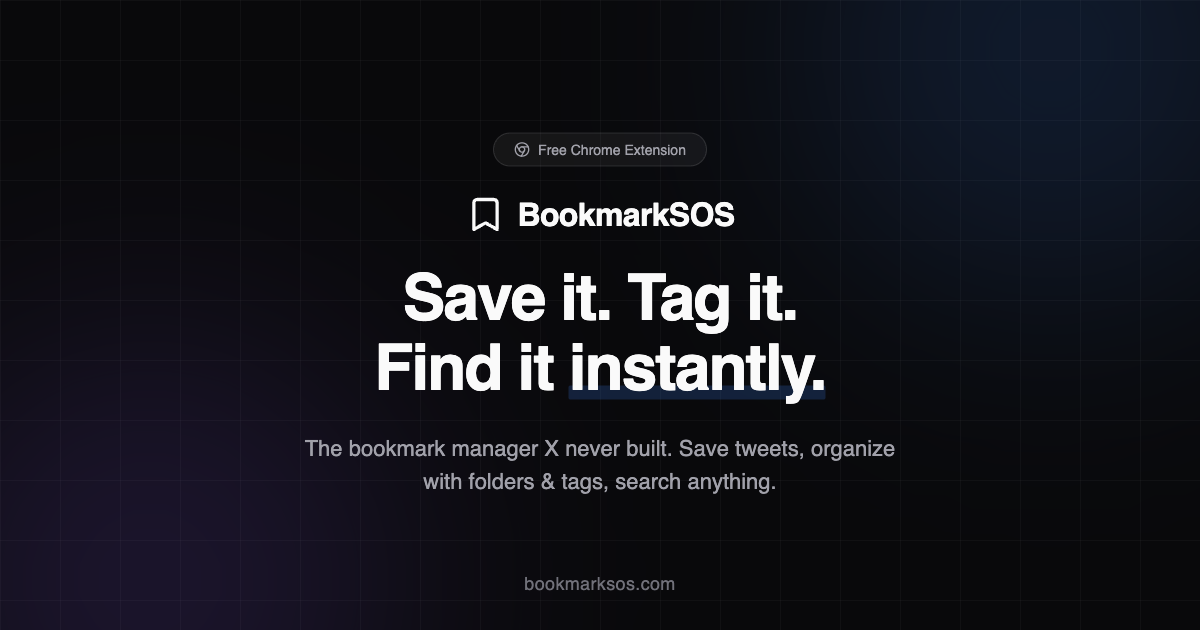
What is I built an MCP?
Key features
Folder organization
Create and manage hierarchical folder structures to organise bookmarks by topic or category
Tag system
Add custom tags to bookmarks for flexible categorization and cross-referencing
Instant search
Quickly find bookmarks using keyword search across your entire saved collection
X integration
smoothly save bookmarks directly from X platform
Connected management
Access and manage all your bookmarks from one centralized dashboard
Pros & cons
Advantages
- Solves a real problem with X's limited native bookmark organization
- Freemium model allows users to try the service before committing financially
- Faster retrieval and discovery of previously saved content compared to X's search
- Flexible organization through both folders and tags supports different organizational preferences
Limitations
- Requires users to trust a third-party service with their bookmark data
- Dependent on X API availability and rate limits for functionality
- May require manual setup or migration to organise existing X bookmarks
Use cases
Researchers organising research sources and reference materials from X discussions
Content creators curating inspiration and ideas from trending discussions
Journalists saving sources and newsworthy threads for future reference
Community managers tracking important conversations and feedback from their audience
Students collecting educational content and discussion threads from subject matter experts
Ready to try I built an MCP?
Pricing
Premium
Pricing not publicly specified
Advanced features likely including unlimited bookmarks, advanced search filters, export options, or priority support
Get started with I built an MCP
Click through to I built an MCP and start using it now.
- Free plan available
- No credit card