
I built an open source dication tool based on benchmarks
Codictate
- Open Source
- macOS, Windows
- AI Tools for Speech to TextDesignDeveloper Tools
- Open source
- Free forever
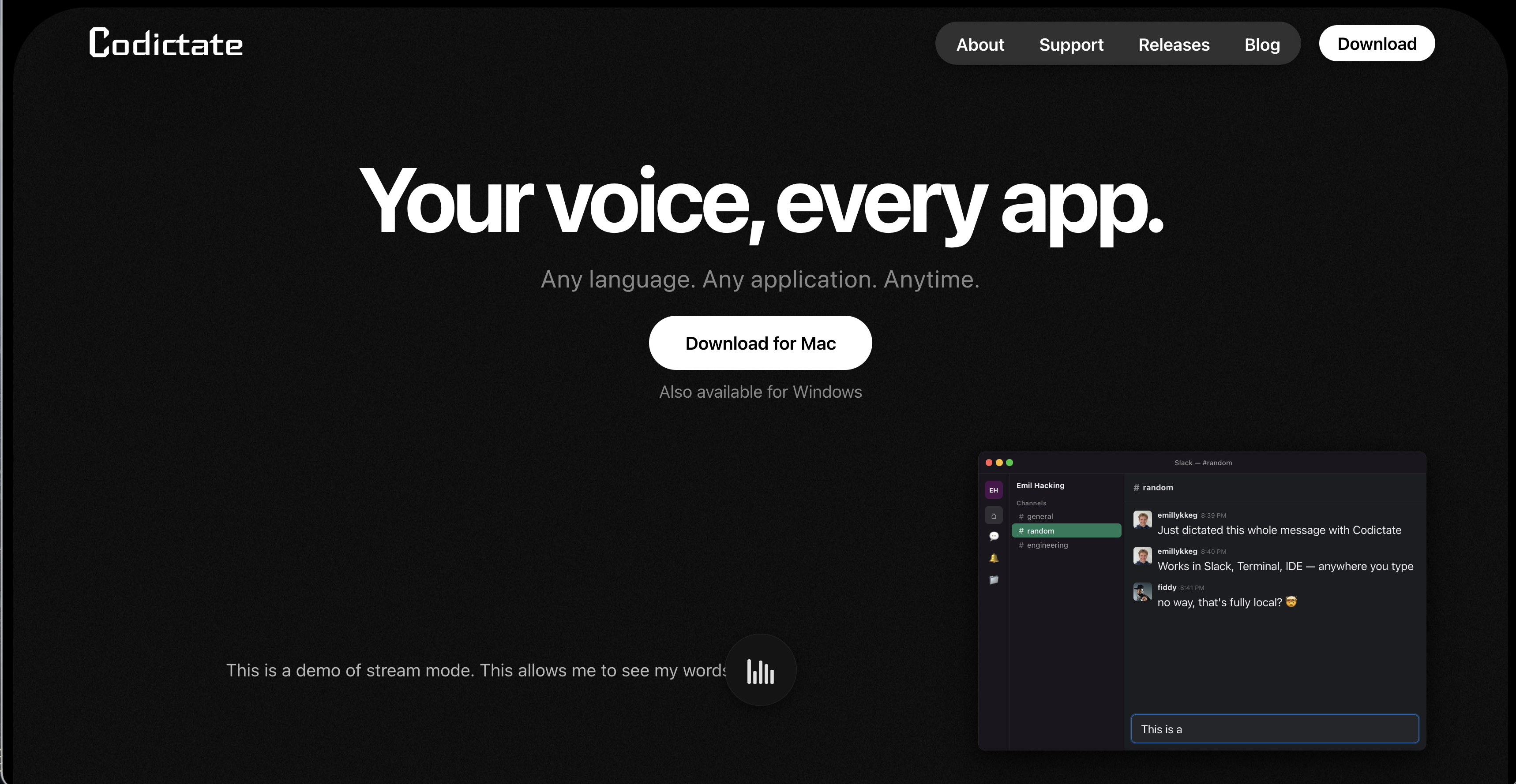
What is I built an open source dication tool based on benchmarks?
Key features
Local dictation
processes speech on your device without sending data to external servers
Works in any application
functions across IDEs, browsers, email, chat, and note-taking apps
Keyboard activation
press a hotkey to start and stop recording
Open source
fully transparent code that you can review, modify, and self-host
Free to use
no subscription or licensing fees
Cross-platform support
available for both macOS and Windows
Pros & cons
Advantages
- Privacy-focused; your speech data never leaves your computer
- No ongoing costs or subscription required
- Open source means you can audit the code and contribute improvements
- Works offline without requiring an internet connection
Limitations
- Accuracy may vary depending on your accent, audio quality, and the underlying speech recognition model
- Limited to macOS and Windows; no support for Linux, iOS, or Android
- Requires manual setup and configuration compared to cloud-based alternatives
Use cases
Developers dictating code comments or documentation while hands are occupied
Writers and content creators composing longer texts more quickly than typing
Users with repetitive strain injuries or accessibility needs seeking alternatives to keyboard input
Teams working on sensitive information who need dictation without cloud uploads
Anyone wanting to reduce typing fatigue during long work sessions
Ready to try I built an open source dication tool based on benchmarks?
Pricing
Free
Free
Full access to local dictation features, open source code, no licensing restrictions
Get started with I built an open source dication tool based on benchmarks
Click through to I built an open source dication tool based on benchmarks and start using it now.
- Open source
- Free forever