
IconJar
Easily access, organize, and customize icons, with integration into popular design tools like Sketch, Figma, and Adobe XD.
- Freemium
- macOS, Windows, Web
- AutomationDesignDeveloper Tools
- Free plan available
- No credit card
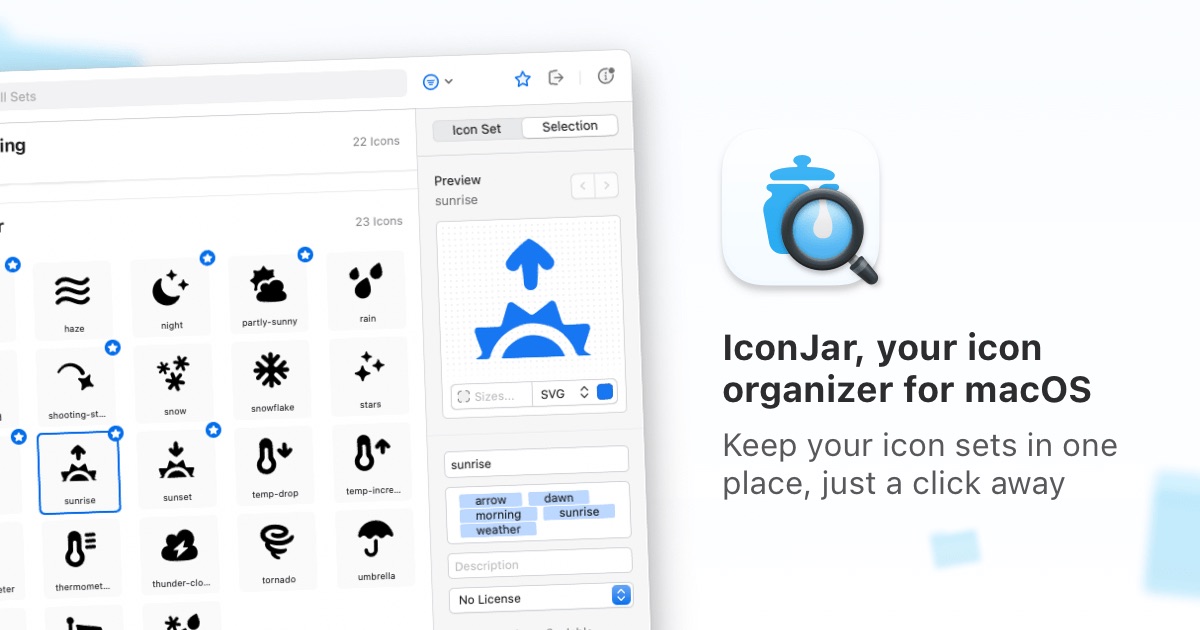
What is IconJar?
Key features
Icon library management
organise icons into collections and tag them for easy searching
Direct design tool integration
access icons from within Sketch, Figma, and Adobe XD plugins
Icon customisation
adjust colours, sizes, and other properties before inserting into designs
Collaborative libraries
share icon sets with team members on the same workspace
Multiple format support
works with SVG, PNG, and other common icon formats
Cloud sync
store your libraries in the cloud and access them across devices
Pros & cons
Advantages
- Saves time by centralising icon management and reducing repetitive searching
- Deep integration with popular design tools keeps you in your workflow
- Works with both personal and team icon libraries
- Freemium model lets you try the core functionality at no cost
Limitations
- Limited to integration with Sketch, Figma, and Adobe XD; doesn't support other design tools
- Team collaboration features may require a paid plan
Use cases
Design teams managing shared icon systems across multiple projects
Individual designers who maintain custom icon libraries for consistent branding
In-house design departments standardising icon usage across product suites
UI designers speeding up the icon selection and placement process
Ready to try IconJar?
Pricing
Get started with IconJar
Click through to IconJar and start using it now.
- Free plan available
- No credit card