
Iconwiz
All-in-one icon design tool for indie developers
- Freemium
- Web
- DesignIcon GeneratorsAI Icon Generators
- Free plan available
- No credit card
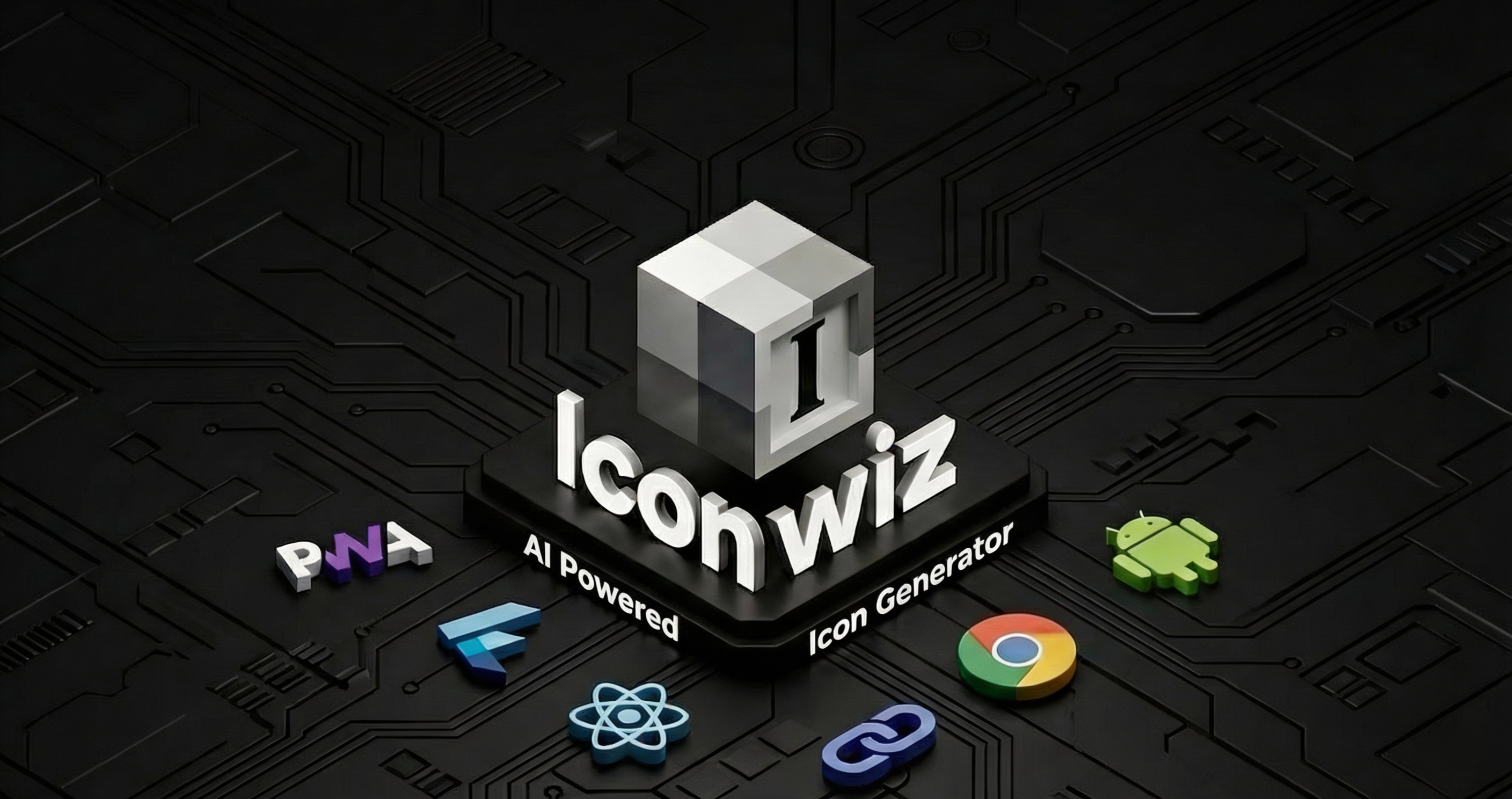
What is Iconwiz?
Key features
Icon editor with basic shape and drawing tools for custom icon creation
Template library with pre-built icon designs to use as starting points
Batch export to multiple formats and sizes (PNG, SVG, etc.) suitable for different platforms
Colour customisation and styling options for consistent branding
Preview across different application contexts to see how icons appear in use
Pros & cons
Advantages
- Designed specifically for developers rather than general designers, so the workflow is optimised for generating app assets
- Freemium model lets you create and export basic icons without paying
- Web-based; no software installation required
- Handles multi-size export, saving time compared to resizing icons manually
Limitations
- Limited to icon design; not suitable if you need broader graphic design capabilities
- Feature set may feel basic compared to full design tools like Figma or Adobe Illustrator
- Free tier likely has restrictions on exports, formats, or premium templates
Use cases
Creating app icons for iOS, Android, or desktop applications
Designing favicons and social media profile icons for your website
Generating icon sets for a SaaS product dashboard or user interface
Building consistent icon libraries across multiple projects
Producing quick placeholder icons during early-stage prototyping
Ready to try Iconwiz?
Pricing
Get started with Iconwiz
Click through to Iconwiz and start using it now.
- Free plan available
- No credit card