
Iliad
Iliad is an innovative platform that offers a range of tools for creating visual art assets. Users can log in to the platform to start generating art using intuitive controls such as brushstrokes, inp
- Freemium
- Web
- AI Tools for PaintingWritingImage Generation
- Free plan available
- No credit card
What is Iliad?
Key features
Brushstroke tools
Paint and edit artwork directly with traditional brush-based controls
Inpainting
Fill, modify, or regenerate specific areas of existing images
Voxel art creation
Build blocky, 3D-style pixel art for games or stylised graphics
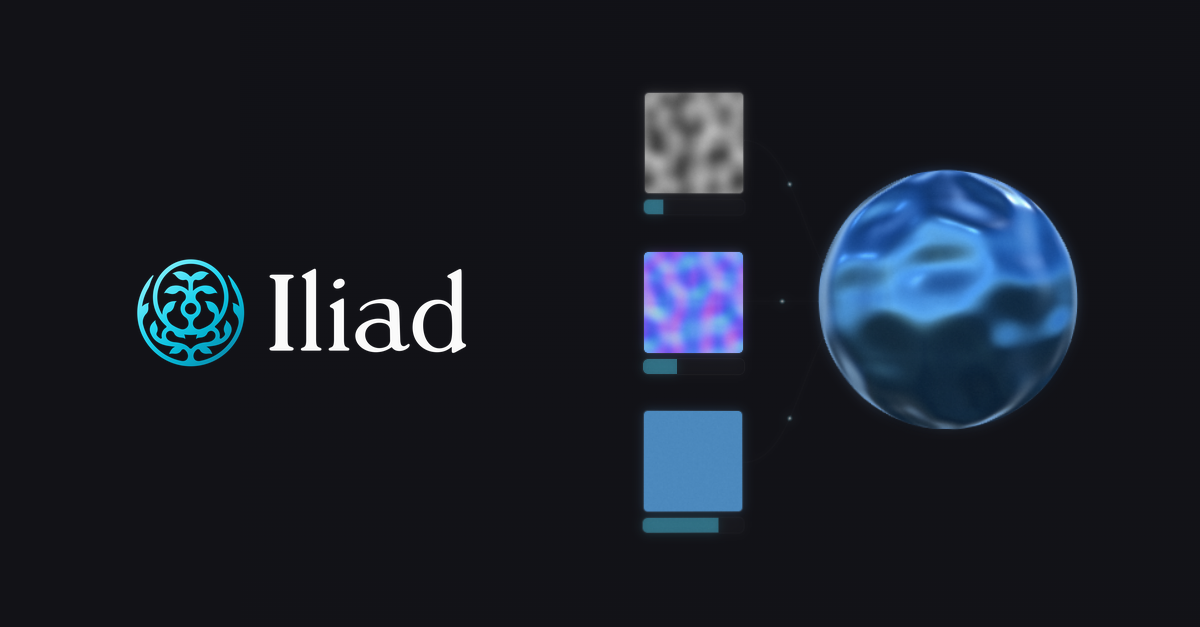
Texture authoring
Generate and customise textures procedurally for use in 3D models or designs
AI-assisted generation
Create initial artwork concepts using AI before refining with manual tools
Web-based editor
Access your projects from any browser without software installation
Pros & cons
Advantages
- Combines AI generation with manual editing controls; you're not locked into AI-only output
- Covers multiple art styles and formats in one platform; useful for varied creative projects
- Free tier available; good way to test whether it fits your workflow before spending
- Browser-based; no download or installation required
Limitations
- Free tier likely has limitations on generation speed, image resolution, or number of exports
- Quality of AI-generated assets varies depending on how specific your prompts and parameters are
- Voxel and texture tools may have a learning curve if you're new to those art forms
Use cases
Game developers creating 2D sprites, voxel art, and texture maps for indie games
Concept artists rapidly prototyping visual ideas before committing to final artwork
Digital artists using inpainting to fix or rework specific sections of finished pieces
UI/UX designers generating backgrounds, icons, or decorative elements
Texture artists producing tileable materials and surface details for 3D models
Ready to try Iliad?
Pricing
Free
Free
Access to core tools with standard usage limits; likely includes brushes, basic inpainting, and texture generation with restrictions on resolution or monthly exports
Paid tier(s)
Price varies
Higher resolution output, faster generation, larger file limits, and priority processing; exact pricing not specified on the description provided
Get started with Iliad
Click through to Iliad and start using it now.
- Free plan available
- No credit card