
Image Upscaler
AI Image Upscaler tool allows you to upscale your images up to 4 times their original resolution without losing any detail or quality.
- Always free
- No credit card
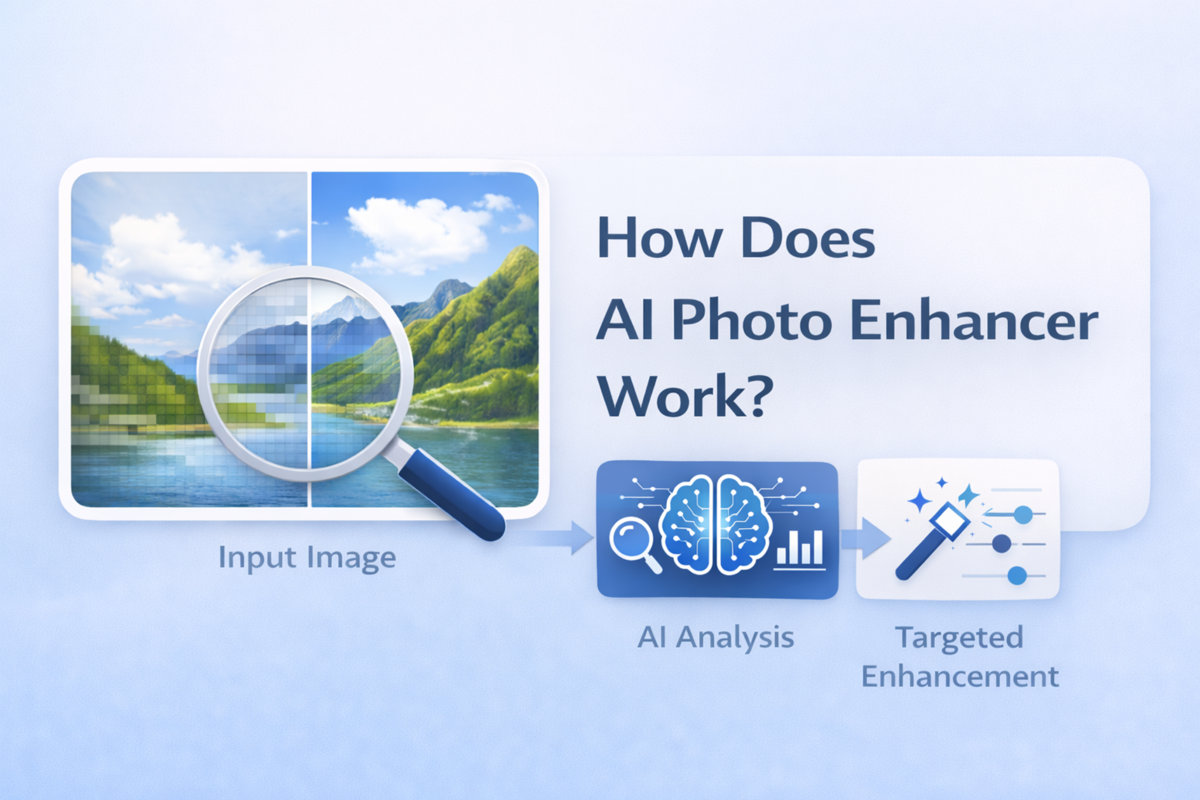
What is Image Upscaler?
Key features
4x upscaling
enlarge images to 4 times their original dimensions
AI-powered enhancement
adds realistic detail during enlargement rather than simple stretching
Web-based interface
no software installation required, works in any browser
Multiple format support
handles common image types like JPEG and PNG
Batch processing
upscale multiple images at once
Quick processing
most images process within seconds
Pros & cons
Advantages
- Free tier available for occasional use and testing
- Produces visibly better results than basic interpolation methods
- No installation or technical setup required
- Works in any modern web browser on any device
- Saves time compared to manual image enhancement techniques
Limitations
- Free tier includes usage limits and likely watermarks on results
- Output quality depends on input image quality; very low resolution sources have inherent limitations
- Larger files take longer to process
- Subscription required for professional or heavy use
- May not produce ideal results for all artistic styles or unusual content types
Use cases
Photo restoration: enlarging and improving clarity of old photographs
Print preparation: preparing images for large format printing
Screenshot enhancement: improving resolution of game captures or UI screenshots
Social media adaptation: resizing graphics for different platform dimensions
Archive digitisation: improving clarity of scanned documents and historical photos
Web content: upgrading lower resolution source images for websites
Ready to try Image Upscaler?
Pricing
Get started with Image Upscaler
Click through to Image Upscaler and start using it now.
- Always free
- No credit card