
Insta Comment Generator
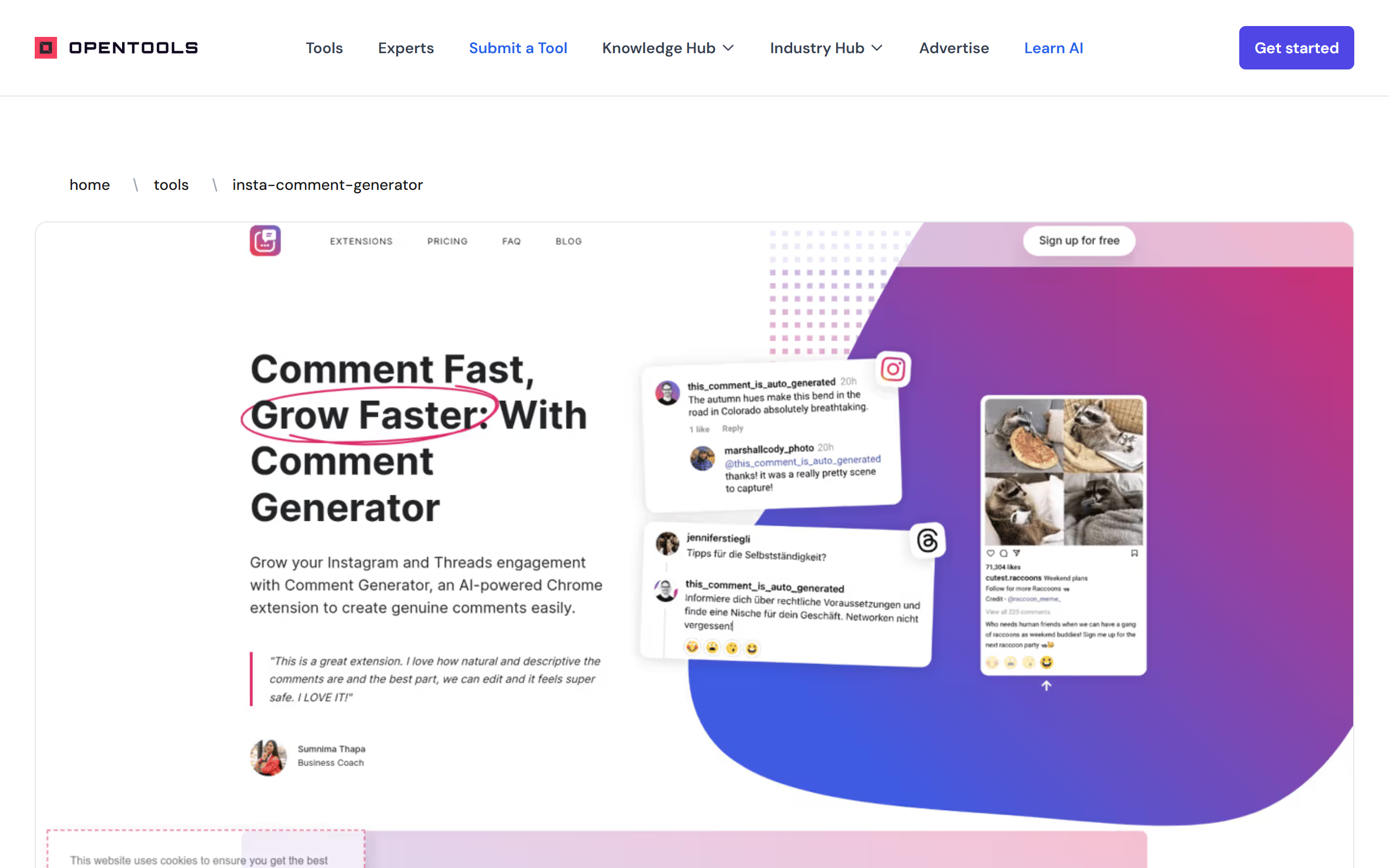
A Chrome extension that uses AI to draft Instagram comments based on a post's caption, with a choice of reply styles.
- Freemium
- Chrome Extension, Web
- Developer ToolsSocial Media
- Free plan available
- No credit card
What is Insta Comment Generator?
Key features
AI comment drafting
Generates suggested comments tailored to an Instagram post's caption.
Four reply styles
Choose from Genuinely Agree, Politely Disagree, Act Surprised, or Be Funny.
Multiple languages
Supports several languages including English, German, and Hindi.
Chrome extension
Runs directly in the browser on top of Instagram's web interface.
No account connection
Works without linking or logging into your Instagram account through the tool.
Manual review and edit
Lets you check and amend each suggested comment before posting it yourself.
Caption-aware output
Reads the target post caption so generated comments relate to the content.
Pros & cons
Advantages
- Generates context-aware comment suggestions quickly, which can help when replying to many posts.
- Offers four distinct tones so replies can be matched to the situation.
- Does not require connecting your Instagram credentials, which lowers the account access surface.
- Keeps a human in the loop by letting you review and edit before each comment is posted.
- Supports more than one language, widening its usefulness beyond English-only accounts.
Limitations
- Exact paid plan names and prices are not published on the listing, so the ongoing cost is unclear before signing up.
- It is limited to Instagram and only works as a Chrome extension, so other browsers and platforms are unsupported.
- Automating or semi-automating comments can carry risk against Instagram's usage policies if used irresponsibly.
- Generated comments still need manual checking, so the time saving is partial rather than complete.
Use cases
Social media managers drafting replies across many client posts more quickly.
Content creators and influencers keeping up engagement on comments without writing each one from scratch.
Small business owners and e-commerce sellers responding to posts to build visibility.
Brand ambassadors and freelancers who need to comment consistently across multiple accounts.
Marketers experimenting with different comment tones to see what resonates with an audience.
Ready to try Insta Comment Generator?
Pricing
Free trial
Free for 7 days
7-day free trial of the comment generation features before a paid subscription is required.
Paid subscription
Contact for pricing
Continued access after the trial via a paid plan; specific tier names and prices are not published on the listing.
Get started with Insta Comment Generator
Click through to Insta Comment Generator and start using it now.
- Free plan available
- No credit card