
Integrity AI
Organize projects with integrated notes, canvases, AI chats.
- Always free
- No credit card
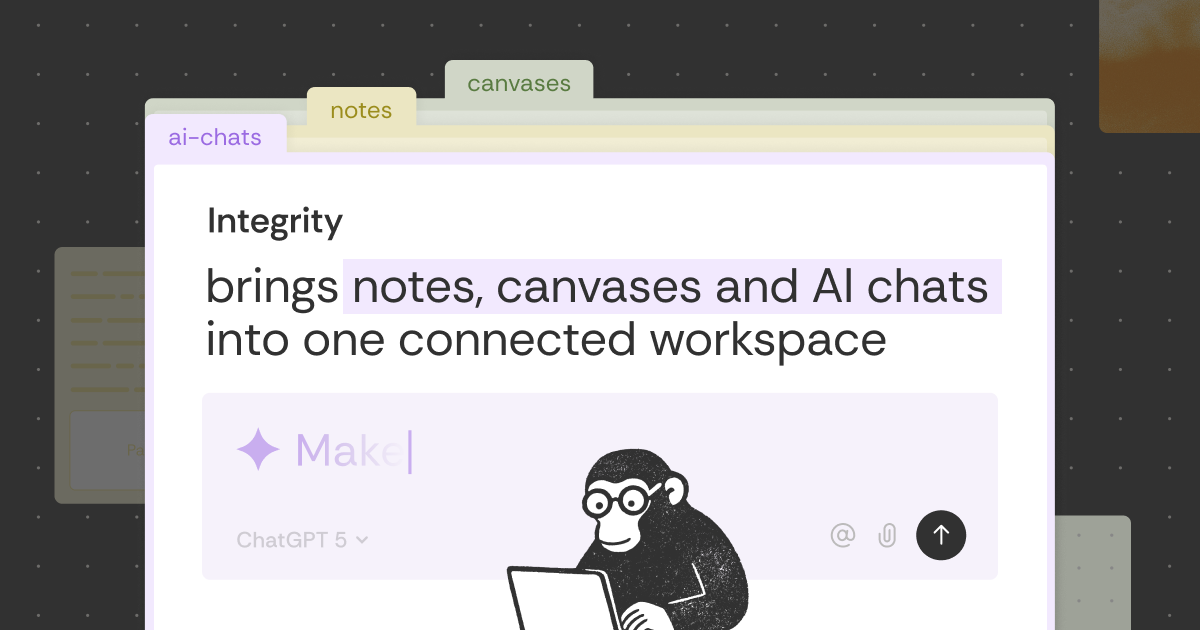
What is Integrity AI?
Key features
Integrated notes
Create and organise project documentation in one space
Visual canvases
Sketch diagrams, wireframes, or mind maps directly within projects
AI chat
Ask the tool questions and get assistance with project planning and content generation
Project organisation
Group related notes and canvases by project
Free access
Full functionality available at no cost
Pros & cons
Advantages
- All-in-one approach reduces the need to switch between separate note-taking, design, and AI tools
- Free pricing removes barriers to trying the tool
- Combines visual and text-based project work in a single interface
- AI assistant available directly within your project space
Limitations
- Limited information available about advanced features, integrations, or offline functionality
- As a free tool, long-term development roadmap and support responsiveness are unclear
- May lack some features found in specialised note-taking or design tools
Use cases
Project planning: Organise project briefs, timelines, and requirements alongside AI-generated suggestions
Team brainstorming: Combine written notes and canvas sketches to develop ideas collaboratively
Product development: Document features, wireframe interfaces, and ask the AI for implementation advice
Content creation: Plan articles or campaigns with notes and use the AI chat for research or editing
Learning and research: Take notes on topics whilst asking an AI assistant for clarification or deeper insights
Ready to try Integrity AI?
Pricing
Get started with Integrity AI
Click through to Integrity AI and start using it now.
- Always free
- No credit card