
Intlayer
Per-Component i18n. Type-Safe. AI Translation. Edit Visually
- Open Source
- Web
- Image GenerationDeveloper ToolsCode
- Open source
- Free forever
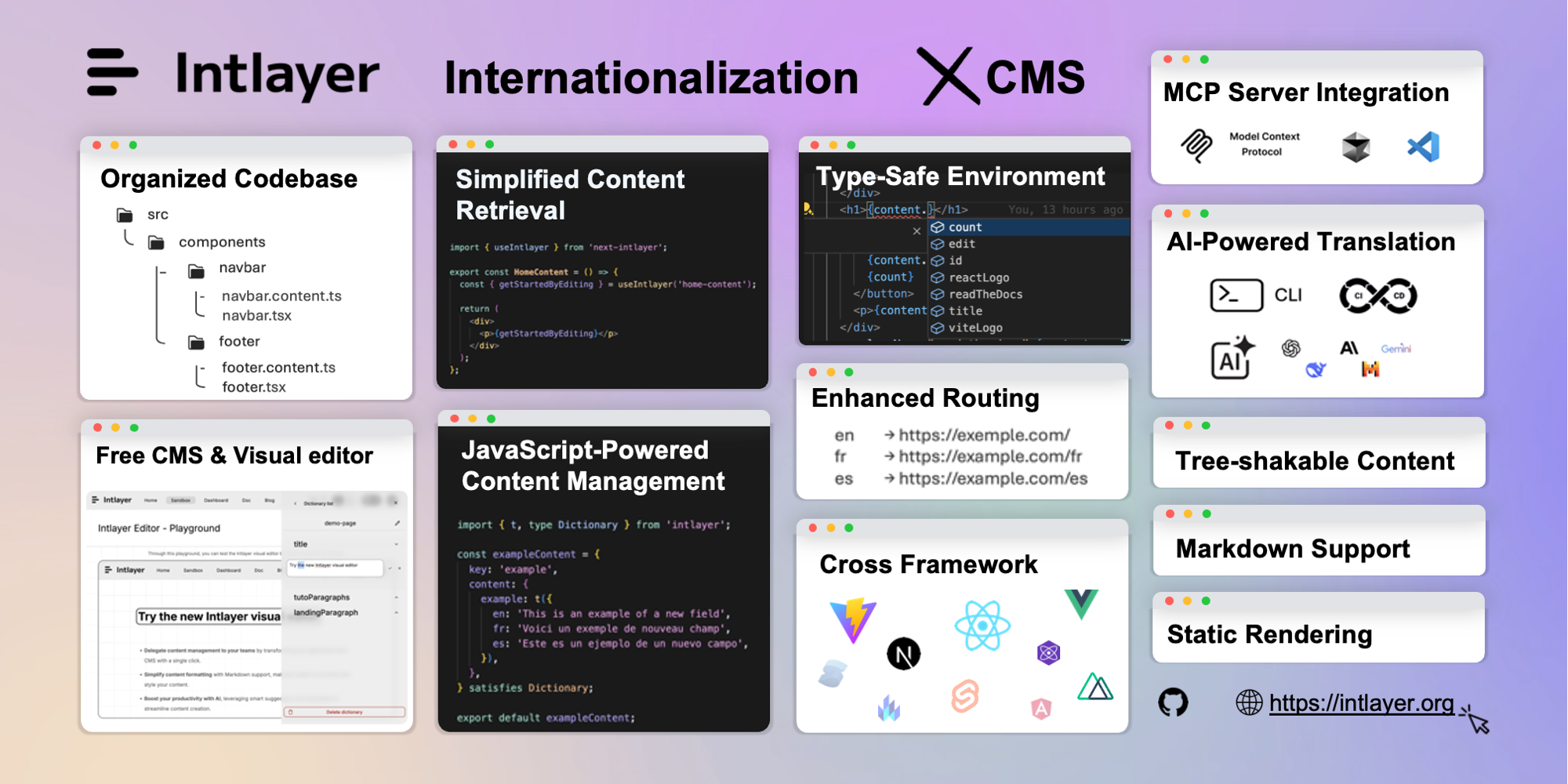
What is Intlayer?
Key features
Per-component translation organisation
keep i18n content alongside the components that use it rather than in separate language files
Type-safe translations
TypeScript integration that validates translation keys and prevents runtime errors from missing translations
AI translation
automated translation generation to speed up multi-language rollouts
Visual editing interface
edit and manage translations through a user interface without direct code changes
Framework integration
built to work with modern JavaScript frameworks and their component systems
Open-source
freely available and community-driven
Pros & cons
Advantages
- Keeps translations organised by component, which can reduce confusion in larger projects with many languages
- Type safety catches translation errors during development rather than in production
- AI translation features can significantly reduce time spent manually translating content
- Visual editor makes it accessible to team members who aren't comfortable editing code directly
Limitations
- As open-source software, support depends on community activity and contributions rather than a dedicated vendor team
- May require some restructuring of translation workflows if migrating from traditional, centralised i18n setups
- Still a relatively young tool, so ecosystem maturity and third-party integration options may be more limited than established alternatives
Use cases
Building SaaS products that need to support multiple languages from the start
Scaling existing applications to new markets without major translation infrastructure changes
Teams wanting AI assistance to generate initial translations for new languages quickly
Development teams who want type-safe translations to reduce bugs and improve developer experience
Organisations where product managers or content teams need to edit translations without developer involvement
Ready to try Intlayer?
Pricing
Open Source
Free
Full access to Intlayer core library, component-level i18n, type safety, visual editor, AI translation capabilities
Get started with Intlayer
Click through to Intlayer and start using it now.
- Open source
- Free forever