InVideo
Online video creator with AI.
- Freemium
- Web, API
- VideoIDEs & Editor ExtensionsAI Tools for Video Production
- Free plan available
- No credit card
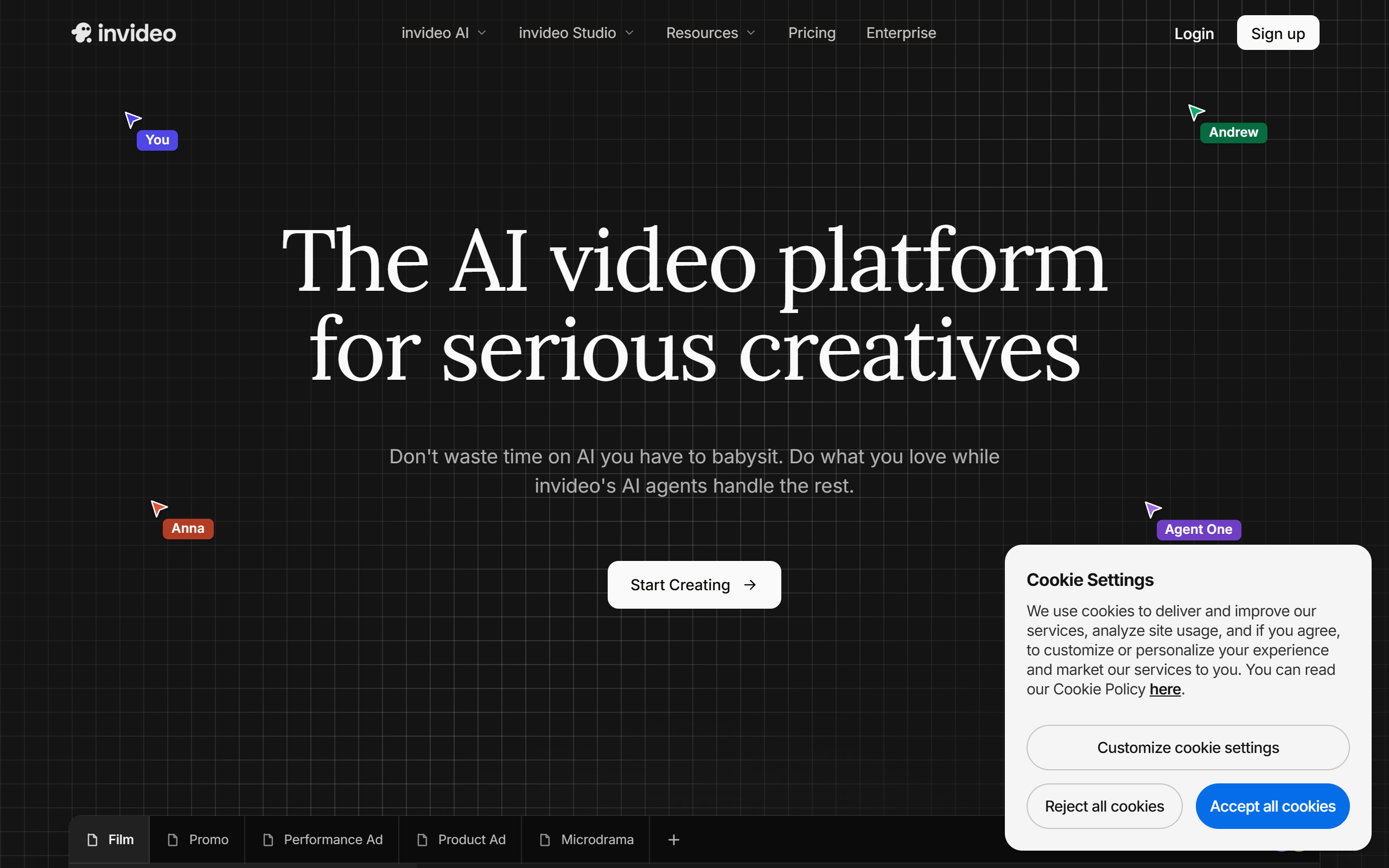
What is InVideo?
Key features
AI Video Generation
Create videos from text prompts or scripts with AI-generated visuals and voiceovers
AI Avatars
Use virtual AI-powered avatars to present content, eliminating the need for on-camera talent
UGC Product Ads
Generate user-generated content style advertisements for products automatically
Video Templates
Access a library of customizable templates for various content types and industries
Text-to-Speech
Generate natural-sounding voiceovers in multiple languages and voices
AI Editing Assistant
Receive intelligent editing suggestions and automated optimization
Pros & cons
Advantages
- Dramatically reduces video production time compared to traditional methods
- No expensive equipment or professional videography skills required
- Freemium model allows risk-free exploration of features
- AI avatars eliminate need for on-camera talent or hiring actors
- Suitable for creating multiple video variations quickly for A/B testing
Limitations
- AI-generated content quality may not match professional human-created videos in some contexts
- Free tier likely has significant limitations on video length, resolution, or output frequency
- Learning curve for optimising AI prompts and settings for best results
Use cases
Creating product demo and advertisement videos for e-commerce businesses
Generating social media content at scale for marketing campaigns
Producing educational and training videos for online courses
Creating YouTube video thumbnails and short-form content for multiple platforms
Making UGC testimonial-style ads without hiring actors
Ready to try InVideo?
Pricing
Free
Free
Limited video creation, access to basic templates, watermarked outputs, restricted resolution/length
Pro
Pricing varies by region; typically $25-60/month
Unlimited videos, HD/4K export, no watermark, premium templates, advanced AI features, priority support
Enterprise
Custom pricing
Custom solutions, dedicated support, API access, team collaboration features
Get started with InVideo
Click through to InVideo and start using it now.
- Free plan available
- No credit card