
IZotope RX AI
Revolutionize audio with machine learning repair and real-time cleanup.
- Free
- Windows, macOS
- Podcast & Audio EditingAI Audio Separation & IsolationMusic Generation
- Always free
- No credit card
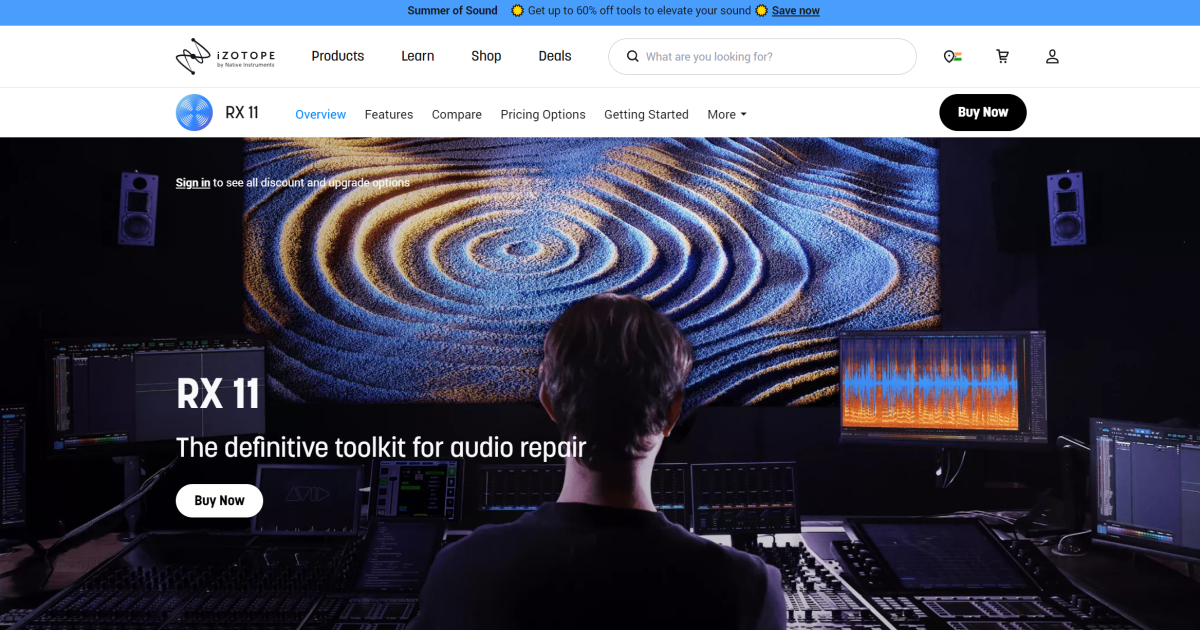
What is IZotope RX AI?
Key features
Noise removal
Detects and reduces background noise, hum, and electrical interference from recordings
Click and pop removal
Eliminates clicks, pops, and crackles common in recordings or vinyl transfers
Real-time processing
Hear changes as you adjust settings, useful for quick edits and previews
Machine learning repair
Uses trained models to identify problems and apply targeted fixes
Batch processing
Process multiple files or sections without manual intervention on each one
Integration
Works as a standalone app or as a plugin within audio editing software
Pros & cons
Advantages
- Free tier removes the cost barrier for basic audio repair tasks
- Real-time feedback lets you hear results immediately whilst adjusting settings
- Machine learning approach often produces cleaner results than manual EQ or gating
- Suitable for both quick fixes and detailed professional audio restoration
Limitations
- Free version likely has limitations on file length, processing quality, or available features compared to paid tiers
- Requires some audio knowledge to use effectively; automated settings may not suit all recordings
- May over-process some recordings or remove desirable parts of the audio if settings aren't tuned carefully
Use cases
Podcast production: Remove background noise and hum from home studio recordings
Video editing: Clean up audio tracks from interviews or location footage
Music production: Remove unwanted clicks, pops, or noise from recordings or samples
Audio restoration: Fix degraded recordings, vinyl transfers, or archival material
Stream preparation: Quickly clean up audio before uploading to platforms
Ready to try IZotope RX AI?
Pricing
Free
Free
Basic audio repair tools with machine learning features; suitable for occasional cleanup tasks
Get started with IZotope RX AI
Click through to IZotope RX AI and start using it now.
- Always free
- No credit card