Jam
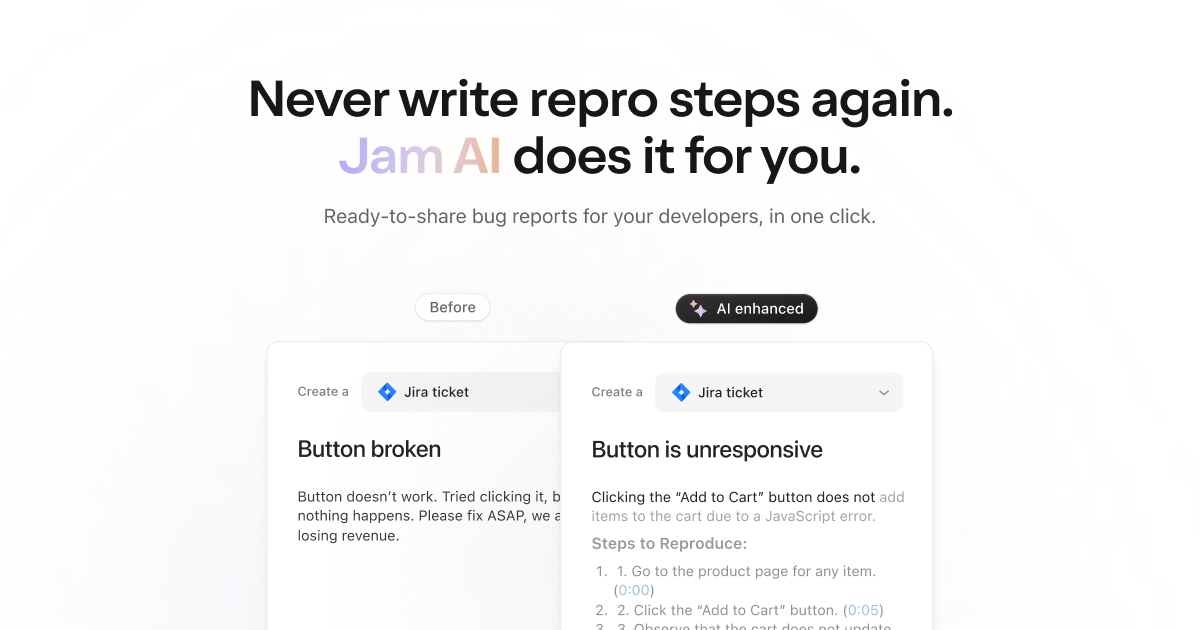
JamGPT is an AI-driven debugging assistant integrated into the Jam extension, aimed at streamlining the debugging process for developers. With JamGPT, users can install the free extension to benefit f
- Free
- Chrome Extension, Web
- AI for DevelopersIDEs & Editor ExtensionsAI Test Automation Tools
- Always free
- No credit card
What is Jam?
Key features
Automated bug analysis
examines console logs, network requests, and user actions to identify what caused the issue
Fix suggestions
provides code recommendations tailored to the specific problem detected
Detailed bug capture
integrates with Jam's extension to collect thorough diagnostic data automatically
Browser extension integration
works directly in your browser without requiring additional setup or configuration
Personalised queries
you can ask follow-up questions about detected issues for more specific guidance
Pros & cons
Advantages
- Free to use with no subscription required
- Reduces time spent manually reviewing logs and reproducing bugs
- Works directly in the browser, making it convenient for immediate debugging
- Captures full context of issues including user behaviour and network activity
Limitations
- Effectiveness depends on the quality of diagnostic data captured; incomplete logs may lead to less accurate analysis
- As an AI tool, suggestions may occasionally be incorrect or require human verification before implementation
- Limited to issues that can be captured through the browser extension
Use cases
Debugging frontend issues reported by users in production environments
Analysing test failures during development to understand root causes quickly
Investigating JavaScript errors and console warnings without manually reviewing lengthy logs
Getting code fix suggestions for common bugs without consulting documentation or colleagues
Ready to try Jam?
Pricing
Free
Free
Full access to JamGPT debugging assistant, automated bug analysis, fix suggestions, and detailed bug capture through the Jam extension
Get started with Jam
Click through to Jam and start using it now.
- Always free
- No credit card